 Network 39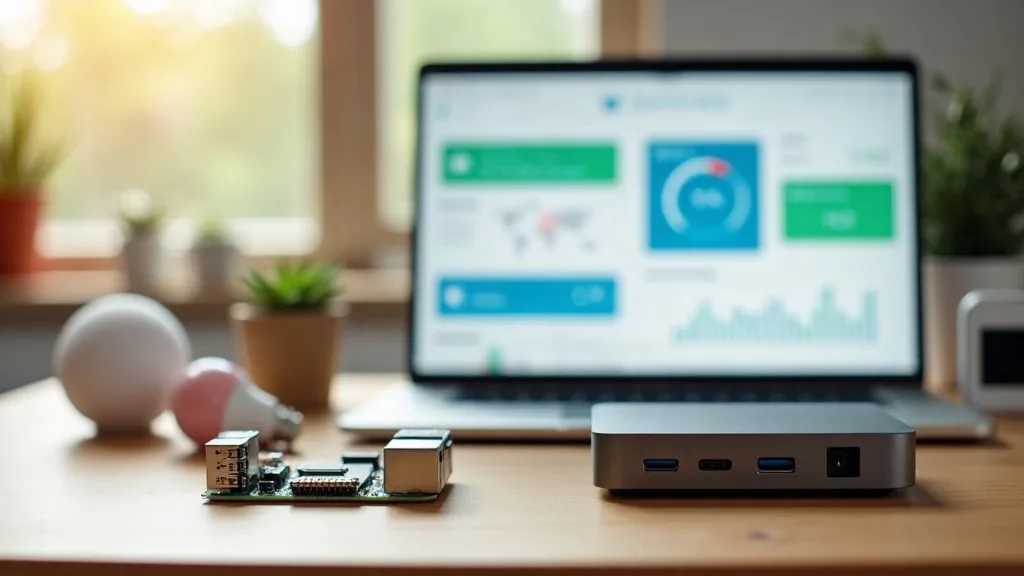
Home Lab Basics
How to Install Home Assistant on a Mini PC or Raspberry Pi
Home Assistant gives you a single dashboard to control all your smart home devices without relying on cloud servers.
Wi-Fi Troubleshooting
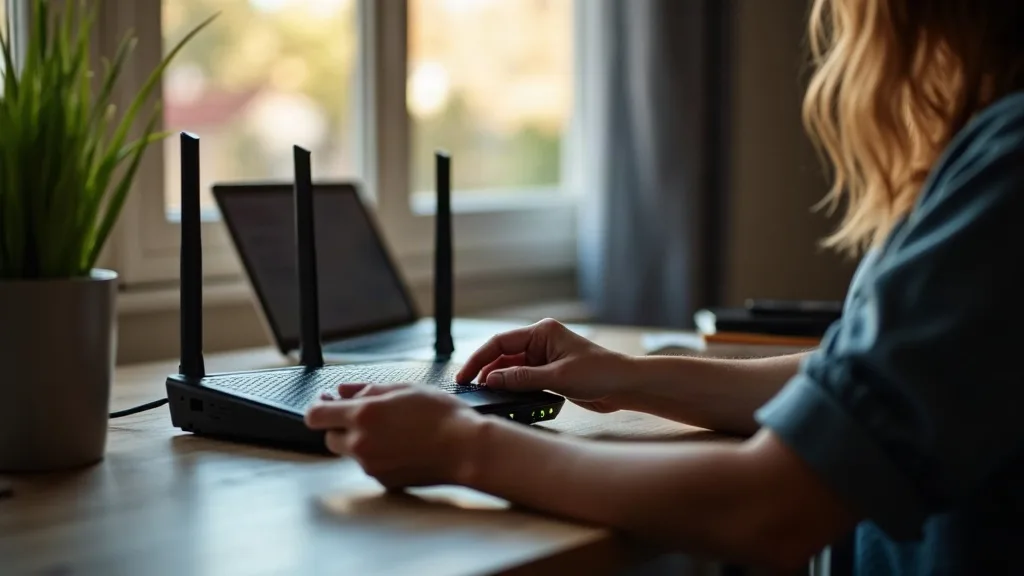
Most router problems can be solved in 15 to 20 minutes by checking lights, cables, and restarting properly.
Home Lab Basics
Home Assistant gives you a single dashboard to control all your smart home devices without relying on cloud servers.
Network Security
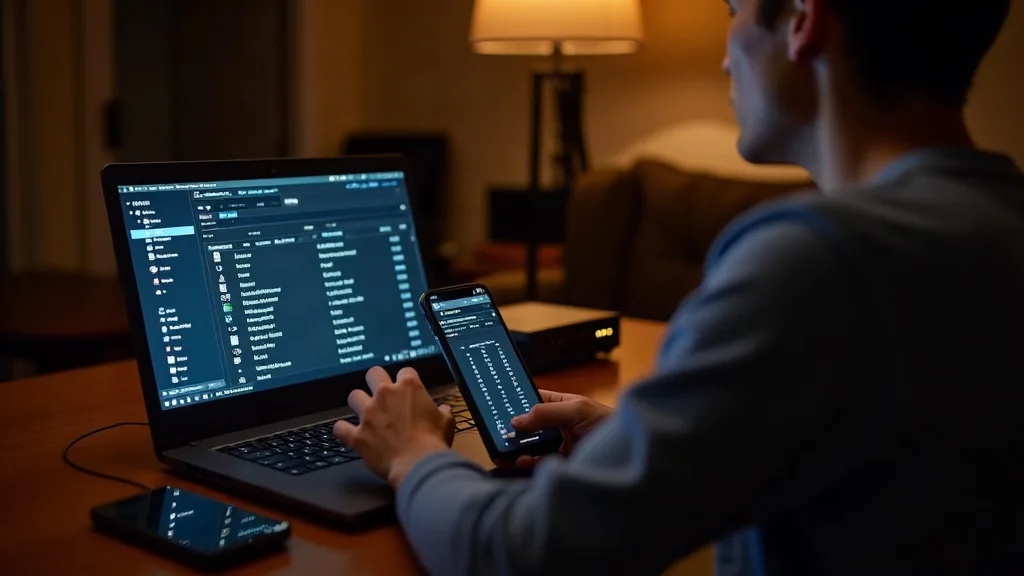
Learn three ways to see who is connected to your Wi-Fi network: through your router's app, the admin page, or a network scanner.
Wi-Fi Troubleshooting
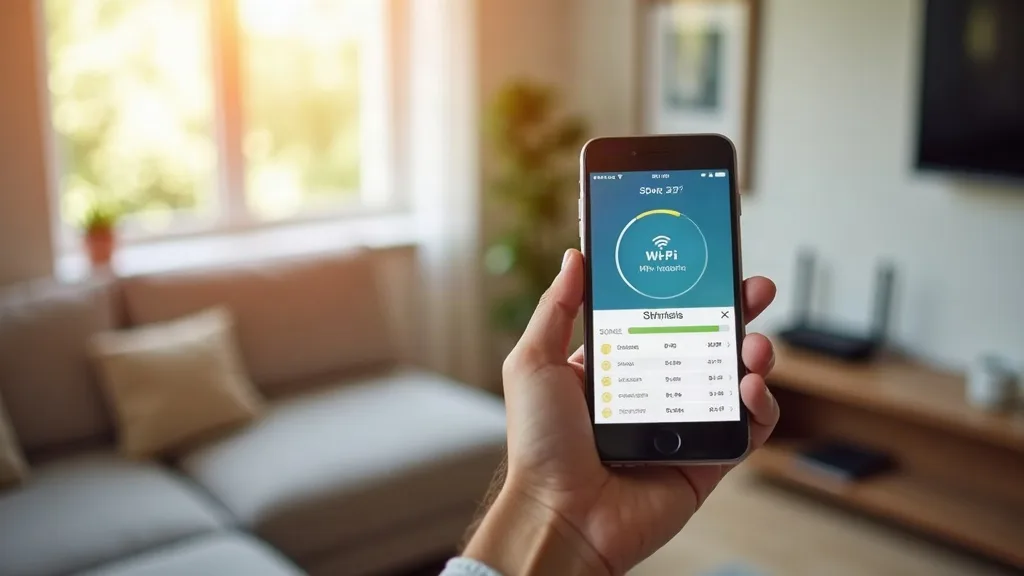
Your router's Wi-Fi channel affects speed and reliability. Learn which channels are quiet in your area and how to switch your router to the best one in about…
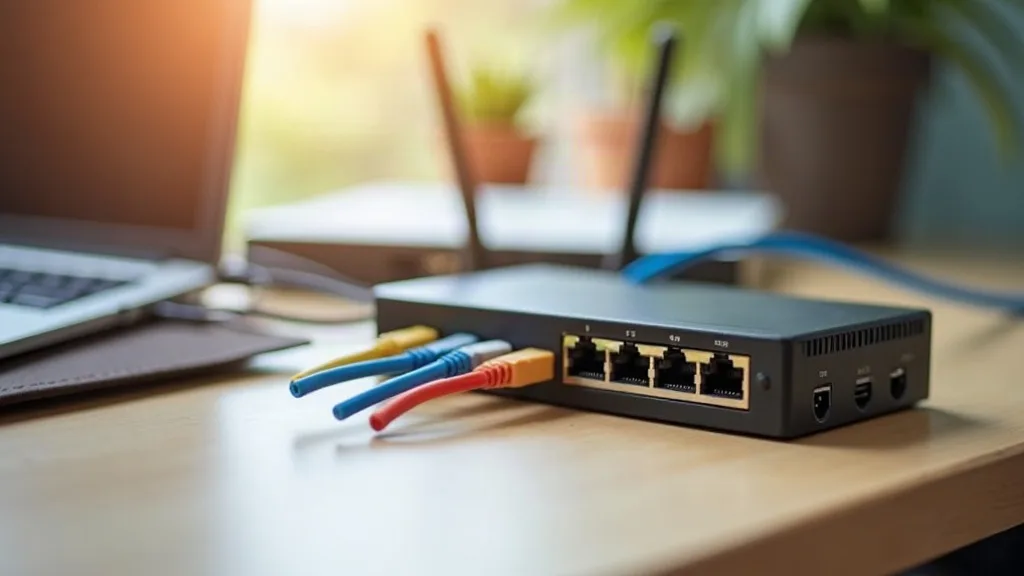
Whole-Home Coverage
Find out when you actually need a network switch for home use, how to choose between basic and managed models, and whether it's worth the cost.
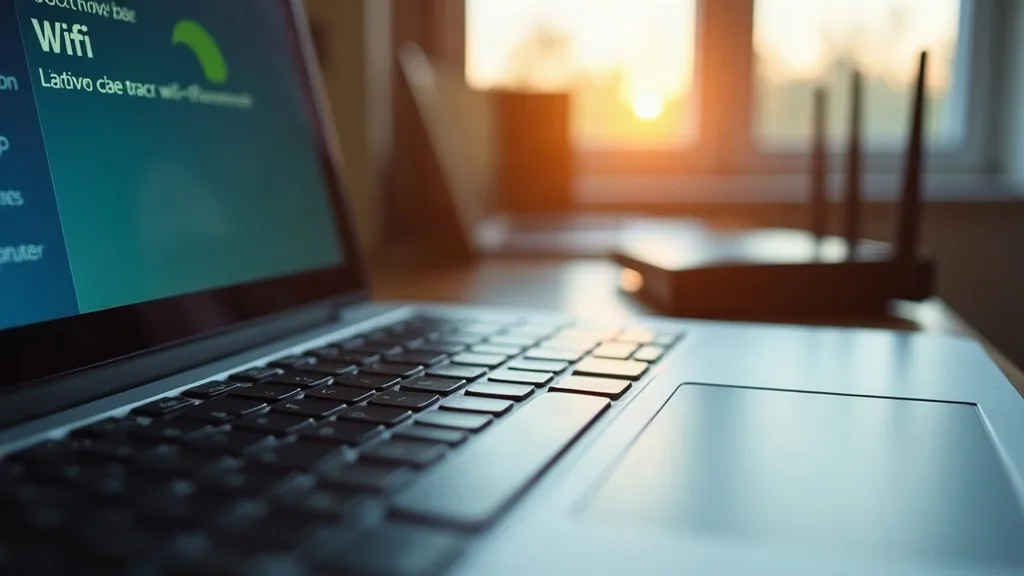
Wi-Fi Troubleshooting
Your laptop won't see Wi-Fi networks? We'll walk you through the most likely fixes, from physical switches and Flight Mode to restart tricks that work fast.
Remote Access
Set up your own WireGuard VPN server at home to access files and smart devices remotely.
Network Security
Learn how to run a VPN on your router to protect all your devices automatically or access your home network remotely.

Whole-Home Coverage
Garden offices lose Wi-Fi signal fast. This guide covers mesh nodes, powerline adapters, wireless bridges and Ethernet cabling so you can pick the right fix…
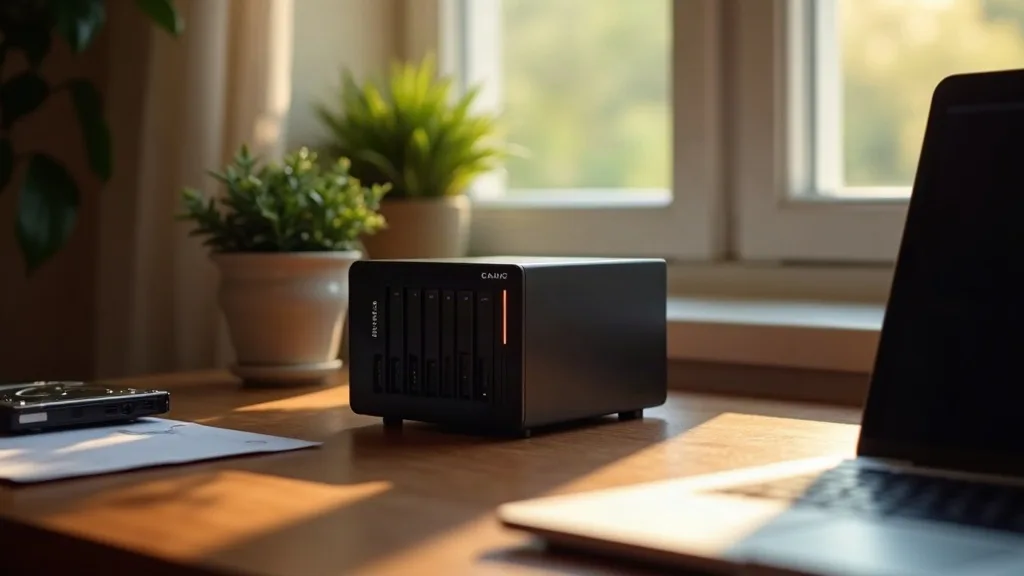
Home Lab Basics
Compare prebuilt NAS boxes with DIY builds for home backups, photo storage and media streaming. Find out which suits your needs and budget.
Every article, every topic, all in one place.
Browse all articles