Network 39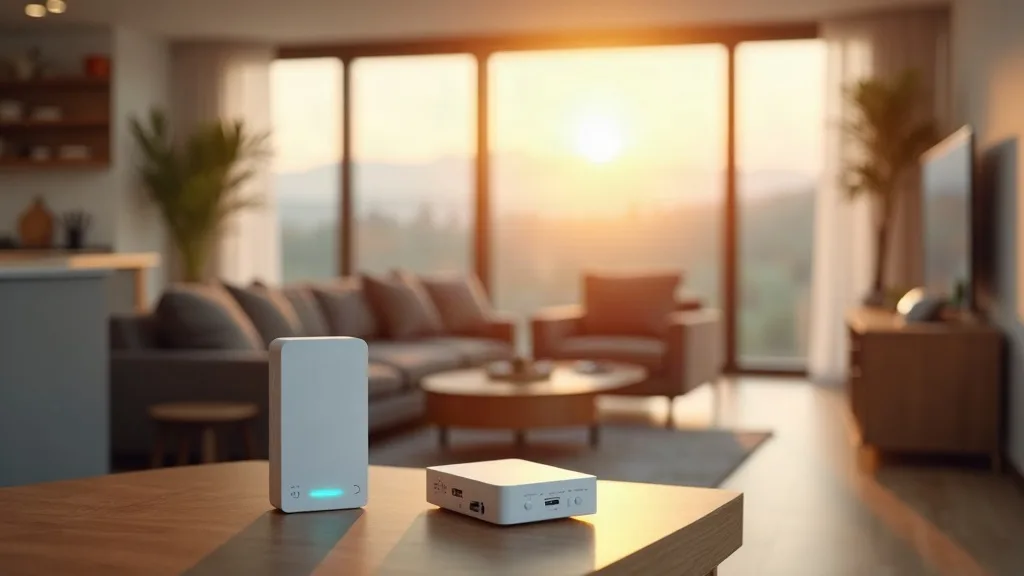
Finding the best Wi-Fi extender in the UK isn't just about grabbing the first box you see on a shelf. Your home, your broadband provider and even the thickness of your walls all affect which type of extender will actually fix your dead zones. This guide groups extenders by the problem they solve, so you can skip straight to the section that matches your home instead of wading through specs that don't matter to you.
Think of this as the hub for extender buying advice on Network 39. We'll point you towards more detailed guides along the way, whether you're dealing with a specific router from your ISP, want an extender with an Ethernet port, or you're wondering if a mesh system would serve you better.
1. Budget Extenders for Small Flats and Single Dead Zones
If you've just got one room where the signal drops, a budget extender is usually enough. These plug into a wall socket, pick up your existing Wi-Fi, and rebroadcast it a bit further. They won't win any awards for speed, but for streaming or browsing in a spare room, they do the job.
Look for dual-band support (2.4GHz and 5GHz) even on cheaper models, since single-band extenders can feel sluggish once more than one device connects. Check the manufacturer's stated coverage, then mentally halve it, because real homes with walls and furniture rarely match test conditions.
If you want a sense of what you should expect to pay before you start browsing, our guide on how much a Wi-Fi extender costs breaks down the price brackets and what you get at each one.
2. Mesh-Capable Extenders for Larger Homes
Traditional extenders create a second Wi-Fi network with its own name, which means your phone has to manually switch between them as you walk around. Mesh-capable extenders (or full mesh systems) solve this by sharing one network name across every unit, so your devices roam automatically.
Mesh is worth the extra cost if your home has multiple floors, thick walls, or more than two or three dead zones. It's also kinder to smart home devices that don't handle network switching well. The main downside is cost and sometimes complexity in setup, though most modern mesh kits are plug-and-play through an app.
If your issues are limited to one or two spots, a simple extender still makes more sense. Mesh really earns its keep in bigger or more awkwardly shaped homes.
3. Extenders With an Ethernet Port for Wired Devices
Smart TVs, games consoles and desktop PCs all benefit from a wired connection, but you don't always want to run cable through the whole house. An extender with an Ethernet port lets you plug one of these devices in directly near the extender, giving it a more stable connection than Wi-Fi alone.
This matters most in rooms where you've got several devices that would benefit from wired speeds, like a home office or a media cabinet. Check how many ports the extender has, since some only offer one, which can limit you if you've got more than a single device to connect.
For a proper rundown of models built with this feature in mind, our guide to Wi-Fi extenders with an Ethernet port covers what to look for and which specs actually matter.
4. Outdoor and Garden-Ready Extenders
Garden offices, sheds and outbuildings need a different kind of extender, one that's weatherproof and designed to handle temperature swings. Standard indoor extenders will eventually fail if left outside, especially in damp British weather.
Look for an IP rating (IP65 or higher is a safe bet) and check whether the unit needs a nearby power source, since many outdoor models still require mains power rather than running on battery. Range matters more here too, as signal has to pass through exterior walls before it even reaches the extender.
If you're unsure how far your signal will actually stretch before you buy anything, our article on how far a Wi-Fi extender can reach walks through realistic distances based on obstacles and extender type.
5. Gaming-Focused Extenders With Low Latency
Gamers care about more than just signal strength. Latency (ping) and consistency matter just as much, if not more, especially for competitive online play. A standard extender can add noticeable lag because it has to receive and rebroadcast every signal, effectively doubling the hop your data takes.
Look for extenders that support wired backhaul (connecting the extender to your router via Ethernet rather than relying purely on wireless) if your setup allows it. This removes a lot of the latency penalty. Tri-band extenders, which use a dedicated band just for communicating with the router, also help here.
If gaming is a serious priority, it's often worth considering a wired connection or a mesh system with Ethernet backhaul rather than a basic plug-in extender. The investment pays off in smoother, more reliable play.
6. Powerline Adapters as an Alternative to Wi-Fi Extenders
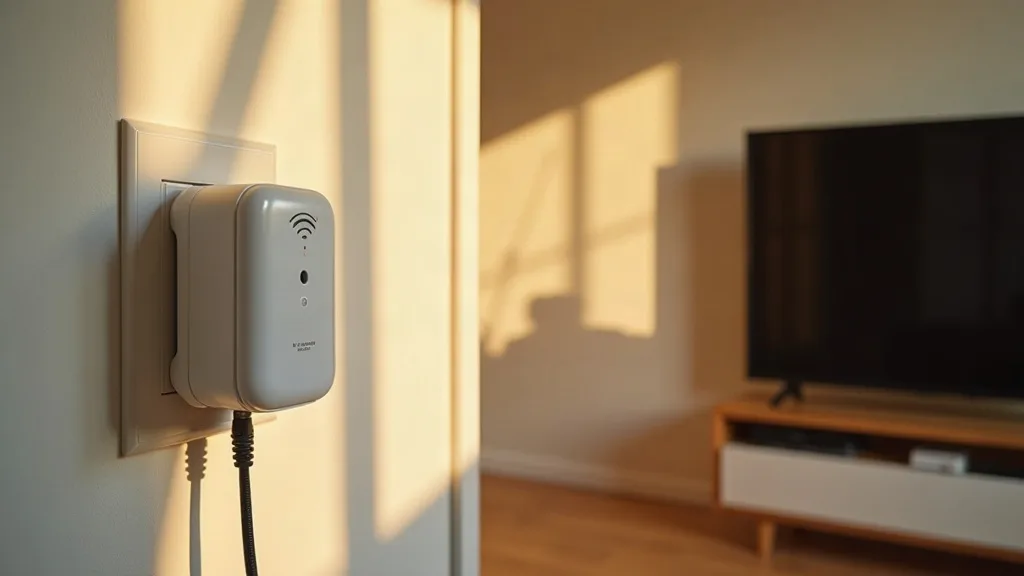
Sometimes the best "Wi-Fi extender" isn't a Wi-Fi extender at all. Powerline adapters use your home's electrical wiring to carry a network signal, which can be more reliable than wireless in homes with thick walls, old wiring, or multiple floors that block signal badly.
They work by plugging one unit in near your router and another near the dead zone, with both connected through your existing power sockets. Performance varies depending on your home's electrical wiring, so it's a bit of a gamble, but many people find it more stable than a standard wireless extender.
This is worth considering if you've tried a normal extender and found the signal still patchy. It's a genuinely different technology, not just another brand of the same thing.
7. ISP-Specific Extenders for BT, EE, Plusnet and Sky
Not every extender plays nicely with every router. Some ISPs lock down certain settings or use slightly different standards that can cause compatibility headaches, especially with mesh systems that expect to replace your router's Wi-Fi entirely.
If you're with BT, EE or Plusnet, check our dedicated guide on the best Wi-Fi extender for BT, EE and Plusnet hubs, which covers which models work smoothly with these routers and which settings you'll need to check first.
Sky users have their own quirks too, particularly around how the Sky Hub handles extended networks. Our guide to the best Wi-Fi extender for Sky Broadband goes through the specific models and setup steps that tend to cause the fewest problems.
8. Tri-Band Extenders for Busy, Device-Heavy Homes
Dual-band extenders split their attention between 2.4GHz and 5GHz, but once you throw a dozen smart home devices, a few phones and a couple of laptops at them, things can slow down. Tri-band extenders add a third band dedicated to backhaul, meaning communication between the extender and your router doesn't have to compete with your devices for bandwidth.
This matters more the more connected devices you have. A flat with two people and a handful of gadgets probably won't notice the difference. A family home with smart bulbs, cameras, several phones and a couple of streaming devices will.
Tri-band models cost more, so weigh up whether your household's device count actually justifies it before spending extra.
9. Repeater Mode vs Access Point Mode: Why It Matters
Many extenders can work in two different modes, and which one you choose makes a real difference. Repeater mode is the classic setup: the extender picks up your Wi-Fi wirelessly and rebroadcasts it, which is convenient but can halve your available bandwidth.
Access point mode, on the other hand, requires running an Ethernet cable from your router to the extender, but it avoids that bandwidth penalty entirely since the extender doesn't need to split its attention between receiving and sending wirelessly. If you've already got cabling in your home, or you're planning some, access point mode is almost always the better performer.
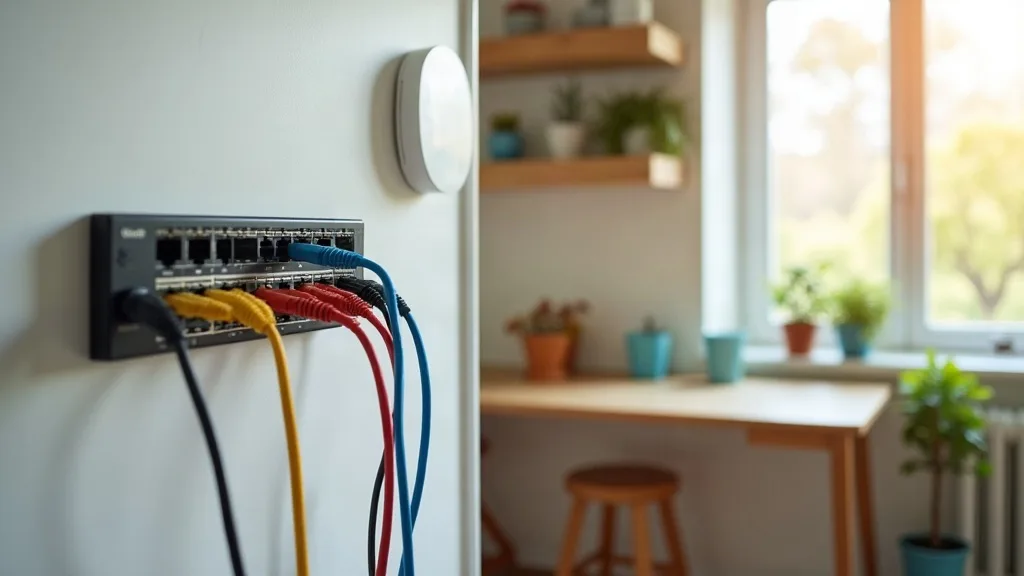
For anyone considering a more permanent setup with proper cabling and access points, our home network wiring guide covers switches, patch panels and access points in detail, which is worth a read if you're thinking beyond a simple plug-in extender.
10. Repurposing an Old Router Instead of Buying New
If you've got an old router sitting in a drawer, you might not need to buy anything at all. Many routers can be configured to act as a Wi-Fi extender or access point, which is a handy way to solve a dead zone without spending money.
This takes a bit more technical fiddling than plugging in a dedicated extender, and not every router supports it well, but it's a solid option if you're happy following a few setup steps. Performance can actually rival dedicated extenders, since many old routers have decent hardware even if they're a few years old.
Our guide on how to use an old router as a Wi-Fi extender walks through the process step by step, including which settings to change and what to watch out for.
11. Free Fixes Worth Trying Before You Buy Anything
Before you spend money on the best Wi-Fi extender for your UK home, it's worth ruling out some simpler fixes first. Router placement, channel congestion from neighbouring networks, and outdated firmware can all cause the kind of dead zones that people assume need an extender.
Moving your router to a more central spot, switching to a less crowded Wi-Fi channel, or simply updating its firmware can sometimes solve the problem entirely. These fixes cost nothing and take minutes to try.
Our article on how to boost Wi-Fi without buying an extender goes through these steps in more detail, and it's a sensible place to start if you haven't already ruled out the easy wins.
Conclusion
There's no single best Wi-Fi extender for every UK home, because the right choice depends on your layout, your ISP, and how many devices you're trying to keep connected. A small flat with one weak spot needs something very different from a three-storey house full of smart home gadgets and a gaming setup in the loft.
Use the categories above to narrow down what actually matters for your situation, then check the more detailed guides linked throughout for specific recommendations. Getting the right type of extender, rather than just the most popular one, is what actually fixes patchy Wi-Fi for good.
FAQ
Do I need a mesh system or will a basic extender do?
If you've got one or two weak spots in a small to medium home, a basic extender is usually enough. Mesh systems make more sense in larger homes or where you've got several dead zones and want devices to roam between units automatically.
Will an extender slow down my internet speed?
Extenders in repeater mode can reduce speed because they split their attention between receiving and rebroadcasting the signal. Using access point mode with a wired connection, or choosing a tri-band extender, reduces this effect significantly.
Can I use an extender from a different brand to my router?
Most extenders work with any router since they rely on standard Wi-Fi protocols, but some mesh systems and ISP-specific routers have quirks. Check compatibility notes for your specific router, especially if you're with BT, EE, Plusnet or Sky.
Is powerline better than a Wi-Fi extender?
It depends on your home's wiring and layout. Powerline adapters can be more reliable in homes with thick walls or multiple floors, but performance varies depending on your electrical circuits, so results aren't guaranteed.
How far can a Wi-Fi extender realistically reach?
This depends heavily on walls, floors and interference from other networks. Manufacturer figures are usually best-case scenarios, so real-world coverage is often noticeably less than advertised.
Should I try fixing my Wi-Fi before buying an extender?
Yes, it's worth trying free fixes like repositioning your router or changing its Wi-Fi channel first. These sometimes solve the problem without spending any money at all.