Here's a question worth asking before you buy anything: why does one Wi-Fi extender cost about the same as a takeaway for two, while another costs as much as a weekly food shop? The honest answer is that "Wi-Fi extender" covers a huge range of products, from a tiny plug that barely helps to a mesh system that can genuinely sort out a whole house.
This guide breaks down wifi extender price by type, so you know roughly what you're paying for at each level. We'll cover basic extenders, powerline kits and mesh systems, and explain what extra money actually buys you.
Key Takeaways
- Basic single-band extenders are the cheapest option but often struggle with speed and range in practice.
- Dual-band extenders cost more but handle modern devices and busier homes far better.
- Powerline adapters sit in a similar price bracket to extenders and work differently, using your home's electrical wiring.
- Mesh Wi-Fi systems cost the most upfront but tend to give the most reliable whole-home coverage.
- Paying more usually buys you faster speeds, better range, and smarter handoff between units rather than just a bigger box.
- The cheapest option isn't always the best value if it means buying a second one later.
What Affects Wi-Fi Extender Price
A few things push the price up or down, and it helps to know them before you compare products. Wi-Fi standard matters a lot. Older extenders support only basic Wi-Fi 4 or Wi-Fi 5, while newer ones support Wi-Fi 6, which handles more devices at once and generally costs more.
Band count also matters. Single-band extenders use one radio to both receive and rebroadcast your signal, which can halve your speed. Dual-band and tri-band extenders use separate radios for this job, which keeps things faster but adds to the price.
Finally, brand and build quality play a part. A well-known brand with decent app support and firmware updates tends to cost a bit more than a generic plug from an unfamiliar name. That's not always a bad trade, especially if you want something that just keeps working without fiddling.
Entry-Level Extenders: The Low End
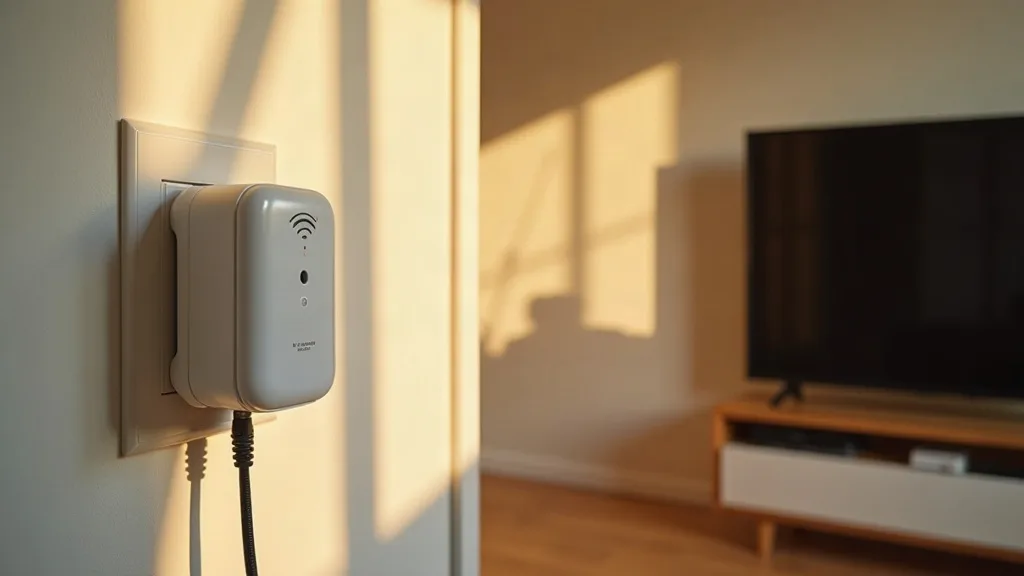
At the bottom of the market, you'll find small plug-in extenders that sit directly in a wall socket. These are the cheapest Wi-Fi extenders you can buy, often priced similarly to a couple of coffees out.
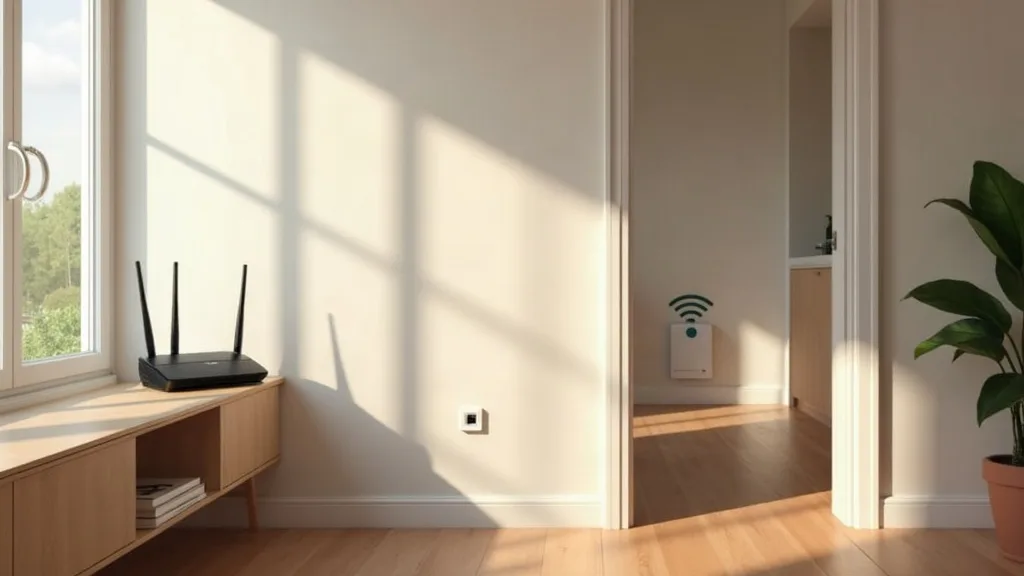
They're fine for a narrow use case: boosting signal to one room just outside your router's normal range, for basic browsing and video streaming. Don't expect much if you've got several devices, a large house, or thick stone walls between rooms. If you're mainly trying to kill one dead spot, this wifi extender low price option might genuinely be enough.
The catch with single-band models is the rebroadcasting problem. Because they use the same radio to receive and resend, your effective speed can drop a lot, sometimes by half. For light use that's rarely noticeable, but for video calls or gaming it can be frustrating.
Mid-Range Dual-Band Extenders
Moving up a tier, you'll find dual-band extenders, usually priced somewhere between a casual meal out and a modest takeaway for the family. These use one band to talk to your router and a separate band to talk to your devices, which avoids the speed penalty of cheaper models.
This is where most households land, because it works for a normal mix of streaming, working from home and general browsing. Many dual-band extenders also support more devices at once without slowing down, which matters if you've got a few phones, laptops and smart home gadgets all competing for bandwidth.
If you're on a specific provider's router, it's worth checking compatibility before buying. We've got separate guides on the best Wi-Fi extender for BT, EE and Plusnet hubs and the best Wi-Fi extender for Sky Broadband if you want recommendations tailored to your setup.
Powerline Adapters As An Alternative
Powerline adapters sit in a similar price range to extenders, sometimes a touch higher for kits that include Wi-Fi. Instead of rebroadcasting a wireless signal through the air, they send your internet connection through your home's electrical wiring, then give you a wired or Wi-Fi connection at the other end.
They're a solid choice in older homes with thick walls, where Wi-Fi signals struggle but the electrical wiring is in decent shape. The downside is that performance depends heavily on your home's wiring, and two sockets on different circuits sometimes won't talk to each other well.
If you're weighing this up against a wireless extender, our guide on whether powerline adapters work covers the pros, cons and setup in more depth.
Mesh Wi-Fi Systems: The Premium Option
Mesh systems are the priciest option on this list, and the gap between a basic extender and a mesh kit can be significant, often several times the cost. You're usually buying two or three matching units, called nodes, that work together as one network rather than a router plus a bolted-on extender.
What The Extra Cost Buys You
The main benefit is seamless handoff. As you walk through the house, your phone or laptop switches between nodes without you noticing, rather than clinging to a weak signal from the original router. Mesh systems also tend to use smarter routing between nodes, so you don't lose as much speed as you would with a basic extender.
For bigger or oddly shaped homes, this consistency is often worth the extra spend. A mesh wifi extender cost that looks steep upfront can work out cheaper than buying, returning and rebuying cheaper extenders that don't quite do the job.
When A Full Mesh System Isn't Necessary
If you live in a flat or a small, simply shaped house, a single dual-band extender might cover everything you need for a fraction of the price. Mesh really earns its cost in larger or multi-storey homes, or houses with lots of internal walls. Our guide on how to extend Wi-Fi range to every room can help you work out which approach actually fits your layout.
How Far Reach Affects What You Should Pay
Before spending anything, it's worth understanding how far your current router's signal actually reaches, and how much extra range you need. A device marketed with an impressive range figure on the box rarely performs that well indoors, where walls, floors and furniture all get in the way.
If you only need to cover one extra room, a budget extender might do it. If you're trying to reach a garden office, a converted loft, or the far end of a long house, you'll likely need something higher-end, or more than one unit. Our article on how far a Wi-Fi extender can reach breaks down realistic distances so you don't overspend on range you don't need, or underspend and end up disappointed.
Free Or Cheaper Alternatives Worth Trying First
Before you spend anything, it's worth ruling out free fixes. Simply moving your router to a more central spot, changing its channel, or reducing obstructions can sometimes solve weak signal without buying hardware at all. Our guide on how to boost Wi-Fi without buying an extender runs through these options step by step.
Another low-cost option is repurposing an old router you already own as an extender, which can save you buying anything new. We've covered exactly how to do that in our guide on using an old router as a Wi-Fi extender.
And if your real problem is a specific room with consistently poor signal, running an Ethernet cable can sometimes beat any wireless solution, extender or mesh, for reliability. Our guide on running Ethernet cable through your house is worth a read if you're open to a slightly more involved but very dependable fix.
Conclusion
When it comes to wifi extender price, you're really choosing between three tiers: cheap single-band extenders for small, simple fixes, dual-band extenders or powerline kits for most normal households, and mesh systems for bigger homes that need consistent coverage everywhere. None of these is wrong, it just depends on your house and how annoying your current dead spots actually are. A sensible next step is to work out exactly where your signal drops off before you buy anything, so you spend money solving the actual problem rather than guessing.
FAQ
How much should I expect to pay for a basic Wi-Fi extender?
Basic single-band extenders sit at the lower end of the market, roughly in line with a casual lunch out. They're fine for small fixes but can slow your connection down more than pricier models.
Is a mesh system worth the extra cost over a single extender?
For larger homes or places with lots of internal walls, yes, mesh systems tend to give more consistent coverage and smoother handoff between rooms. For a small flat, a single dual-band extender is often enough and cheaper.
Do powerline adapters cost more or less than Wi-Fi extenders?
They're broadly similar in price, though kits bundling Wi-Fi tend to cost a bit more. Which one suits you better depends on your home's wiring and layout rather than price alone.
Why do some extenders cost so much more than others?
The main differences are Wi-Fi standard, number of radio bands, and build quality. Dual-band and Wi-Fi 6 extenders cost more but avoid the speed penalty that cheaper single-band models often have.
Can I avoid buying anything and still fix weak Wi-Fi?
Sometimes, yes. Repositioning your router, changing its channel, or reducing physical obstructions can solve the problem for free in many homes.
Is it worth buying a cheap extender just to try it out?
It can be, especially if you only have one small dead spot to fix. Just be aware that very cheap, single-band models may disappoint if you've got several devices or need to cover more than one room.