Network 39
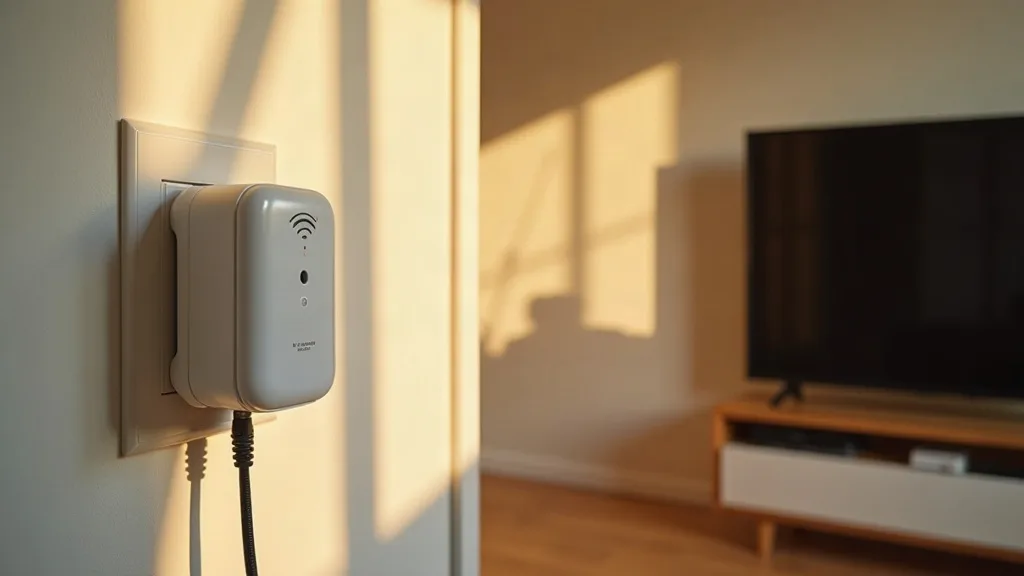
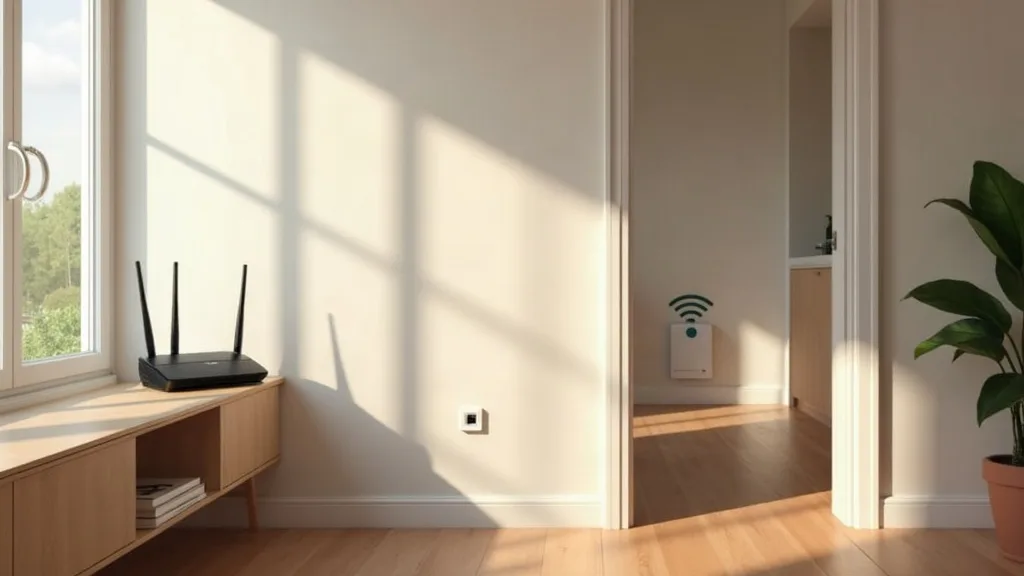
Plugging a telly or games console straight into an extender sounds simple, until you realise most extenders only have one Ethernet port, or none at all. If you want a stable wired connection for a smart TV, a console, or a desk setup, you need to know exactly what you're buying before you order. This guide covers the best Wi-Fi extender with Ethernet port options available in the UK, and explains why a port on the front doesn't always mean what people assume it does.
We'll also clear up the confusion between using an extender's Ethernet port to connect a device, and using Ethernet cable to connect the extender itself back to your router. They sound similar but behave very differently, and it changes which product you should buy.
1. TP-Link RE series (RE605X, RE700X and similar)
TP-Link's RE range is a regular feature on "best extender" lists for good reason. Most models from the mid range upward include at least one Gigabit Ethernet port, which is enough for a single TV or console.
These extenders work over normal mains sockets using Wi-Fi to talk to your router, then offer a wired port locally for whatever you plug in. The wireless side can be hit and miss depending on your walls and distance, so test placement before committing it to a permanent spot.
If you're on a BT, EE or Plusnet hub, it's worth checking compatibility first. Our guide to the best Wi-Fi extender for BT, EE and Plusnet hubs covers which models pair most reliably with those routers.
2. Netgear EAX / Nighthawk extenders
Netgear's Nighthawk-branded extenders tend to sit at the pricier end, but they usually include a proper Gigabit Ethernet port and sometimes two. That makes them handy if you've got both a TV and a set-top box near the same spot.
They also tend to have stronger antennas and better range than budget options, which matters if the extender itself is relying on Wi-Fi to reach the router. The trade-off is size: these units are often larger and need a decent gap around them to avoid overheating.
Setup is done through an app or web interface, and most models support both extender mode and access point mode, which is worth understanding before you plug anything in.
3. BT Wi-Fi Extenders (600, 1200 and similar)
If you already have a BT hub, BT's own extenders are built to pair with minimal fuss. Several models include a single Ethernet port, enough for one wired device such as a console or smart TV.
They're generally easier to set up than third-party brands if you're already in the BT ecosystem, since pairing is often a single button press. Performance over Wi-Fi varies with house layout, so don't expect miracles through thick stone walls.
For more on matching extenders to specific router brands, see our piece on the best Wi-Fi extender for BT, EE and Plusnet hubs.
4. TP-Link Deco mesh units (with Ethernet backhaul)
Deco mesh systems aren't traditional extenders, but they solve the same problem and often do it better. Most Deco units include at least one Ethernet port, and crucially, you can wire the units together instead of relying purely on Wi-Fi between them.
This is where the "hard wired Wi-Fi extender" search term usually leads people. If you can run a cable between two Deco points, you get a proper wired backhaul rather than Wi-Fi juggling both the connection to your router and the connection to your device.
It costs more than a single extender, but for larger homes it tends to be more reliable long term. If you fancy running cable yourself, our guide on how to run Ethernet cable through your house walks through the practical side.
5. Netgear Orbi (wired backhaul capable)
Orbi systems work on a similar principle to Deco, with satellite units that include Ethernet ports both for wired backhaul and for connecting local devices. The advantage over a basic extender is that you're not forcing one set of radios to do two jobs at once.
Orbi tends to sit at a higher price point, and the ecosystem is a bit more locked in to Netgear's own app and router. If you're already using a Netgear router, it's a sensible pairing.
For homes with awkward layouts or multiple floors, check our guide on how to extend Wi-Fi range to every room before deciding between a simple extender and a full mesh setup.
6. Devolo powerline adapters with Wi-Fi and Ethernet
Powerline kits aren't Wi-Fi extenders in the traditional sense, but they solve the same problem differently. A Devolo powerline adapter plugs into your mains ring, carries your internet signal over the house wiring, then offers an Ethernet port (and sometimes Wi-Fi) at the other end.
This avoids the double hop that pure wireless extenders rely on, since the connection travels through your home's wiring rather than through the air. Results vary depending on your home's electrics and how old the wiring is, so it's not guaranteed to be faster.
If you're curious whether this route suits your home, our article on whether powerline adapters work covers the pros, cons and setup in more detail.
7. TP-Link RE450 and similar mid-range dual-band extenders
For a budget option that still includes an Ethernet port, TP-Link's older RE450 and comparable mid-range models remain reasonably popular. They typically include a single port, which is enough for one device.
They're a sensible pick if you just want to get a TV or console online without spending on a mesh system. Just be aware the Ethernet port speed is tied to however good the Wi-Fi link back to your router is, so a weak signal there limits everything plugged in.
If you're not sure an extender is even the right tool for your situation, our piece on how to boost Wi-Fi without buying an extender is worth a read first.
8. Repurposed old routers as extenders
If you've got an old router gathering dust, it can sometimes be configured to act as an access point with Ethernet ports intact. This gives you multiple wired ports rather than the single port most dedicated extenders offer.
It takes a bit more technical fiddling than plugging in a shop-bought extender, and not every router supports the right mode. But if it works, you often end up with more ports and sometimes better range than a budget extender.
Our guide on using an old router as a Wi-Fi extender walks through the settings step by step.
9. Multi-port extenders for desk and media setups
A small number of extenders, particularly from TP-Link and Netgear's higher-end ranges, include two or more Ethernet ports rather than just one. These suit a desk setup where you want to wire a PC and a printer, or a media unit with a TV and a games console both needing a cable.
They cost more than single-port models, but save you adding a separate small switch afterwards. Check the port speed listed (Gigabit versus the older 100Mbps) since some budget multi-port models cut corners here.
If the extender still feels slow once it's wired up, our troubleshooting guide on why your Wi-Fi extender is slow covers common fixes.
Conclusion
Picking the best Wi-Fi extender with Ethernet port for your home comes down to two separate questions: how many wired devices you actually need to connect, and whether you want the extender itself to be wired back to your router or relying on Wi-Fi. A single-port extender is fine for one TV or console, while a mesh system with wired backhaul suits bigger homes with multiple devices and more demanding use. Whichever route you choose, check the Ethernet port speed and don't assume every extender on the shelf has one at all.
FAQ
Does every Wi-Fi extender have an Ethernet port?
No. Plenty of budget extenders are wireless-only. Always check the spec sheet or box before buying if a wired connection matters to you.
What's the difference between an extender's Ethernet port and wiring it back to the router?
The Ethernet port lets a device like a TV or console plug into the extender for a wired connection locally. Wiring the extender back to the router (backhaul) is a separate setup that improves the extender's own connection, rather than connecting a device to it.
Can I use Ethernet cable instead of Wi-Fi between my router and extender?
Some mesh systems, like Deco or Orbi, support this directly. For other extenders, you'd typically need a powerline adapter or a run of Ethernet cable installed through the house.
Is a hard-wired extender faster than a wireless one?
Generally yes, because it avoids relying on Wi-Fi for the connection between router and extender. Speeds still depend on your overall broadband and the quality of the cable or powerline link.
How many devices can I plug into an extender's Ethernet port?
That depends on how many ports it has. Most budget extenders have just one; some mid-range and mesh units offer two or more.
Will an Ethernet port on an extender work without Wi-Fi?
No. The extender still needs to communicate with your router, whether over Wi-Fi or a wired backhaul, before any Ethernet port on it will work.