Network 39
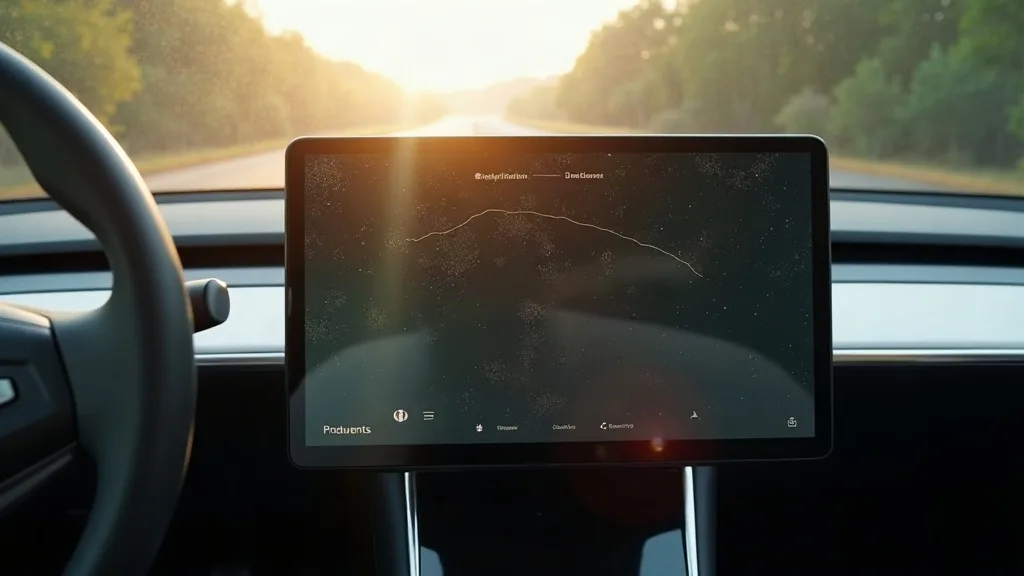
The Model Y's giant centre screen controls almost everything in the car, from climate to cameras to Netflix in the car park. That's exactly why so many owners worry about it getting scratched or scuffed before the warranty on their patience runs out.
So does a Model Y need a screen protector? The honest answer is: it depends on your habits, not on some universal rule. This guide walks through the real risks of glare, fingerprints and scratches, so you can make the call yourself rather than just following what a forum thread told you.
Key Takeaways
- The Model Y screen is glass, which resists scratches fairly well under normal use.
- Fingerprints and smudges show up more than scratches ever will, especially in sunlight.
- A screen protector mostly solves glare and smudge issues, not serious damage.
- Keys, rings and some phone cases are the main real scratch risks, not everyday tapping.
- Matte protectors cut glare but can soften touch response slightly.
- Clear protectors keep the screen sharp but do little for glare.
- Most owners who skip a protector for a year report no visible damage.
- If you already use interior upgrades like an XPE mat, a screen protector fits the same "protect what matters" mindset.
Does a Model Y Actually Need a Screen Protector?
Strictly speaking, no. The screen is made from reasonably tough glass, similar in spirit to what's on a decent smartphone, and it's not going to shatter because you tapped it with a finger.
That said, "need" and "benefit from" are different things. Plenty of owners go years with a bare screen and never notice a scratch. Others pick up fine marks within months, usually because of how they interact with the car day to day. The answer really comes down to your own risk factors, which we'll break down below.
Glare Is the Most Common Complaint
Glare is probably the biggest everyday annoyance with the Model Y screen, more than scratches or smudges. Direct sunlight through the huge windscreen can wash out the display, making it hard to read Google Maps or check your reversing camera.
A matte screen protector cuts this glare noticeably. It diffuses the light instead of reflecting it straight back at you, which is the same idea behind anti-glare laptop screens. If you drive mostly at dawn or dusk with low sun angles, this alone might justify fitting one.
Clear protectors don't help much here. They preserve the sharp, glossy look of the original screen, so if glare is your main worry, go matte rather than clear.
Fingerprints and Smudges Show Up Fast
The Model Y screen is a magnet for fingerprints, especially from kids poking at climate controls or passengers scrolling through apps. Because the screen sits at an angle, light catches every smudge, making the car look messier than it is.
A protector doesn't stop fingerprints landing, but matte finishes hide them far better than bare glass does. Clear protectors show smudges almost as readily as the original screen, so don't expect miracles there either.
If this is your main gripe, a microfibre cloth kept in the glovebox solves it just as well as any protector. It's a simple habit, free, and takes ten seconds after every drive.
How Real Is the Scratch Risk?
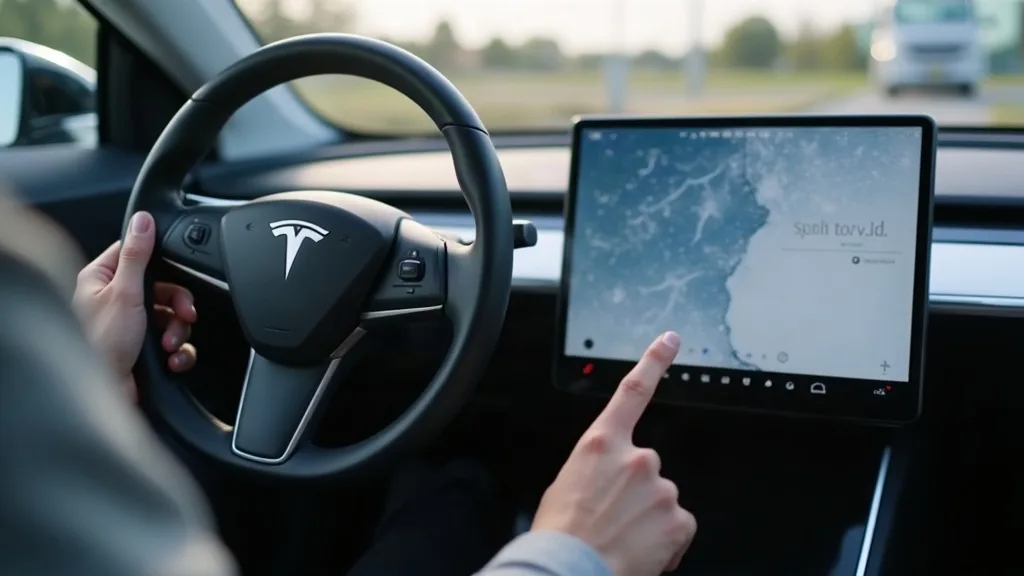
This is where most of the anxiety comes from, and it's largely overblown for typical use. Tapping the screen with clean fingers, even repeatedly, isn't going to leave marks on the glass.
The real risks are specific and avoidable:
- Keys or coins resting on the console and sliding against the screen edge.
- Rings worn while adjusting settings, especially if they catch the surface at an angle.
- Phone cases with rough edges brushing the screen while using wireless charging or CarPlay-style mounts.
None of these are everyday certainties, but they do happen, especially with kids or multiple drivers who aren't being careful. If any of these sound like your household, a protector adds a cheap layer of insurance against an expensive mistake.
For a deeper look at the different protector types and how they hold up over months of use, our guide on Model Y screen protectors covers the practical differences in more detail.
Do I Need a Screen Protector for Tesla, Specifically?
This question comes up a lot, and the answer for Tesla models is much the same as for any car with a large touchscreen: it's optional, not essential. Tesla doesn't recommend one as a safety or warranty requirement, and the screens are built to handle daily use without issue.
Where Tesla differs slightly from other cars is just how central the screen is. There's no physical speedometer, few buttons, and almost every function routes through that one panel. That makes the screen more valuable to protect purely because you'd really miss it if something went wrong, even cosmetically.
So if you're asking "do you need screen protector for tesla" because you've seen conflicting advice online, the honest answer is that it's a personal preference based on how cautious you want to be, not a technical requirement.
When a Screen Protector Makes Sense
Some situations make a protector a sensible, low-cost choice rather than an unnecessary extra:
- You have young children who often reach for the screen.
- You frequently have passengers who wear rings or bring loose items like keys into the front seats.
- You drive into low sun regularly and glare genuinely bothers you.
- You plan to sell the car eventually and want the screen looking pristine.
- You've already invested in other interior protection, like an XPE mat, and want a consistent approach to keeping the cabin tidy.
If none of these apply, you're probably fine without one. The screen will likely look fine for years with normal, careful use.
When You Can Skip It Without Worry
If you're the only driver, keep your hands clean, and don't tend to rest objects near the console, skipping a protector is a reasonable call. Many owners report that after a year or two of normal driving, the screen still looks close to new.
It's also worth remembering that protectors themselves aren't risk-free. Cheap ones can bubble, yellow slightly over time, or peel at the edges, which looks worse than a bare screen with no marks at all. A poorly fitted one can also introduce a slight haze that's more annoying than the glare it was meant to fix.
If you're weighing up other practical upgrades for the car at the same time, our round-up of must-have Model Y accessories covers a few additions that tend to matter more day to day than a screen protector does.
Conclusion
So, does a Model Y need a screen protector? Not strictly, but it can be a sensible low-cost choice if glare bothers you, fingerprints annoy you, or your household has a few scratch risk factors like keys, rings or careless hands near the console. For most careful drivers, the bare screen holds up just fine for years. If in doubt, start with a cheap matte protector and see whether it actually improves your daily experience before committing to anything pricier.
FAQ
Will a screen protector affect touch sensitivity?
Most decent protectors have little to no noticeable effect on touch response. Very cheap or thick ones can occasionally feel slightly less responsive, especially for quick swipes, so it's worth checking reviews before buying.
Are matte or clear protectors better for the Model Y?
Matte protectors reduce glare and hide fingerprints better, which suits drivers who struggle with sun glare. Clear protectors keep the screen looking sharp and glossy but don't help much with glare or smudges.
Can I remove a screen protector later without damaging the screen?
Yes, most quality protectors come off cleanly without leaving residue, provided you remove them carefully. Avoid very cheap adhesive-based ones, as they're more likely to leave marks or residue behind.
Does Tesla void any warranty if I fit a screen protector?
No, fitting a screen protector doesn't affect your Tesla warranty. It's a cosmetic addition, similar to a phone screen protector, and has no bearing on the vehicle's software or hardware coverage.
How often do Model Y screens actually get scratched?
Genuine scratches are fairly uncommon with normal use, since the glass is reasonably tough. Most reported damage comes from specific causes like keys or rings catching the screen, rather than everyday tapping.
Is a screen protector worth it just for resale value?
If you're planning to sell in a few years, a protector can help keep the screen looking newer, which may help at resale. It's a small, inexpensive step compared with other interior touches like fitting an XPE mat or keeping the cabin generally well maintained.