Network 39
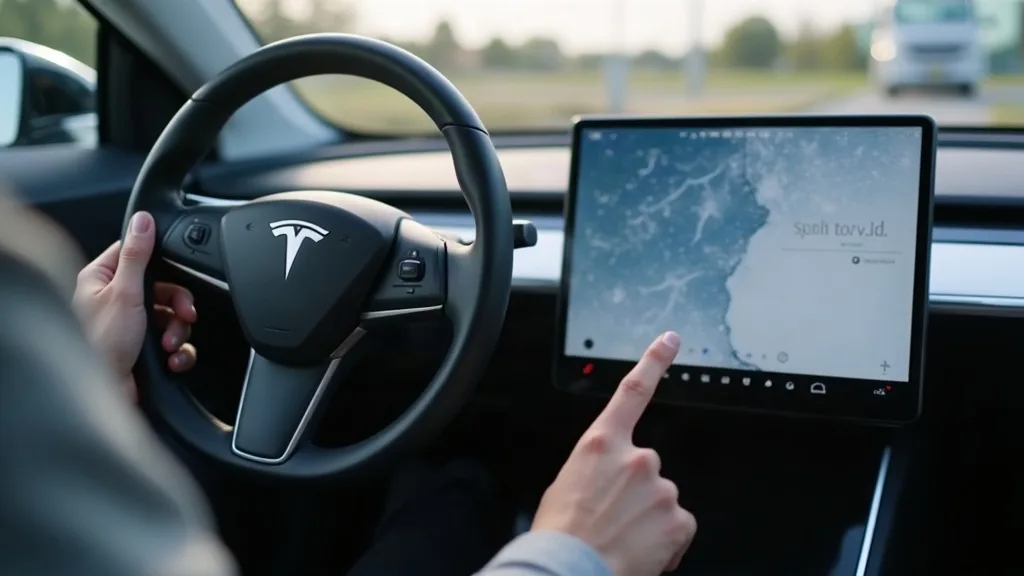
Every Model Y interaction happens through one 15.4-inch pane of glass. There's no dashboard full of buttons to take the strain, which means that single screen copes with thousands of taps, swipes and finger smudges a week. It's no wonder so many owners start searching for a model y screen protector within days of picking up their car.
This guide covers why protectors matter, the real differences between glass and film, matte versus clear finishes, sizing by model year, and how to fit one without trapping a single bubble.
Key Takeaways
- A Model Y screen protector guards against scratches, cracks and the fine swirl marks that build up from daily taps and swipes.
- Tempered glass protectors offer the best impact protection, while film is thinner and cheaper but less durable.
- Matte finishes cut glare and fingerprints but can slightly soften touch response and clarity compared with clear film.
- Screen sizes and cutouts vary between the original Model Y, the 2024 refresh (sometimes called the Juniper), and newer 2026 builds, so check your exact model before buying.
- Fitting one well comes down to a dust-free space, patience, and a proper squeegee rather than rushing with a credit card edge.
- Most protectors cost a small fraction of a screen replacement, making them one of the cheaper interior upgrades you can make.
Why Fit A Screen Protector At All
The Model Y's touchscreen isn't just for music and navigation. It controls climate, mirrors, wipers and even the glovebox, so it gets touched constantly on every single drive. Over months, that adds up to a lot of contact from fingers, rings, phone cases and the odd stray zip pull.
Scratches on a touchscreen aren't just cosmetic either. Deep enough marks can catch light at certain angles and make text harder to read in bright sunlight. A protector takes that wear instead of the glass underneath, and it's far cheaper to replace a protector than to repair a screen.
There's also resale value to think about. A pristine screen looks like a well cared for car, while a scratched one hints at heavy use even if everything else is in good shape. For the cost of a coffee or two, it's an easy way to keep that first impression intact.
Glass Versus Film: What's The Real Difference
This is the first big decision, and it shapes everything else about how the protector feels and performs.
Tempered Glass Protectors
Tempered glass is thicker, usually somewhere around 0.3mm, and it's designed to absorb impact rather than just resist surface scratches. If something is dropped on the screen, like a water bottle or a phone, the glass layer is more likely to crack instead of the actual display underneath. It also tends to feel closer to the original glass under your finger, so swipes and taps feel natural.
The trade-off is a slightly higher chance of visible reflections, and it costs a bit more than film. Fitting is also less forgiving of dust, since any tiny speck under a rigid glass sheet is far more noticeable than under a flexible film.
Film Protectors
Film is thin, flexible and usually made from PET plastic. It's cheaper, easier to fit, and better at self-healing minor surface scratches over time because the material has a bit of give. What it won't do well is protect against a hard knock, since it doesn't have the rigidity to absorb impact the way glass does.
Film suits owners who mainly worry about everyday scuffs rather than drops or impacts. It's also a sensible starting point if you've never fitted a protector before, since mistakes are easier to fix.
Matte Versus Clear: Picking A Finish
Once you've settled on glass or film, the next choice is the finish, and it genuinely changes how the screen feels to use.
Clear finishes keep the display looking exactly as Tesla intended, with sharp colours and no change to brightness. They're the closest thing to having no protector at all, which is ideal if you're fussy about picture quality for things like Netflix or games on longer charging stops.
Matte finishes use a slight texture to scatter light, which cuts down glare on sunny days and reduces visible fingerprints. The downside is a very slight softening of detail, almost like a faint frosted look, and some owners notice touch response feels marginally less precise. If you drive with the sun low and often struggle to read the screen in bright conditions, matte is worth trying. If glare rarely bothers you, clear usually wins out.
Sizes And Cutouts By Model Year
This is where a lot of buyers trip up, because "Model Y screen protector" isn't a single universal product.
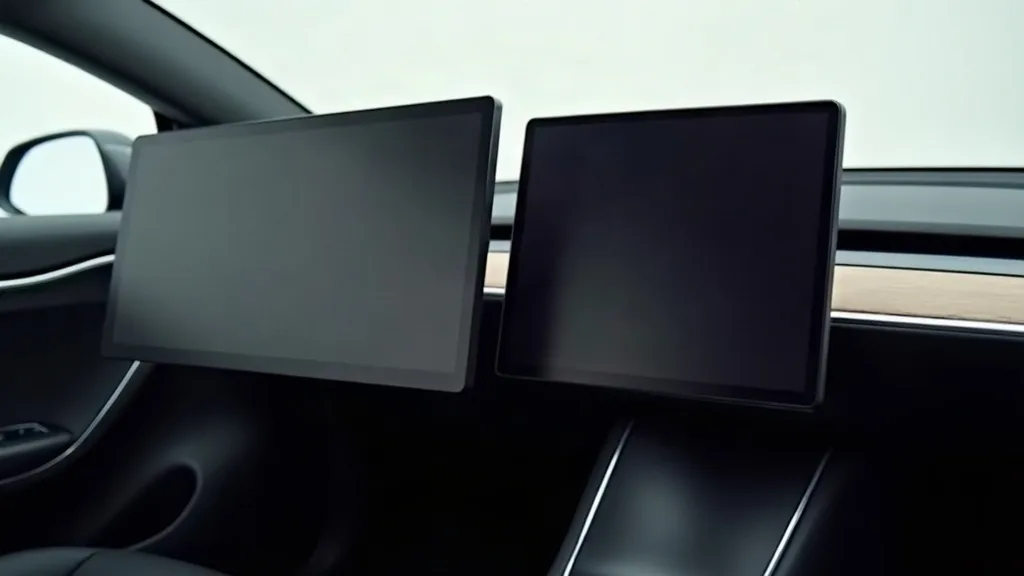
The original Model Y, built from around 2020 onwards, has a 15-inch landscape screen with a specific camera cutout position. The 2024 refresh, often called the Juniper internally, changed the screen slightly in both dimensions and cutout placement, plus moved some sensor housings. Protectors made for the earlier car often won't align properly on the newer dash, leaving gaps at the edges or covering the wrong area near the camera.
For anyone searching for a screen protector for Model Y 2026 or a Model Y screen protector 2026, the safest approach is to check the exact build date and screen generation before ordering. Most sellers list compatibility by production year rather than just "Model Y", so match that against your delivery date or VIN details. If in doubt, measure the screen yourself and compare it with the product's stated dimensions before buying, since a few millimetres out can mean a protector that never quite sits flat.
How To Fit A Screen Protector Without Bubbles
Fitting is where most of the frustration happens, but a calm, methodical approach avoids almost all of it.
Preparing The Screen
Start by cleaning the screen thoroughly with the cloth supplied, or a soft microfibre cloth if none came with the kit. Remove any dust from the surrounding dashboard area too, since loose particles love to drift back onto the screen mid-fit. Doing this in a room with the windows closed, away from fans or open doors, cuts down on airborne dust landing at the wrong moment.
It also helps to park the car somewhere with decent light so you can actually see smudges and dust specks. Early morning or late evening sun through the windscreen makes tiny marks far more visible than you'd expect.
Applying The Protector
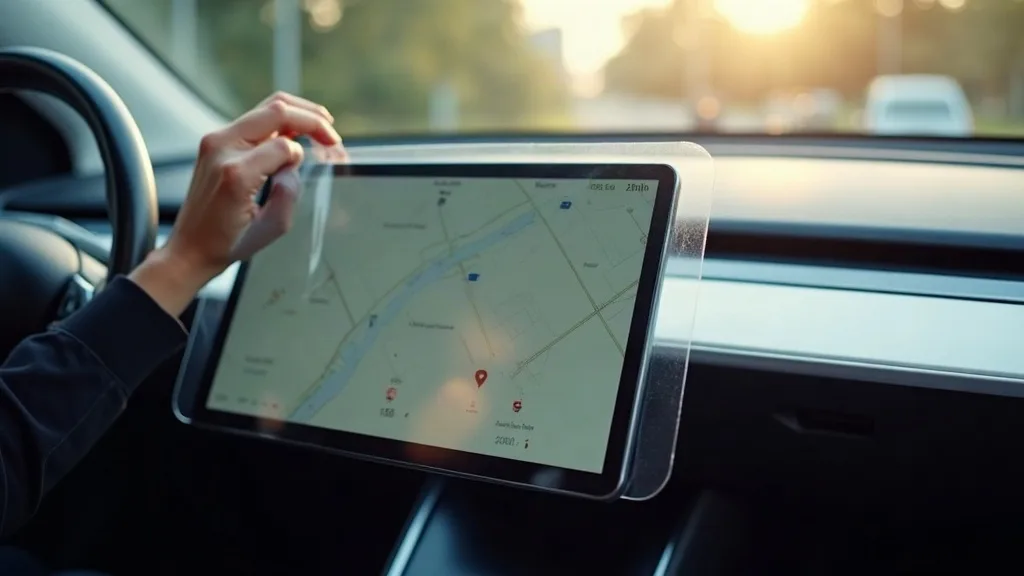
Peel the backing from one edge only, rather than removing it completely straight away. Line up the cutouts and edges first while the rest of the backing is still attached, since this gives you a chance to adjust position before committing. Once it looks right, lower the film or glass slowly and let it make contact from one side across to the other.
Use the squeegee that comes in the kit, working from the centre outwards in smooth strokes. Go slowly rather than pressing hard, since rushing is what pushes air into bubbles rather than out to the edges. Small bubbles near the edges often vanish within a day or two as the adhesive settles, so don't panic if one or two remain after fitting.
Dealing With Stubborn Bubbles
If a bubble refuses to move, lift that corner gently and reapply, rather than pressing harder and hoping. A small amount of residual dust is usually the cause, so a quick wipe before reseating sorts it in most cases. Glass protectors are less forgiving here than film, so take extra care with alignment before the final press.
Other Model Y Screen Accessories Worth Knowing About
Screen protectors are often just the start of a broader list of Model Y screen accessories owners pick up over time. Anti-glare sun shades for the screen area, small suction mounted phone holders that sit near the display, and steering wheel covers that stop sleeves brushing the screen while driving are common additions.
Some owners also fit a small screen protector for the rear seat tablet in cars fitted with one, since back seat passengers tend to be less careful with fingers and shoes nearby. None of these are essential, but they round out the interior protection picture alongside the main screen.
If you're already thinking about protecting parts of the car beyond the interior, it's worth looking at how roof glass holds up under a roof rack, since that's another area that takes more wear than people expect. Owners fitting a tow bar or working through a full list of floor mats and other upgrades often treat the screen protector as just one item on a wider protection checklist.
Common Mistakes To Avoid
A few recurring issues come up again and again with screen protector fitting and buying.
Buying the wrong generation protector is the most frequent mistake, usually because listings aren't always clear about which screen shape they fit. Always check cutout position and screen dimensions against your actual car rather than assuming "Model Y" covers every year.
Fitting in a dusty or windy space is another common problem, since even a clean looking room can have enough airborne dust to ruin a glass fit. Taking ten extra minutes to clean the area properly saves a lot of frustration later.
Pressing too hard with the squeegee, or using something sharp like a credit card edge, can scratch the protector itself or push dust marks permanently into the adhesive layer. Stick with the tools provided in the kit, since they're designed for the right amount of pressure.
Finally, some owners rush the alignment stage and end up with a protector sitting slightly off centre, leaving a visible gap or edge overhang. Taking the time to line things up before the backing comes off fully is the single best way to avoid redoing the whole job.
Conclusion
A Model Y screen protector is a small, inexpensive way to keep the car's most used surface looking and working as it should. Whether you choose glass or film, matte or clear, the right choice comes down to how you use the car and how much glare bothers you day to day. Just make sure whatever you buy actually matches your model year, since screen shapes have changed across the Model Y's life.
If you haven't fitted one yet, measuring your screen and checking your build date before ordering is the sensible first step.
FAQ
Do I really need a screen protector on a Model Y?
It's not essential, but it's a cheap way to prevent scratches and swirl marks that build up from daily use. Given how much the screen controls in a Model Y, many owners see it as worthwhile protection for a part of the car they can't easily avoid touching.
Will a matte protector affect touch sensitivity?
Slightly, though most people adjust within a day or two. The texture that cuts glare can make swipes feel marginally less crisp than on bare glass, but it rarely causes functional problems.
Can I fit a screen protector myself, or should I get help?
Most owners fit their own without issues, provided they work in a clean, dust-free space and take their time. Film is more forgiving of small mistakes than glass, so it's a good starting point if you're nervous about your first attempt.
How do I know which protector fits my Model Y?
Check your build date or VIN against the seller's listed compatibility, since screen size and cutout position changed with the 2024 refresh. When in doubt, measure your actual screen and compare it against the product's stated dimensions.
Does a screen protector reduce how bright the display looks?
Clear protectors have little to no noticeable effect on brightness. Matte finishes can soften the picture slightly, though most people find it unnoticeable once they're used to it.
How long does a screen protector last before needing replacement?
It varies a lot depending on use, but many last a year or more before showing enough wear to warrant swapping. Film tends to need replacing sooner than glass, since it picks up fine scratches more easily.