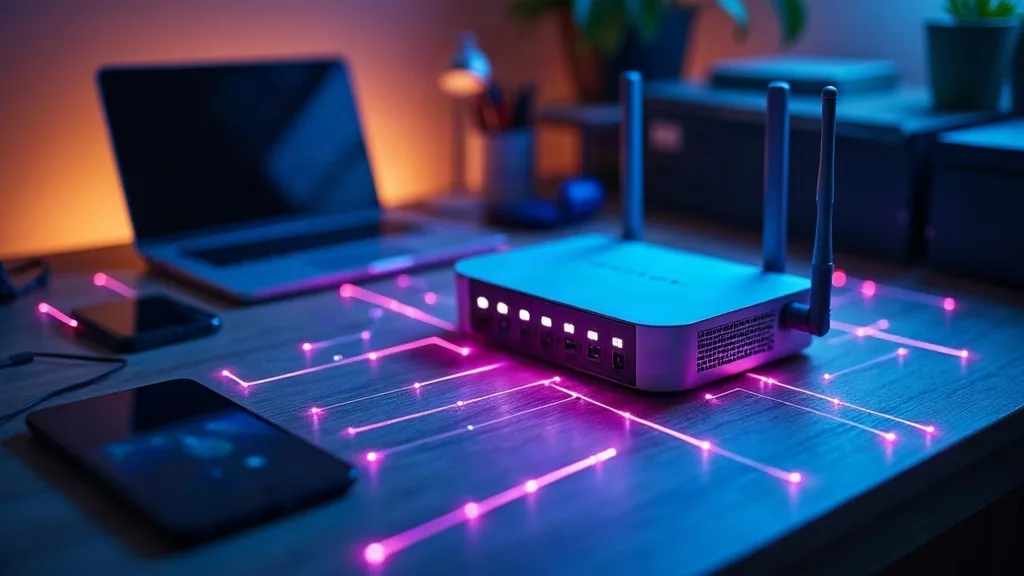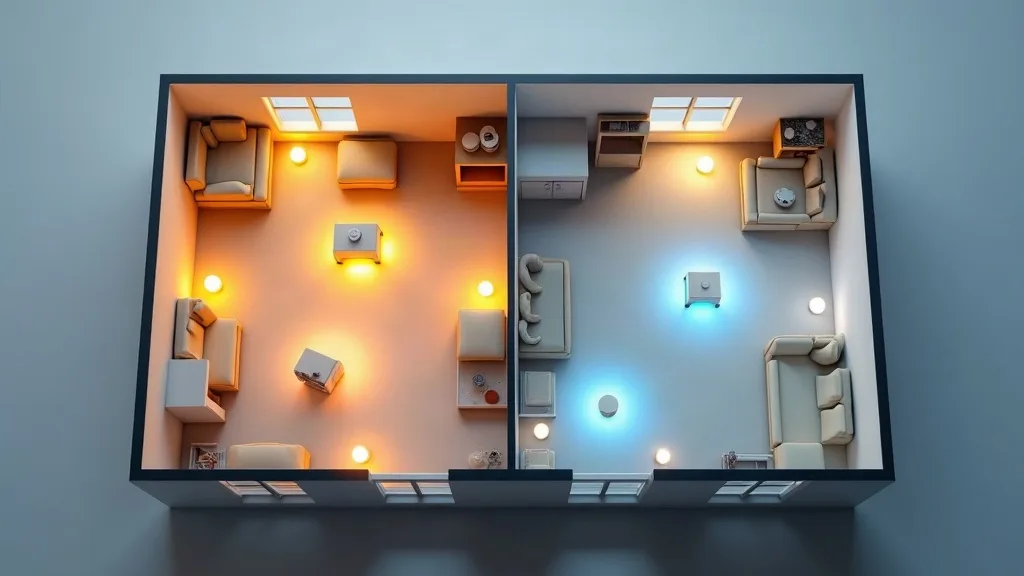
That free router your broadband provider sent you in a cardboard box isn't necessarily a bad piece of kit. But it was built to do one job cheaply: get you online. It wasn't built to cover a three-bedroom house, juggle forty smart home devices, or handle a houseful of people streaming, gaming and video-calling at once.
If you've found yourself wondering whether to replace your ISP router, you're not alone, and the answer depends on a few specific signs rather than a gut feeling. This article walks through how to judge your current router fairly, when a mesh system solves the problem better than a full replacement, and what compatibility details to check before you spend any money.
Key Takeaways
- ISP routers are usually fine for light use but struggle with large homes, many devices, or advanced features.
- Dead zones, frequent drops and slow speeds despite a fast plan are the clearest signs of an underpowered router.
- Mesh Wi-Fi fixes coverage problems in bigger or oddly shaped homes better than a single router upgrade.
- Replacing the router entirely makes sense if you want better security, more control, or modern Wi-Fi standards.
- Always check if your ISP router also acts as a modem before buying a replacement.
- Running a new router in "access point mode" behind the ISP box is the safest first step for many people.
- A £50 to £150 router or mesh kit often outperforms a free ISP one by a noticeable margin.
What ISP Routers Are Actually Designed For
ISP routers get a bad reputation, but it's not always deserved. They're designed to be reliable, cheap to manufacture, and easy to support over the phone. That means basic Wi-Fi coverage, basic security settings and a basic web interface.
The trade-off is that "basic" often means weaker antennas, older Wi-Fi standards, and firmware that doesn't get updated often. For a flat or a small home with two or three devices, that's usually enough. For anything bigger or busier, it starts to show.
Signs Your Current Router Is Holding You Back
Before spending any money, it helps to confirm the problem is actually the router and not something else like your broadband plan or a loose cable.
Dead Zones and Weak Signal
If one end of your home gets full bars and the other gets nothing, that's a coverage problem. Single routers, especially ISP ones, often have weak transmit power and basic antennas that struggle through walls and floors.
Frequent Drop-Outs
Random disconnections during calls or downloads point to overheating, outdated firmware, or a router that's simply overwhelmed. If you've already tried the usual fixes, our guide on Wi-Fi that keeps dropping covers the common causes worth ruling out first.
Speeds Far Below Your Plan
If you're paying for a fast connection but getting a fraction of it over Wi-Fi, the router could be the bottleneck rather than your broadband. Our guide to slow Wi-Fi walks through how to test this properly before blaming the hardware.
Struggling With Smart Home Devices
Smart plugs, cameras, lights and sensors all compete for a limited number of connections on cheap routers. If your smart bulbs keep falling offline, it might be a router limit rather than a device fault, something we cover in our smart home Wi-Fi setup guide.
Mesh Wi-Fi or Full Replacement?
Once you've confirmed the router is the problem, the next decision is whether to add a mesh system or replace the router outright. They solve different issues.
Mesh Wi-Fi is about coverage. It uses two or more units spread around your home to create one network with no weak spots. It's the better choice if your home is large, has thick walls, or has an awkward layout like a converted loft or a long hallway house.
Replacing the router outright is about capability. It's the right move if you want faster Wi-Fi standards, better security tools, more control over settings, or simply a device that isn't five years old and showing it. If you're torn between the two approaches, Mesh Wi-Fi vs Range Extender: Which Do You Need? breaks down which option suits which kind of home.
When Mesh Makes More Sense
- Your home is over 100 square metres or spread across multiple floors
- You have specific rooms that always get weak signal
- You don't want to deal with separate network names for different areas
When a Full Replacement Makes More Sense
- Your home is a flat or small house where coverage isn't the issue
- You want newer Wi-Fi standards, better parental controls or stronger security
- Your current router is old enough that it no longer gets firmware updates
Compatibility Checks Before You Buy Anything
This is the step people skip, and it's the one that causes the most headaches afterwards.
Is Your ISP Router Also a Modem?
Many ISP routers combine a modem and a router in one box, especially on cable and fibre connections. If that's the case, you usually can't remove it entirely. You'll either need to run your new router in "modem mode" or keep the ISP box and add your new router or mesh system behind it in access point mode.
Check Your Connection Type
Fibre, cable and DSL connections sometimes need specific hardware or login details (like a PPPoE username and password) to get online without the ISP box doing the work. It's worth checking your provider's support pages or asking them directly before you buy, so you're not stuck with a router that can't actually connect to your broadband.
Think About Wired Ports
If you've got a games console, a desktop PC or a home lab setup that benefits from a wired connection, check how many Ethernet ports the new router or mesh units offer. Some mesh satellites only include one or two, which can be limiting if you're the type exploring projects from our home lab for beginners guide.
Match It to Your Home, Not Just the Spec Sheet
Marketing terms like "covers up to 300 square metres" are measured in open, obstruction-free conditions. Real homes have walls, floors and furniture that eat into that range. If you're still deciding what to buy, How to Choose a Router: A Plain-English Buying Guide explains how to read these specs sensibly.
How to Set Up a New Router Alongside Your ISP Box
If your ISP router also handles the modem function, you don't need to remove it from the setup entirely. Instead:
- Keep the ISP router connected to the wall socket or cable line as normal.
- Turn off its Wi-Fi broadcasting in the settings, or just ignore it if it's harmless.
- Connect your new router or mesh main unit to one of the ISP router's Ethernet ports.
- Set the new router to "access point mode" or "bridge mode" if it offers that option.
This way, the ISP box still handles the connection to your provider, while your new router or mesh system handles the actual Wi-Fi in your home. It's a low-risk way to test whether new hardware solves your problem before committing to anything more permanent.
Don't Forget Security When You Upgrade
A router swap is also a good moment to tighten up your network's security settings, since you'll be setting everything up fresh anyway. Change the default admin password, use WPA3 or WPA2 encryption, and keep the firmware updated automatically if the option exists. Our guide on how to secure your home Wi-Fi network covers the basics in more detail if you want to do this properly the first time.
When It's Still Worth Keeping the ISP Router
Not every home needs an upgrade. If you live in a small flat, have fewer than ten connected devices, and aren't experiencing drop-outs or dead zones, the free router might genuinely be doing its job. In that case, spending money on new hardware won't fix a problem that doesn't exist.
It's also worth trying simple fixes first, like moving the router to a more central spot or restarting it regularly, before assuming new hardware is the answer. Sometimes the issue is positioning rather than the hardware itself.
Conclusion
Deciding whether to replace your ISP router comes down to a few honest questions: where does your Wi-Fi actually fail, how big is your home, and what do you want the network to do that it currently can't? Mesh Wi-Fi solves coverage problems in bigger or awkward homes, while a full router replacement suits people who want more speed, control or security. Whichever you choose, start by checking whether your ISP box doubles as a modem, since that single detail decides how the new hardware needs to be connected. A sensible next step is to map out your current dead zones for a week, then match that picture against the options above before buying anything.
FAQ
Can I just turn off my ISP router's Wi-Fi and use my own?
Yes, if your ISP router also acts as your modem, you can usually disable its Wi-Fi broadcast and connect your new router through an Ethernet cable. Check the settings menu for an option often labelled "wireless off" or similar. The ISP box will keep handling the internet connection while your new router handles the Wi-Fi.
Will a new router actually make my internet faster?
A new router can't increase your broadband speed itself, but it can stop your Wi-Fi from being the bottleneck. If you're getting much less speed over Wi-Fi than over a wired connection, a better router often closes that gap.
Is mesh Wi-Fi worth it for a small flat?
Probably not. Mesh systems are built to solve coverage problems across larger or multi-floor spaces. A single decent router usually covers a flat or small house without needing extra units.
How old is too old for an ISP router?
If it's more than four or five years old, or no longer receives firmware updates, it's worth considering a replacement. Older routers are also more likely to use outdated, less secure Wi-Fi standards.
Do I need to tell my ISP if I replace their router?
Generally no, as long as you keep their modem or combined box in place if it's needed for the connection. Some providers do ask you to use their equipment for support reasons, so it's worth checking their terms if you're unsure.
What's the difference between a router upgrade and adding a range extender?
A router upgrade replaces the whole device, while a range extender simply repeats the existing signal into another area. Extenders are cheaper but often create a separate network name and can halve your speed in the extended area. Mesh systems avoid this by working as one unified network instead.