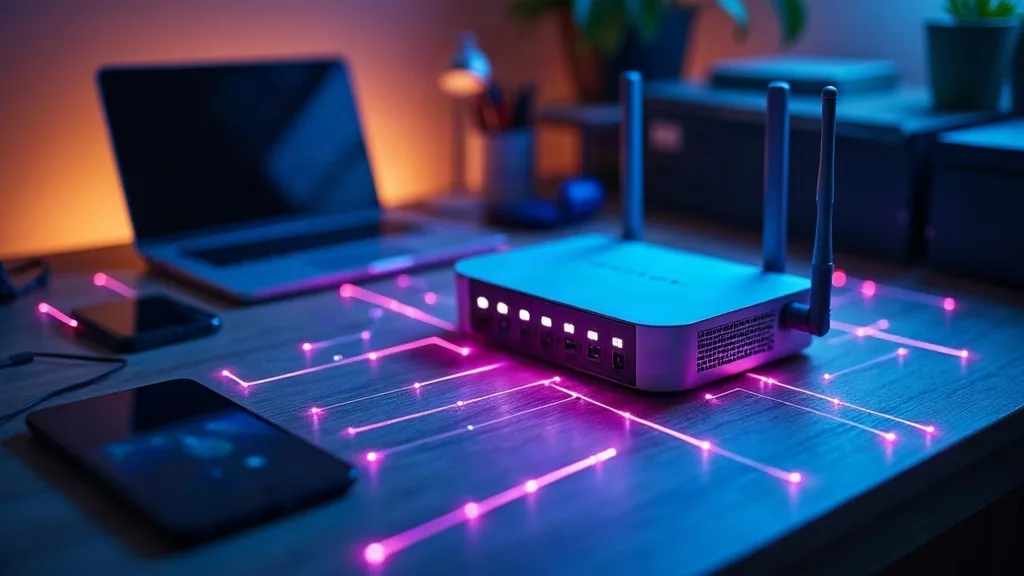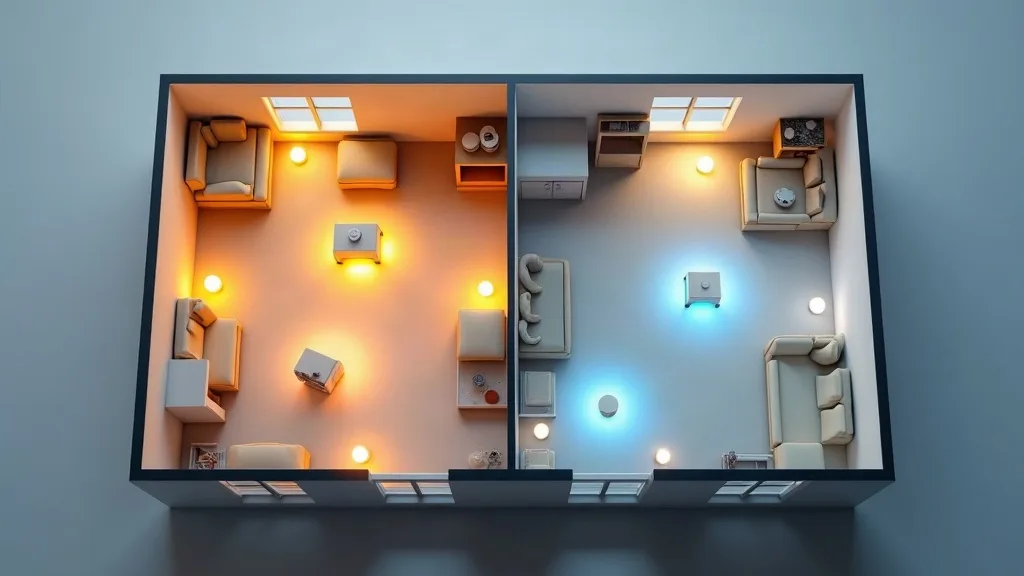
If your Wi-Fi struggles to reach the back bedroom or the garden office, you've probably come across two possible fixes: mesh Wi-Fi systems and range extenders. Both promise to banish dead zones, but they work in different ways and suit different homes. This guide walks through the mesh wifi vs extender decision so you can pick the right one without overspending or ending up with a flaky connection.
Key Takeaways
- Mesh systems use multiple units that talk to each other to create one smooth network, while extenders simply repeat your existing signal further out.
- Extenders are cheaper and quicker to set up, but they often slow your connection down and can create confusing duplicate networks.
- Mesh systems cost more but give better coverage, stronger speeds throughout the house, and a single network name that follows you from room to room.
- Verdict: choose mesh for larger homes or multiple floors, and stick with an extender only for small flats or a single stubborn dead spot on a tight budget.
- Setup difficulty is similar for both these days, thanks to decent apps, though mesh apps tend to be a bit more polished.
Overview
Mesh Wi-Fi systems consist of two or more units (often called nodes or satellites) that work together as one network. A range extender, by contrast, is a single device that picks up your existing router's signal and rebroadcasts it. The difference sounds small, but it affects speed, reliability and how much fiddling you'll need to do later.
| Feature | Mesh Wi-Fi | Range Extender |
|---|---|---|
| Typical cost | Higher (multiple units) | Lower (single unit) |
| Setup difficulty | Easy, app-guided | Easy to moderate |
| Network name | One network throughout | Often a separate network name |
| Speed over distance | Holds up well | Drops noticeably |
| Best for | Medium to large homes | Small flats, single dead spot |
| Scalability | Add more nodes later | Limited, usually one device |
If you're still unsure what a router or mesh system actually needs to do for your home, our plain-English router buying guide is a good place to start before you spend any money.
Pros
Mesh Wi-Fi
- Seamless roaming: devices switch between nodes automatically, so you keep one connection as you move around.
- Stronger backhaul: many mesh systems use a dedicated band or wired connection between nodes, which keeps speeds higher.
- Easier to scale: you can usually add another node later if you move or extend your home.
- Better for smart homes: more stable coverage helps smart plugs, cameras and sensors stay connected (worth reading our smart home Wi-Fi setup guide if you're juggling lots of devices).
Range extenders
- Cheaper upfront: a single device costs less than a multi-pack mesh kit.
- Quick fix: good for plugging one specific gap, like a garage or loft, without a full network overhaul.
- Simple to add: no need to replace your current router, just plug in and connect.
Cons
Mesh Wi-Fi
- Higher cost: buying two or three units adds up compared to one extender.
- Overkill for small spaces: a one-bedroom flat rarely needs a full mesh setup.
- Replaces your router: most mesh systems want to be the main router, which means reconfiguring things like port forwarding.
Range extenders
- Speed penalty: older or budget extenders can roughly halve your speed because they often use the same band to receive and send.
- Separate networks: devices don't always hand off automatically between your router and the extender, which can mean manually switching networks.
- Limited range gain: one extender only helps in its immediate area, not the whole house.
How Mesh and Extenders Perform in Real Use
In everyday use, mesh systems tend to feel more consistent. Walk from the kitchen to the garden and your phone should stay on the same network without you noticing a drop. This matters most in homes with thick walls, multiple floors, or awkward layouts where one router simply can't reach everywhere.
Extenders can work well for simple cases, but performance varies a lot depending on placement and model. Put one too far from the router and it struggles to get a strong signal to repeat. Put it too close and you've barely extended your coverage at all. If you've tried an extender and still get drops, our guide on fixing Wi-Fi that keeps dropping covers common culprits like interference and channel congestion.
Cost and Setup Comparison
Extenders usually come in cheaper, with single units costing less than one mesh node, let alone a multi-pack. For checking current prices, it's best to look at a few retailers rather than relying on older figures, as prices shift often. Mesh kits with two or three nodes cost more overall, but you're buying a complete coverage solution rather than a single patch.
Setup for both has improved a lot. Most mesh systems use an app that walks you through placement, naming and password setup in about 15 to 20 minutes. Extenders are often just as quick, though some older models still rely on web-based setup pages that feel a bit clunky by comparison.
Coverage and Speed Over Distance
This is where mesh systems usually win. Because nodes communicate with each other (sometimes over a dedicated wireless band, sometimes over ethernet cabling), they can maintain strong speeds even several rooms away from the main router. Extenders, especially single-band ones, often lose noticeable speed the further you get from the original router, since they're relaying the same signal they received.
If you're extending into a large garden office, basement, or across multiple floors, mesh systems cope better with these trickier layouts. For single awkward spots, like one bedroom with thick stone walls, an extender might still do the job fine. Our article on extending Wi-Fi range to every room goes into more detail on positioning either option for best results.
Reliability for Smart Homes and Streaming
Smart home devices, especially ones that stay in fixed spots like doorbells, cameras or thermostats, benefit from steady coverage rather than occasional strong signal. Mesh systems tend to serve these devices more reliably because the whole house sits under one consistent network.
Streaming and video calls also show the difference. With a mesh system, moving from room to room while on a call rarely causes a hiccup. With an extender, you might notice a brief drop or lag as your device switches between networks, particularly if band steering isn't handled well.
Who Should Buy It
Choose mesh Wi-Fi if:
- You live in a home over roughly 120 to 150 square metres, or across multiple floors.
- You have several smart home devices that need stable coverage throughout the house.
- You want one network name and don't want to deal with manual switching.
- You're willing to spend more upfront for fewer headaches later.
Choose a range extender if:
- You live in a flat or small home with just one weak spot.
- Budget is the main concern and you don't mind a bit of speed loss.
- You already have a router you're happy with and don't want to replace it.
If you're setting up a home network from scratch, including things like a small server or extra devices, it's also worth glancing at our home lab beginner's guide to see how your Wi-Fi choice might affect other projects down the line.
Verdict
In the mesh wifi vs extender debate, there's no single right answer, but there is a sensible rule of thumb. Bigger homes, multiple floors or lots of connected devices point towards mesh. Small flats, tight budgets or one annoying dead zone point towards an extender. Mesh costs more but pays off in consistency, while extenders are a reasonable patch rather than a long-term fix for serious coverage gaps.
Whichever route you take, don't forget basic security housekeeping once it's set up. Our guide on securing your home Wi-Fi network is worth a read to make sure new hardware doesn't introduce weak default passwords into your home.
FAQ
Is mesh Wi-Fi always faster than an extender?
Not always, but it usually holds speeds better over distance. A nearby extender in a small flat might perform similarly to a mesh node in the same spot.
Can I use a mesh system with my existing router?
Some mesh systems can run in access point mode alongside your router, but most work best as the main router. Check the specific model's setup options before buying.
Do range extenders create a separate Wi-Fi network?
Many do by default, though some let you use the same network name as your router. This varies by brand and model, so check before assuming.
How many mesh nodes do I actually need?
It depends on your home's size and layout. Many manufacturers suggest one node per 80 to 120 square metres, but thick walls or multiple floors may need more.
Will either option fix slow Wi-Fi, not just weak Wi-Fi?
Not necessarily. If your issue is overall slow speeds rather than patchy coverage, the cause might lie elsewhere. Our guide on why your Wi-Fi might be slow covers other common causes worth ruling out first.
Can I mix extenders and mesh nodes in one home?
It's possible but not ideal, since they work differently and can sometimes interfere with each other's signals. It's usually better to choose one approach and stick with it.