Network 39

Most people start a home lab by accident. They buy a cheap second-hand PC to try out Plex, then six months later they own three mini servers, a network switch with blinking lights, and a spreadsheet tracking IP addresses. That slow slide from "one little project" to full-blown hobby is pretty much the standard path, and it's a fun one once you know where to begin.
This guide covers what a home lab actually is, what beginners typically run on one, the minimum hardware you need, and honest expectations around cost, noise and power. By the end, you'll have a simple first project to aim for instead of feeling like you need to build a data centre in your spare room.
Key Takeaways
- A home lab is just a personal setup for learning, testing, and running your own services at home.
- You don't need expensive server gear to start; an old laptop or a budget mini PC is plenty.
- Common first projects include media servers, network storage, and ad-blocking tools like Pi-hole.
- Electricity costs and fan noise matter more than most beginners expect, so plan for both.
- Start with one working project before adding more hardware or services.
- A decent home network is the foundation a home lab depends on, so sort that out first.
What Exactly Is a Home Lab
A home lab is a small collection of computers, software, and network gear you run at home for learning or personal use. It's not a formal term with strict rules. For some people it's a single mini PC quietly running in a cupboard. For others, it's a rack of secondhand servers in the garage.
The point of a home lab is to give you a safe space to try things out. You can break something, fix it, and learn how it works without affecting anyone else. Many people in IT jobs started this way, tinkering at home before doing it professionally.
For beginners, the best home lab is the smallest one that actually gets used. A single machine running two or three useful services beats a pile of unused hardware every time.
What Beginners Commonly Run on a Home Lab
Media and File Storage
Plex or Jellyfin servers are two of the most popular first projects. They let you store your own films, shows and music, then stream them to any device in your house. Alongside that, many beginners set up basic network storage, often called NAS, to keep backups of photos and documents in one place.
Ad Blocking and DNS
Pi-hole is another classic starting point. It blocks adverts and trackers for every device on your network, not just one browser. It runs happily on very modest hardware, which makes it a gentle introduction to running your own service.
Home Automation
Tools like Home Assistant let you control smart plugs, lights, and sensors from one dashboard instead of five different apps. If you're already dabbling with smart devices, this is often the natural next step. Our guide to smart home Wi-Fi setup is a useful companion if you're still working out how your devices should connect.
Virtual Machines and Containers
Once people get comfortable, they usually move on to virtual machines or containers, which let you run multiple separate systems on one physical machine. Tools like Proxmox or Docker are common choices here. This is where a home lab starts feeling like a proper learning tool rather than just a gadget.
The Minimum Hardware You Actually Need
It's tempting to think you need rack-mounted servers to get started. You don't. Here's what actually matters for a beginner setup.
A Computer, Any Computer
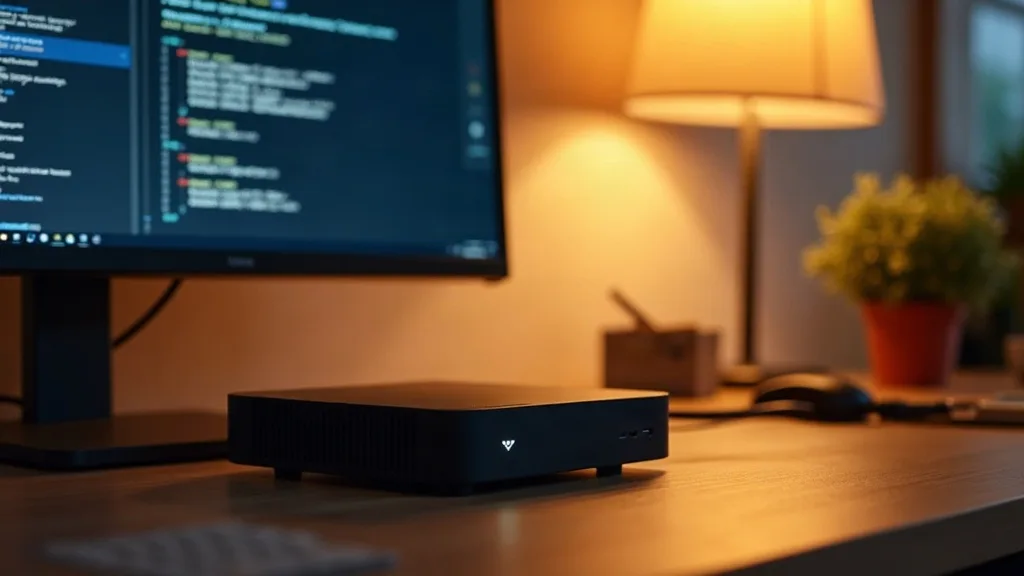
An old laptop, a retired desktop, or a cheap second-hand mini PC is enough to start. Look for at least 8GB of RAM and a processor from the last six or seven years. You don't need powerful graphics hardware unless you plan to do video transcoding at scale, which most beginners don't.
Storage
A couple of spare hard drives or an SSD will cover early storage needs. If you're storing photos or files you care about, plan for some kind of backup from day one. Losing a drive without a backup is a rite of passage nobody enjoys.
Network Gear
Your home lab is only as good as the network it sits on. A stable router and a wired connection where possible will save you a lot of headaches. If your current setup struggles with dropped connections or dead zones, it's worth sorting that before adding more devices. Our guide on how to choose a router can help if yours is getting old or underpowered.
A Basic Switch
If you plan to connect more than a couple of wired devices, a simple unmanaged network switch is a cheap and practical addition. These cost relatively little and make it much easier to add devices as your lab grows.
Realistic Expectations on Cost
Home lab costs vary wildly depending on how far you take it, but beginners can start cheaply. A second-hand mini PC or an old laptop you already own can cost nothing beyond what you already spent. If buying fresh, budget mini PCs and basic network switches are usually the main costs, and prices vary a lot by region and what's available second-hand.
The real costs tend to creep in later: extra storage drives, a better switch, maybe a small uninterruptible power supply. It helps to treat your home lab as an ongoing hobby budget rather than a one-off purchase. Spend a small amount, see what you enjoy, then expand.
Realistic Expectations on Noise and Power Use
Noise
Older server hardware, especially anything pulled from a proper data centre, can be surprisingly loud. Their fans are built for cooling, not quiet living rooms. If noise matters to you, stick with consumer-grade mini PCs or laptops, which run much quieter and are perfectly capable for beginner projects.
Power Use
A single small PC or mini server running continuously uses a modest amount of electricity, roughly similar to a few LED light bulbs left on. It's not nothing, but it won't wreck your energy bill either. The bigger jump in power use comes when people add multiple machines or older, power-hungry server hardware. Many old rack servers use far more electricity than a mini PC doing the same job, so check wattage before buying tempting second-hand gear.
A practical habit is checking the power rating of any device before you add it to your setup, and weighing that against how much you'll actually use it.
A Simple First Project Path
Jumping straight into virtual machines and complex networking is a common beginner mistake. A calmer path looks something like this.
Step 1: Get Your Network Ready
Before adding any services, make sure your Wi-Fi and wired connections are reliable. A home lab that constantly drops connection is frustrating before you've even started. If you've got weak signal in the room where your lab will live, our guide on extending Wi-Fi range to every room can help close those gaps.
Step 2: Pick One Project
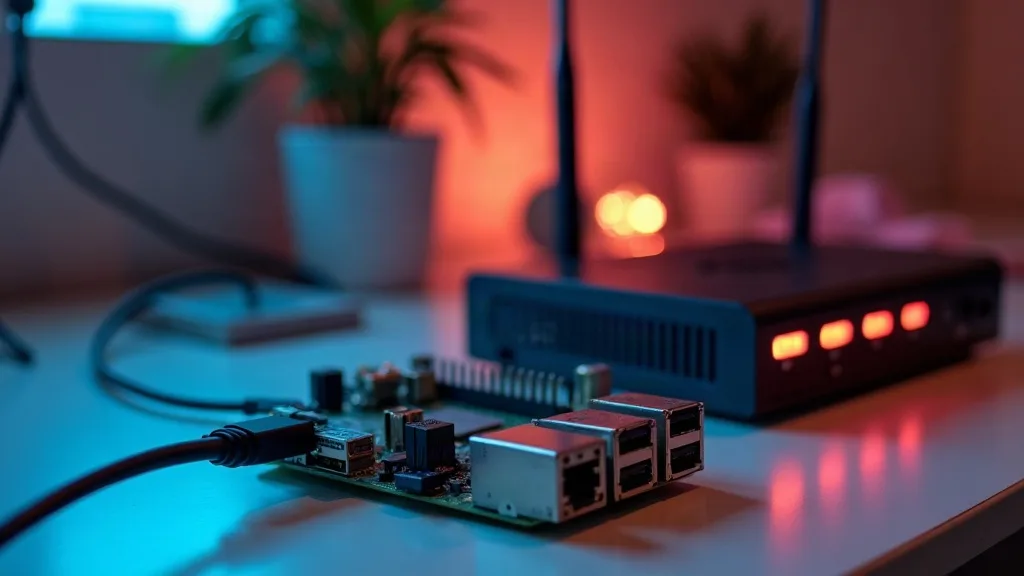
Choose a single, well-documented project to start. Pi-hole is a popular first choice because it's simple, useful immediately, and runs on very modest hardware, even something like a Raspberry Pi.
Step 3: Run It for a While
Live with your first project for a few weeks. Get comfortable with basic maintenance, like updates and restarts. This step matters more than people expect, since troubleshooting a simple setup teaches you far more than rushing to the next shiny project.
Step 4: Add One More Service
Once Pi-hole or your first project feels boring and easy, add a second one. A media server or basic file storage are natural next steps. Keep going one project at a time rather than trying to build everything in a weekend.
Step 5: Secure What You've Built
As soon as your home lab starts handling personal files or smart home data, security becomes worth thinking about properly. Simple steps like strong passwords, keeping software updated, and isolating devices on your network go a long way. Our guide to securing your home Wi-Fi network is a solid starting point, since your lab's safety depends on your network's safety too.
Common Beginner Mistakes to Avoid
Buying Too Much Hardware Too Soon
It's easy to get excited and buy three second-hand servers because they were cheap. Most beginners end up using a fraction of that capacity. Start small, and only buy more once you've genuinely outgrown what you have.
Ignoring the Network
A home lab depends on a decent network underneath it. If your Wi-Fi is already unreliable, adding more devices just adds more frustration. If you're regularly wondering why your Wi-Fi is slow, that's worth fixing before your lab grows any further.
Skipping Backups
New home labbers often discover the importance of backups the hard way, usually after losing something they cared about. Treat backups as part of the build, not an optional extra you'll get to later.
Overcomplicating the First Build
Beginners sometimes try to learn virtualisation, networking, and automation all at once. It's more enjoyable, and far less stressful, to learn one skill at a time.
Conclusion
A home lab for beginners doesn't need to be complicated or expensive to be worthwhile. Start with hardware you already own or can buy cheaply, pick one simple project like Pi-hole or a basic media server, and give yourself time to get comfortable before adding more. The habits you build early, steady network, sensible power use, and regular backups, will matter far more than how much hardware you own. As a next step, spend this week just checking that your home network is solid enough to support whatever you build on top of it.
FAQ
Do I need expensive server hardware to start a home lab?
No. A second-hand laptop, old desktop, or budget mini PC is enough for most beginner projects. Expensive server hardware only becomes useful once you're running many services at once, which is rarely where beginners start.
How much electricity does a home lab use?
A single small machine running continuously uses a modest amount of power, roughly comparable to a few light bulbs. Costs rise if you add multiple machines or older, power-hungry server hardware, so it's worth checking wattage before buying second-hand gear.
What's the best first project for a home lab?
Pi-hole is a popular choice because it's simple, useful straight away, and runs on very modest hardware. A basic media server using Plex or Jellyfin is another common and satisfying first project.
Is a Raspberry Pi good enough for a home lab?
Yes, for lighter projects like Pi-hole or small automation tasks, a Raspberry Pi is more than capable. For media servers or anything involving virtual machines, you'll likely want slightly stronger hardware.
Will a home lab slow down my home internet?
Not usually, since most home lab traffic stays on your local network rather than going out to the internet. The main thing to watch is your router and switch capacity if you add many wired devices at once.
Do I need networking knowledge before starting?
A little helps, but you can learn as you go. Starting with a stable, well-set-up home network makes everything else far easier, so it's worth getting that right first.
How many devices should a beginner start with?
One is plenty. Running a single machine with one or two services teaches you more than spreading yourself across several devices too early.