Sky's own kit, the Wi-Fi Max pods, is the obvious choice if you're already renting a Sky router, but it's not the only option and it's rarely the cheapest. Plenty of regular extenders work perfectly well with Sky Broadband, as long as you set them up properly and know what to expect from a basic Wi-Fi signal repeater versus a proper mesh system. This guide looks at the best wifi extender uk for sky customers, comparing Sky's paid add-on against third-party alternatives, so you can work out which one actually suits your home.
1. Sky Wi-Fi Max Pods
Sky's own mesh pods are designed to work with the Sky Hub and Sky Broadband Hub without any fiddly setup. You add them through the Sky app, they match your existing network name, and they hand devices between pods automatically as you move around the house.
The main appeal is simplicity. There's no separate network name to join, no manual channel tweaking, and support comes from Sky if anything goes wrong. The catch is cost, since you're paying a monthly fee on top of your broadband rather than a one-off price, and that adds up over a couple of years.
If you want the least fiddly option and don't mind the ongoing cost, this is still a solid pick. For most other households, a one-off purchase extender or mesh kit will do a similar job for less money over time.
2. TP-Link RE-Series Extenders
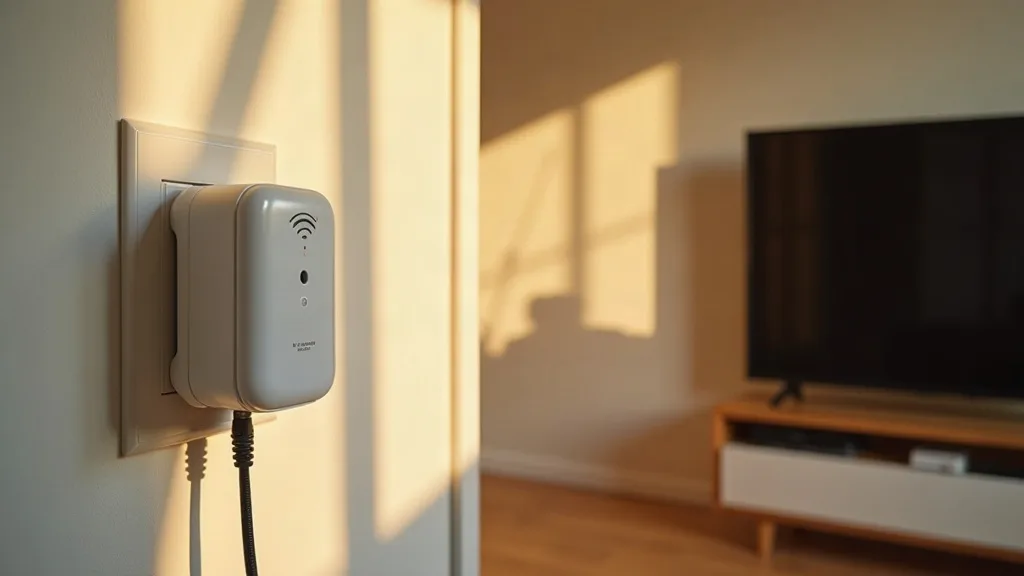
TP-Link's RE range (such as the RE500 or RE700 series) are widely available, affordable, and work fine with any Sky router. You plug them into a wall socket roughly halfway between your router and the weak spot, run through a short setup using a button press or the Tether app, and you're done.
These are plug-in Wi-Fi repeaters rather than true mesh, so they create their own extended network rather than blending seamlessly with your main one. That's usually fine for a single dead zone, like an extension or a loft conversion, but less ideal if you want one Wi-Fi name roaming smoothly across a whole house.
For a one-room fix, this kind of extender for a Sky router is often the best value option going. If you're not sure how extenders behave over distance, our piece on how far a Wi-Fi extender can reach is worth a read before you buy.
3. BT Wi-Fi Extenders
Despite the branding, BT's extenders aren't locked to BT broadband and work fine as a wifi booster for home Sky setups too. They're sold in most UK supermarkets and electronics shops, which makes them easy to grab without ordering online.
Setup is similar to most extenders: plug in close to the router first, pair it, then move it to its permanent spot. BT's app isn't quite as polished as some rivals, but the hardware does the basic job of pushing your signal further into another room or floor.
They tend to sit in the mid-price bracket, a bit more than basic no-name extenders but cheaper than mesh kits. Reasonable choice if you see one on offer locally.
4. Netgear EAX-Series Mesh Extenders
Netgear's EAX extenders support newer Wi-Fi standards and mesh-style roaming, which makes them a step up from basic repeaters. They work with any router, including Sky's, and some models support wired backhaul if you've got an Ethernet cable running between rooms already.
The setup is slightly more involved than plug-and-go extenders, usually through the Netgear app, but you get better performance for video calls, gaming and multiple devices streaming at once. If you've already run cable through your house or you're considering it, pairing that with one of these units gives genuinely strong coverage.
Our guide on running Ethernet cable through your house covers how to plan those cable runs if you want wired backhaul rather than relying purely on wireless signal.
5. TP-Link Deco Mesh Systems
If one room is particularly tricky, or you've got a larger home with multiple dead spots, a proper mesh system like TP-Link Deco might suit you better than a single extender. These kits usually come in packs of two or three identical units, all sharing one network name.
They connect to a Sky router via its Ethernet port or wirelessly, then devices roam between units without dropping connection, which single extenders can't always manage smoothly. Setup takes a bit longer initially but the app walks you through it step by step.
Mesh kits cost more upfront than a single extender, though still generally less overall than years of Sky's Wi-Fi Max subscription. Worth considering if you've got a bigger or oddly shaped house.
6. Devolo Powerline Wi-Fi Adapters
Powerline adapters use your home's electrical wiring to carry a network signal, which sidesteps thick walls that kill Wi-Fi signal outright. Devolo's Wi-Fi powerline kits plug into sockets near your router and near the dead zone, then broadcast their own Wi-Fi at the far end.
These work well in older houses with solid walls where normal Wi-Fi extenders struggle to get a strong enough signal to repeat. Performance depends a lot on your home's wiring though, and some houses see much better results than others.
If you're unsure whether this approach suits your setup, our article on whether powerline adapters work explains the pros, cons and realistic expectations before you spend money.
7. Repurposing an Old Router
Before buying anything new, it's worth checking if you've got a spare router sitting in a drawer. Many older routers can be configured to work as a Wi-Fi extender, picking up your Sky signal and rebroadcasting it further into the house.
This won't match a dedicated extender for speed or range, but it costs nothing beyond a bit of setup time, which makes it a sensible first step before spending money. It's particularly handy for a one-off fix, like boosting signal to a garage or shed.
Our guide on using an old router as a Wi-Fi extender walks through the steps, including which settings to change and what limitations to expect.
8. Free Fixes Before You Buy Anything
Sometimes the cheapest wifi booster for home Sky issues isn't a product at all. Moving your router off the floor, away from thick walls, and clear of other electronics can noticeably improve coverage without spending a penny.
Changing Wi-Fi channels, updating your router's firmware, and repositioning devices in the house can also solve problems that look like they need an extender. It's worth trying these steps first, since a hardware purchase won't fix a router that's simply in a bad spot.
Our piece on boosting Wi-Fi without buying an extender runs through these free fixes in more detail, and it's a sensible starting point before you spend any money.
9. Matching the Extender to the Whole House
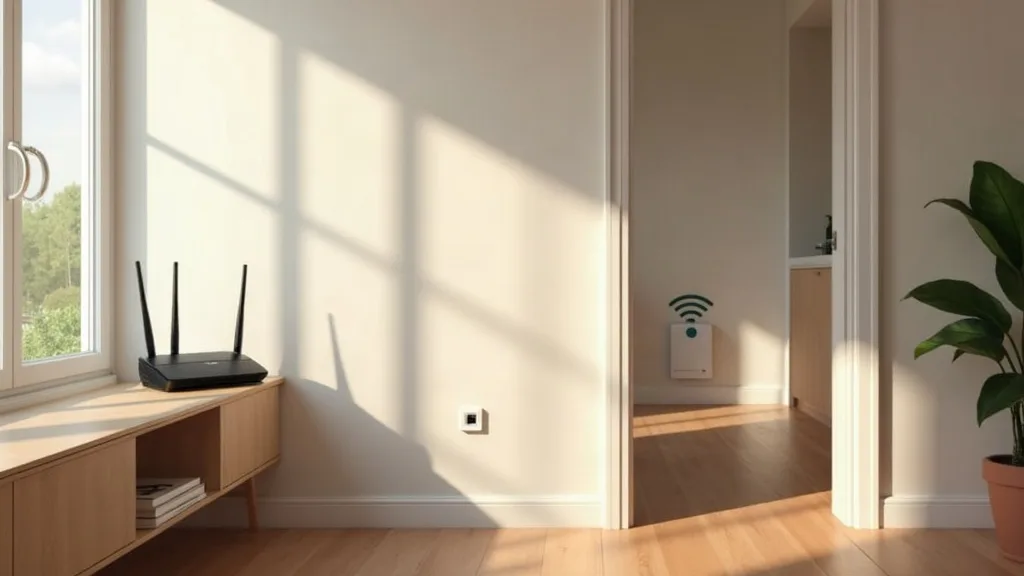
Whichever extender you choose, the goal is even coverage rather than one super-fast spot near the router and nothing everywhere else. Think about where your weak signal actually is, how many walls or floors sit between the router and that spot, and whether one unit will cover it or you need two.
Larger or multi-floor homes often need more than one extender or a mesh kit to get decent coverage throughout, whereas a single flat or small house might only need one well-placed unit. Planning this out before buying saves money and avoids a drawer full of unused gadgets.
For a broader look at covering every room properly, see our guide on extending Wi-Fi range to every room, which covers extenders, mesh and powerline options side by side.
Conclusion
There's no single best wifi extender uk for sky customers, because it really depends on your house size, budget, and how much setup hassle you're willing to put up with. Sky's Wi-Fi Max pods are the easiest route if you want everything managed for you, but a TP-Link, Netgear or BT extender, or even a mesh kit, will usually do a similar job for noticeably less money over time.
Start by working out where your dead spots actually are and how big the gap is, then pick hardware that matches that need rather than overspending on a system designed for a much bigger house. Most Sky customers can solve patchy Wi-Fi with a £30 to £80 extender, and only need to consider mesh or Sky's own pods if the house is large or oddly shaped.
FAQ
Do I need a Sky-branded extender to boost my Sky Wi-Fi?
No. Any standard Wi-Fi extender, mesh system, or powerline adapter will work with a Sky router, since they all connect over standard Wi-Fi or Ethernet rather than needing Sky-specific hardware.
Are Sky's Wi-Fi Max pods worth the monthly cost?
They're worth it if you want the simplest possible setup with Sky handling support directly. If you're comfortable setting up a third-party extender yourself, you'll usually save money over a year or two.
Will a cheap extender slow down my internet speed?
Extenders can reduce speed slightly compared with a wired connection, particularly basic repeater models rather than mesh systems. If speeds drop noticeably, check our guide on why a Wi-Fi extender might be running slow for fixes.
What should I do if my extender won't connect to my Sky router?
Check it's within range during initial setup, restart both devices, and confirm you're using the correct Wi-Fi password. Our troubleshooting guide on a Wi-Fi extender that isn't working covers the most common causes.
Is a mesh system better than a single extender for a Sky router?
Mesh systems handle roaming between rooms more smoothly and suit larger homes with multiple dead spots. A single extender is usually enough if you only have one weak area to fix.