Here's a strange fact: the wiring hiding behind your walls, the same stuff carrying power to your lamps and kettle, can also carry your internet signal. That's the whole idea behind powerline adapters, and it sounds almost too simple to work. But do powerline adapters work well enough to solve your Wi-Fi dead zones, or are they just a backup plan dressed up as a solution?
In this guide, we'll look at how powerline adapters actually use your home's electrical wiring, what helps or hurts their speed, who benefits most from them, and what to try if they let you down.
Key Takeaways
- Powerline adapters send network data through your home's existing electrical wiring instead of Wi-Fi or new cables.
- Performance depends heavily on your home's wiring age, circuit layout and the devices sharing those circuits.
- Renters and anyone who can't drill through walls often find powerline adapters a practical middle ground.
- Plugging adapters directly into the wall, not an extension lead, makes a real difference to speed.
- Powerline struggles across different circuits or old wiring, so results vary a lot between homes.
- Mesh Wi-Fi and wired Ethernet both tend to outperform powerline when installation is possible.
- Testing before committing to multiple adapters saves you money if your home's wiring isn't cooperative.
How Powerline Adapters Actually Work
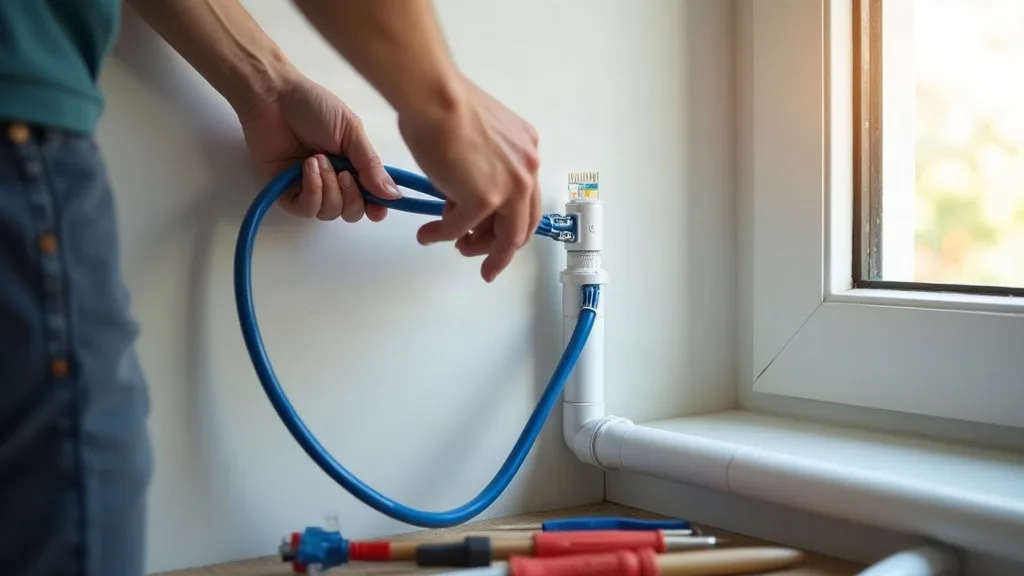
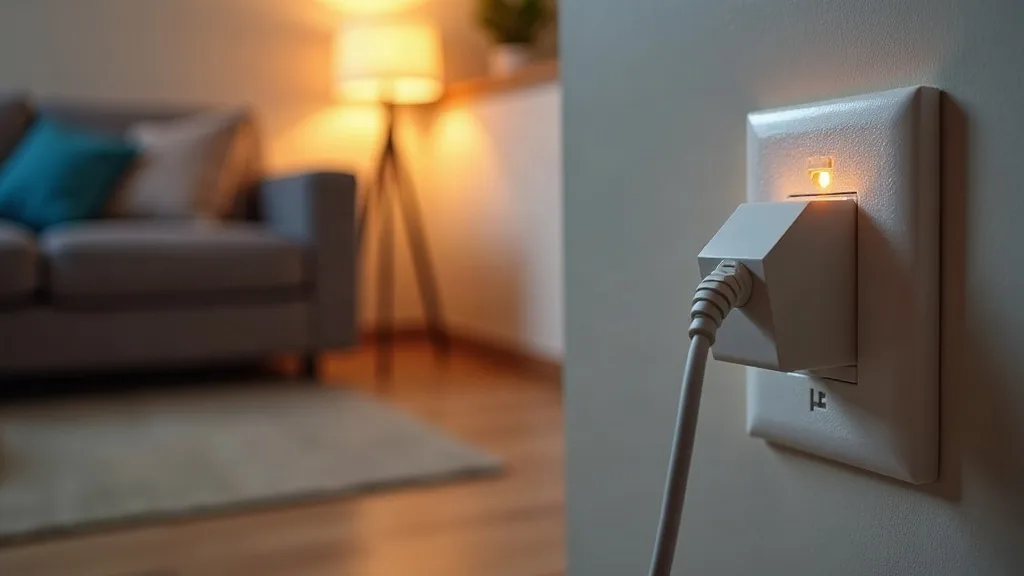
Powerline adapters come in pairs, sometimes called a kit. You plug one unit into a socket near your router and connect it with an Ethernet cable. The second unit plugs in wherever you need a connection, perhaps in a bedroom or home office, and it creates a wired or Wi-Fi link from there.
The clever part happens inside the wiring itself. The adapters convert your network data into a signal that travels alongside the normal electrical current in your walls. It sounds odd, but mains wiring was never designed for this, and that's exactly why results can be inconsistent.
Think of it like sending a whisper through a crowded room. The electrical noise from appliances, dimmer switches and old wiring all compete with your data signal. Some homes handle this brilliantly. Others struggle, and that's the honest, unpredictable nature of powerline technology.
What Affects Powerline Performance
Wiring Age and Circuit Layout
Older homes, particularly those with rewiring from decades ago, often perform worse. If your two adapters sit on different circuits, or your consumer unit splits power across multiple boards, the signal has to work harder to get through. Modern wiring on a single ring circuit usually gives the best results.
Electrical Interference
Appliances like washing machines, fridges and halogen lighting can introduce electrical noise. This noise competes with the data signal travelling through the same wires. If your powerline connection worsens whenever the washing machine runs, that's a strong clue about what's interfering.
Distance and Socket Choice
Powerline speed drops the further the signal travels through your wiring, much like Wi-Fi weakens over distance. Always plug adapters directly into a wall socket. Extension leads and surge-protected strips often filter out the very signal the adapter needs, which quietly kills performance without any obvious error message.
Who Powerline Adapters Suit Best
Renters and People Who Can't Run Cables
If you're renting and drilling holes or running cables through walls isn't an option, powerline adapters are a sensible middle ground. They use wiring that's already there, so there's nothing to install beyond plugging in two boxes. This makes them popular in flats and shared houses.
Awkward Layouts and Dead Zones
Homes with thick walls, multiple floors, or oddly shaped layouts often struggle with plain Wi-Fi extenders. Powerline can bypass a lot of that because it doesn't rely on radio signals bouncing around rooms. If you've already tried basic fixes and still have patchy coverage, it's worth reading our guide on how to extend Wi-Fi range to every room to compare your options before buying anything.
Smart Home Setups Needing Stability
Smart devices sometimes drop off Wi-Fi for no obvious reason, and a weak signal is often the quiet culprit. Running a powerline adapter to a smart hub or problem area can add stability without a full rewiring job. If your devices keep disconnecting, our article on why smart devices won't connect to Wi-Fi covers more causes worth ruling out first.
Setting Up Powerline Adapters Properly
Getting decent performance from powerline adapters isn't complicated, but a few small details matter more than people expect.
- Plug the first adapter directly into a wall socket near your router, then connect it with an Ethernet cable.
- Plug the second adapter into a wall socket in the room where you need a connection, avoiding extension leads entirely.
- Give the adapters a minute or two to pair automatically; most modern kits do this without any setup software.
- If your model has a pairing button, press it on both units within the time window shown in the instructions.
- Test speeds using a laptop plugged into the second adapter before relying on its Wi-Fi extension feature, if it has one.
It helps to test in the exact socket you plan to use long-term, since even nearby sockets on the same wall can behave differently depending on the wiring route.
When Powerline Adapters Disappoint
Not every home gets good results, and that's worth accepting early rather than after buying three extra units. Common signs of a poor match include speeds that crawl well below your normal broadband, a connection that drops whenever certain appliances switch on, or a signal that works in one room but not the next despite similar distances.
If this happens, don't assume you've done something wrong. Some wiring setups simply weren't built for this kind of signal, and no amount of fiddling will fix that. Our guide on Wi-Fi keeps dropping, 10 ways to fix it is a useful next stop if the issues feel more general than just the powerline connection itself.
Alternatives Worth Considering
Mesh Wi-Fi Systems
Mesh systems use multiple units talking to each other over Wi-Fi, often giving more consistent coverage than powerline, especially in larger or multi-storey homes. They cost more upfront, but many people find the reliability worth it. Our roundup of the best mesh Wi-Fi systems for UK homes is a good starting point if powerline hasn't worked out.
Simple Range Extenders
If your issue is just one or two rooms struggling, a basic Wi-Fi extender might solve it without touching your wiring at all. It's a smaller investment, though results vary depending on your walls and router placement. Comparing mesh Wi-Fi against a range extender can help you decide which suits your situation better.
Checking Your Router First
Sometimes the real problem isn't coverage at all, it's an underpowered router struggling to cope with modern demands. Before buying any extra hardware, it's worth checking whether your ISP router is good enough. A router upgrade alone occasionally solves issues that looked like a coverage problem.
Conclusion
So, do powerline adapters work? For many homes, yes, especially where running cables isn't possible and Wi-Fi alone can't reach every room. Results depend a lot on your wiring, your circuit layout and even which appliances you have switched on. The sensible approach is to test a single pair in your actual problem room before committing to a bigger kit, that way you'll know quickly whether your home's wiring is on your side or working against you.
FAQ
Do powerline adapters work through different circuits?
They can, but performance usually drops compared to adapters on the same circuit. Some homes see barely any difference, while others notice a significant slowdown. It really depends on how your consumer unit distributes power around the house.
Are powerline adapters as fast as Wi-Fi?
Sometimes, but it varies a lot between homes. In good conditions, powerline can match or even beat a weak Wi-Fi signal, especially over long distances through thick walls. In poor conditions, speeds can disappoint compared to a strong Wi-Fi connection.
Can I use powerline adapters with a smart plug or extension lead?
It's best to avoid this, since extension leads and surge protectors often block the data signal. Always plug powerline adapters directly into a wall socket. Using a smart plug in between can cause similar problems.
Will powerline adapters affect my electricity bill?
The impact is small and unlikely to be noticeable, similar to leaving a small charger plugged in. They're not designed to draw significant power. If you're worried, unplugging them when not needed is a simple precaution.
How many powerline adapters can I use in one home?
Most kits support adding extra adapters beyond the original pair, often covering several rooms from one network. Performance can drop slightly as you add more units, though this varies by brand and your wiring setup. Check the manufacturer's guidance for the maximum supported number.
Do powerline adapters work in older houses?
They can, but older wiring sometimes introduces more interference and inconsistent results. It's worth testing a single pair before investing in a larger setup. If performance is poor, a mesh system might suit an older property better.
What's the difference between powerline and a mesh Wi-Fi system?
Powerline sends data through electrical wiring, while mesh systems use multiple Wi-Fi points that communicate wirelessly with each other. Mesh tends to be more consistent, but it costs more and needs good placement throughout the home. Powerline suits homes where running or positioning extra Wi-Fi units isn't practical.