Network 39


Garden offices are brilliant until your laptop sits there with one grey bar of Wi-Fi and a spinning loading icon. Getting decent wifi in your garden office is one of the most common headaches we hear about from readers, and the good news is there are several ways to fix it, whatever your budget or garden layout. This guide walks through the main options, from quick fixes to proper cabled setups, so you can pick the one that suits your situation rather than just buying whatever's cheapest on Amazon.

Expect this to take anywhere from half an hour (plugging in a powerline adapter) to a full weekend (digging a trench for Ethernet). Difficulty ranges from "anyone can do this" to "you might want an electrician or a friend with a strong back."
What You'll Need
- A clear idea of the distance between your router and the garden office
- A tape measure or a quick walk with a phone's GPS app to check the distance
- Access to your router's admin settings (for mesh or bridge setup)
- Outdoor-rated cable, brackets or conduit if you're running Ethernet
- A powerline adapter kit, mesh node, or wireless bridge, depending on which route you choose
- Weatherproof enclosures or cable glands if any equipment will live outside
Step 1: Work Out the Distance and the Obstacles
Before buying anything, figure out exactly what you're working with.
- Measure the distance from your router to the garden office, in a straight line if possible.
- Note what's in the way. Brick walls, fences and especially anything metal (sheds with metal roofs, for example) will weaken a wireless signal far more than open air.
- Check whether you can run a cable along an existing route, such as under a path or along a fence line, without major digging.
This single step decides almost everything else. A garden office 10 metres from the house with a clear line of sight has very different options to one 40 metres away behind a brick garage.
Step 2: Consider an Outdoor Mesh Node
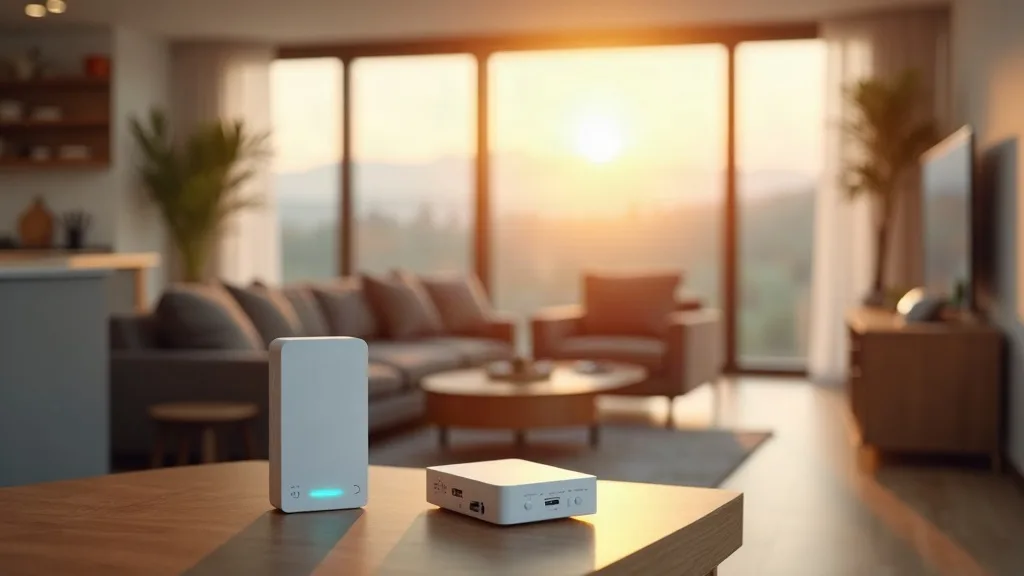
If your garden office is within 15 to 20 metres of the house and you don't fancy cabling, an outdoor mesh node is often the easiest starting point.
- Buy an outdoor-rated satellite node that's compatible with your existing mesh system, or a full outdoor mesh kit if you're starting from scratch.
- Mount it on an exterior wall facing towards the garden office, ideally with a clear line of sight.
- Pair it with your main router using the manufacturer's app.
- Test the signal strength in the garden office before committing to a permanent mounting position.
Mesh is popular because it's simple and it extends your existing network rather than creating a separate one. For a wider look at mesh options for UK homes, our guide to best mesh Wi-Fi systems for UK homes covers the main contenders and what to look for.
The downside is distance and obstacles. Wireless mesh nodes still rely on a radio signal passing through brick, glass and garden air, so results vary a lot depending on your property. If you're already stretching your indoor network thin, it's worth reading up on extending Wi-Fi range to every room first, since some of those same principles apply outdoors.
Step 3: Look at Point-to-Point Wireless Bridges
For longer distances or awkward angles, a dedicated point-to-point wireless bridge (sometimes called a wireless link or outdoor bridge) is more reliable than a standard mesh node.
- Buy a pair of outdoor bridge units designed to talk only to each other, rather than to the whole network.
- Mount one unit on the house, pointed directly at the second unit on the garden office.
- Run a short Ethernet cable from each bridge unit into the building it serves.
- Align the units as precisely as the manufacturer recommends. Most need a genuine line of sight, so trees, fences and even summer foliage can cause problems that weren't there in winter.
These bridges are built for outdoor use and can handle distances well beyond what a normal mesh node manages, often 50 metres or more in good conditions. They're a strong middle-ground option: more reliable than mesh over distance, less disruptive than digging a trench.
The catch is cost and installation fuss. You're mounting hardware outside permanently, aligning it carefully, and paying more than you would for a simple mesh node. It's also worth understanding the difference between the 2.4GHz and 5GHz bands these devices use, since that affects both range and speed. Our guide on 2.4GHz vs 5GHz Wi-Fi explains the trade-off in plain terms.
Step 4: Consider Buried Ethernet for the Most Reliable Result
If you want the garden office to feel exactly like another room in the house, in terms of speed and reliability, buried Ethernet is the answer. It's more work upfront but it's the option people regret not doing from the start.
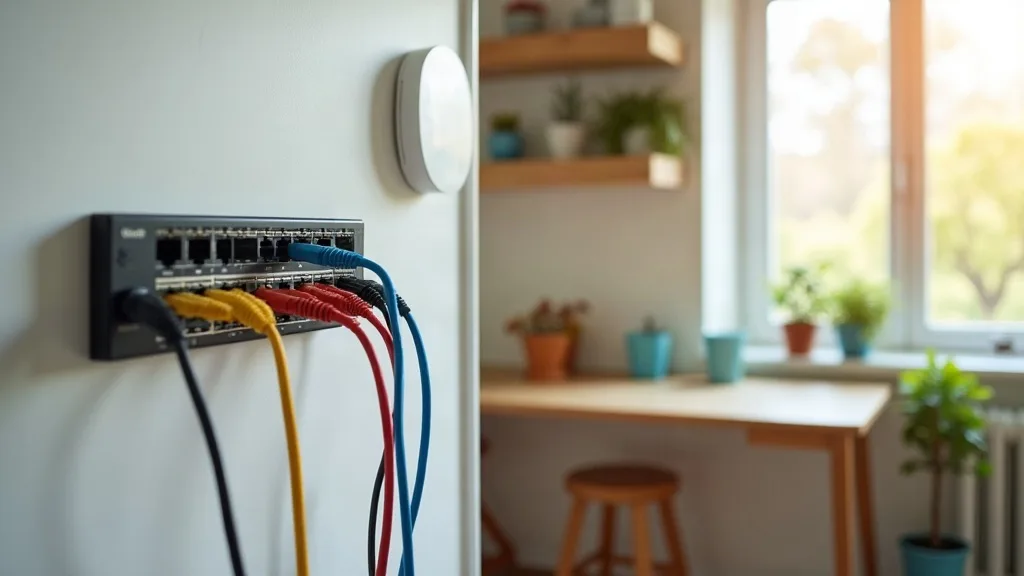
- Plan a route from your router (or a network switch) to the garden office, avoiding drains, tree roots and anywhere you might dig again later.
- Use outdoor-rated, direct burial Ethernet cable, which has thicker insulation designed to survive underground.
- Dig a trench, typically 30 to 45cm deep, though check local guidance if the cable crosses near drains or foundations.
- Run the cable through conduit for extra protection, especially where it crosses under paths or patios.
- Terminate the cable with weatherproof connectors or bring it into a junction box at both ends.
- Test the connection with a laptop before you fill in the trench, just in case something needs adjusting.
This is genuinely the most reliable method because it doesn't depend on radio signals at all. Speed stays consistent whatever the weather, and it won't be affected by neighbouring Wi-Fi networks or thick walls. If you haven't run cable before, our guide to running Ethernet cable through your house covers tools and techniques that mostly carry over to outdoor runs too.
The trade-off is obvious: digging a trench is proper physical work, and it's not something you want to redo. If you're renting the property or might move the office later, this is a bigger commitment than the wireless options.
Step 5: Try Powerline Adapters If the House and Office Share a Circuit
Powerline adapters send a network signal over your home's electrical wiring, which sounds like magic but has real limits.
- Check that your garden office is wired to the same electrical circuit or consumer unit as the house. If it has its own separate supply, powerline adapters usually won't work at all.
- Plug one adapter into a socket near your router and connect it with an Ethernet cable.
- Plug the second adapter into a socket in the garden office and connect it to your laptop, desktop or a small switch.
- Run a speed test once everything's connected, since performance over powerline varies a lot depending on your home's wiring age and layout.
Powerline is the cheapest and quickest option on this list, and it avoids digging or wireless alignment entirely. But garden offices often sit on a separate circuit, especially if they were installed with their own consumer unit, which rules this option out before you even start. Our detailed guide on whether powerline adapters work covers pros, cons and realistic speed expectations if you want to check whether it's worth trying.
Step 6: Match the Option to Your Budget and Use Case
Once you understand the options, match them to what you actually do in the garden office.
- Light browsing and video calls: an outdoor mesh node or point-to-point bridge is usually enough.
- Video editing, large file transfers, or hosting anything like a home server: buried Ethernet is worth the effort.
- Running a small home lab setup out there, perhaps with a mini PC acting as a server: cabled Ethernet is really the only sensible choice, since wireless latency and reliability issues will cause constant frustration. If that's the plan, it's worth reading home lab for beginners and best mini PCs for a home lab alongside your cabling decision.
- Occasional use, tight budget, same electrical circuit as the house: powerline adapters are worth a try before spending more.
Common Mistakes to Avoid
- Buying indoor-only equipment and hoping it survives outside. Standard routers and nodes aren't built for damp, temperature swings or direct sun, and they'll fail faster than you'd expect.
- Ignoring line of sight for wireless bridges. A tree that's bare in winter can be thick with leaves by June, and that's enough to weaken a point-to-point link.
- Skipping the test before burying cable. Always check the connection works before filling in a trench, because digging it back up is nobody's idea of a good afternoon.
- Assuming powerline will work without checking the circuit. If the garden office has its own supply, it's a dead end from the start.
- Underestimating how much a garden office network will grow. If you might add a printer, a camera, or a server down the line, plan for that now rather than retrofitting later.
Conclusion
There's no single best answer for getting wifi in your garden office, because it really depends on distance, budget and how much disruption you're willing to accept. Mesh nodes and point-to-point bridges suit most people who want a reasonably quick wireless fix, while buried Ethernet is the gold standard if you're willing to put in the work. Powerline adapters are worth trying first if your wiring cooperates, simply because they're the cheapest and easiest to test. Whichever route you choose, measuring the distance and checking for obstacles first will save you from buying the wrong kit twice.
FAQ
How far can Wi-Fi realistically reach into a garden?
It varies hugely depending on walls, garden size and interference, but as a rough guide, standard indoor routers often struggle beyond 10 to 15 metres through brick. Outdoor mesh nodes or bridges can push that much further, sometimes 50 metres or more in clear conditions.
Do I need planning permission to bury a cable in my garden?
Generally no, since it's considered routine garden work rather than construction. It's still sensible to check for existing utility lines before digging and to avoid any shared boundaries without checking with neighbours first.
Is a point-to-point bridge better than a mesh node?
For longer distances or obstructed views, yes, a dedicated bridge usually performs more consistently. For shorter distances with a clear line of sight, a mesh node is simpler to set up and often good enough.
Can I use a powerline adapter if my garden office has its own consumer unit?
Usually not, because powerline adapters need to be on the same electrical circuit to communicate. It's worth checking with whoever installed the office's electrics if you're unsure.
What speed can I expect from buried Ethernet compared to wireless?
Buried Ethernet typically matches whatever speed your router and cable rating support, without the drop-off you get from walls or distance. It's the closest you'll get to having the same connection outside as you have indoors.
Which option is cheapest to start with?
Powerline adapters are usually the cheapest entry point if your wiring supports them, followed by a single outdoor mesh node. Buried Ethernet and dedicated wireless bridges cost more but offer better long-term reliability.