Network 39
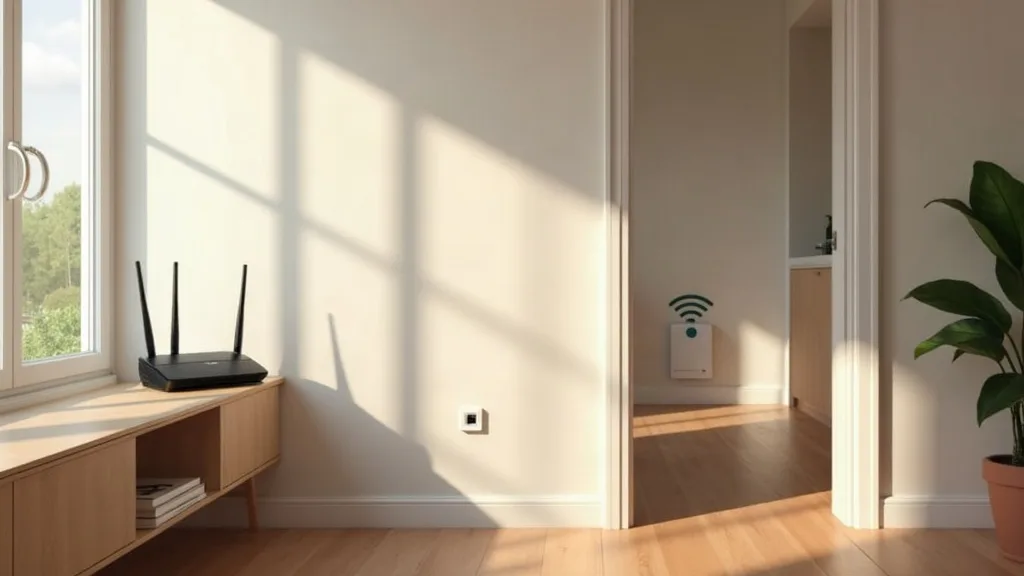
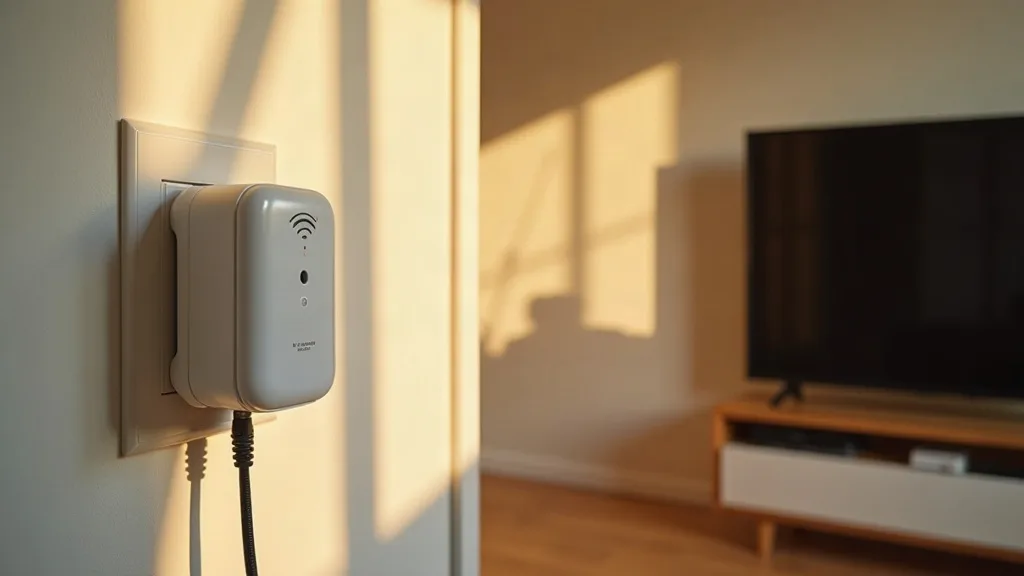
Finding a Wi-Fi extender that actually plays nicely with your BT, EE or Plusnet hub can feel like a bit of a lottery. These providers all use broadly similar hardware under the hood, which is good news, because it means most mainstream extenders and mesh discs will work without much fuss. This guide rounds up the best options if you're searching for the best wifi extender uk for bt, EE or Plusnet, and answers the common question of whether your old Smart Hub can be repurposed instead of buying something new.
1. BT Wi-Fi Disc
If you already have a BT Smart Hub, the BT Wi-Fi Disc is the obvious starting point. It's designed to work as a mesh system alongside your hub, so you get one Wi-Fi name that follows you around the house instead of juggling separate networks.
Setup is handled through the BT Smart Hub Manager app, which makes pairing straightforward even if you're not confident with networking gear. Discs are sold individually or in packs of two or three, so you can scale up coverage room by room without overcommitting.
This is also one of the better answers to "wifi extender compatible with bt smart hub 2", since BT designed the discs specifically with that hub generation in mind.
2. TP-Link RE Series Range Extenders
TP-Link's RE range (models like the RE220, RE305 and RE600X) are reliable, affordable, and work with virtually any router, including BT, EE and Plusnet hubs. They use standard Wi-Fi protocols rather than anything proprietary, so compatibility isn't usually an issue.
Setup involves pressing the WPS button on your hub and then on the extender, or using the Tether app for more control. Higher-end models support dual-band or tri-band Wi-Fi, which helps reduce the speed drop that extenders are known for.
If you're not sure whether an extender is the right call at all, it's worth reading up on how to extend Wi-Fi range to every room before buying anything.
3. BT Whole Home Wi-Fi (Mesh System)
For bigger homes or properties with thick walls, BT's Whole Home Wi-Fi system is a step up from single discs. It's a proper mesh setup with multiple identical units placed around the house, each one boosting signal rather than just repeating it.
This tends to suit BT Smart Hub 2 owners who've tried a single disc and found it wasn't quite enough. The units talk to each other constantly to find the best path for your devices, which usually means fewer dead spots than a single extender provides.
It costs more than a basic extender, but if you're regularly searching for "best wifi booster uk bt" because of patchy coverage across multiple floors, this is the category to look at.
4. TP-Link Deco Mesh System
TP-Link's Deco range is a strong alternative to BT's own mesh gear, and it works perfectly well alongside EE and Plusnet hubs too. Models like the Deco M4 or Deco X20 offer solid coverage for most UK homes at a reasonable price.
Deco units are simple to set up through an app, and they support "roaming" so your phone or laptop automatically connects to the strongest unit as you move around. This avoids the annoying habit some extenders have of hanging onto a weak signal.
It's a sensible pick if you want mesh-level coverage without being locked into your provider's own ecosystem.
5. EE Smart Wi-Fi Booster
EE sells its own booster designed to pair with the EE Smart Hub, and it's a reasonable first choice if you're specifically after a "wifi extender ee" or the "best ee wifi extender uk". It mirrors your existing network name, so devices switch between hub and booster without you noticing.
Setup is handled through the EE app, and the hardware itself is fairly similar to other mesh discs on the market. It's not the cheapest option, but the official support and app integration count for something if you'd rather avoid troubleshooting generic third-party kit.
If you later find performance underwhelming, it's worth checking why your Wi-Fi extender might be running slow before assuming the hardware is faulty.
6. Netgear EAX Series Extenders
Netgear's EAX extenders support Wi-Fi 6, which makes them a good match if you've got newer devices like recent phones, laptops or smart TVs. They work fine with BT, EE and Plusnet hubs since they rely on standard wireless protocols rather than anything hub-specific.
These extenders tend to cost more than TP-Link's budget models, but the extra bandwidth and better handling of multiple connected devices can be worth it in busy households. The Nighthawk app makes setup and monitoring straightforward.
They're a good middle ground between a basic extender and a full mesh system if you only need to cover one or two tricky rooms.
7. Devolo Wi-Fi Powerline Adapters
If Wi-Fi signal alone can't reach a room, a powerline adapter with a built-in Wi-Fi hotspot might be a better fix than a standard extender. Devolo's range sends your internet signal through your home's electrical wiring, then broadcasts fresh Wi-Fi from the far end.
This works particularly well in older houses with thick walls, or in rooms where wireless signal from the hub struggles to reach at all. It sidesteps the usual problem of extenders needing a half-decent signal to begin with.
Before buying one, it's worth reading about whether powerline adapters actually work for your situation, since wiring quality varies a lot between homes.
8. Reusing an Old BT Smart Hub as an Extender
If you've recently upgraded to a BT Smart Hub 2 and have an older hub sitting in a drawer, you might not need to buy anything at all. Many older routers can be configured to work as a Wi-Fi extender or access point, which saves money and reduces e-waste.
The process usually involves connecting the old hub via Ethernet cable and changing a few settings, rather than relying on wireless repeating, which tends to work better anyway. It's not always plug-and-play, and results vary depending on the exact model.
For step-by-step guidance on making this work, see how to use an old router as a Wi-Fi extender. It's a solid option to try before spending money on new hardware.
9. Ethernet Backhaul with an Access Point
If you're willing to run a cable, pairing a simple wireless access point with an Ethernet connection back to your hub will almost always beat any wireless extender for speed and reliability. This suits lofts, garages or extensions where running a cable once saves ongoing frustration.
Access points don't rebroadcast a weakened signal the way extenders do, since they get a full-strength wired connection to work with. They're also generally cheaper than mesh systems once you've already got the cable in place.
If this sounds appealing, running Ethernet cable through your house covers the practical side of getting cable where you need it, and it's worth understanding the differences between extenders, boosters, repeaters and access points before you commit to a particular approach.
Conclusion
Whatever hub you're working with, the good news is that most mainstream extenders and mesh systems will cooperate with BT, EE and Plusnet hardware without much drama. Whether you go for an official BT disc, a budget TP-Link extender, or simply repurpose an old Smart Hub, the right choice really comes down to how big your home is and how many dead spots you're dealing with. If you're still narrowing down the best wifi extender uk for bt or a similar provider, start with the cheapest option that fits your situation and scale up only if coverage still falls short.
FAQ
Can I use any Wi-Fi extender with a BT Smart Hub 2?
Yes, most standard Wi-Fi extenders work fine with the BT Smart Hub 2, since it uses normal wireless protocols. BT's own discs offer slightly easier setup through the Smart Hub Manager app, but third-party extenders from TP-Low, Netgear and others work just as well.
Will an EE extender work with a BT or Plusnet hub?
Generally yes, because EE's boosters use standard Wi-Fi technology rather than anything locked to EE specifically. The setup process might feel slightly less integrated without the matching app, but the hardware itself isn't restricted to one provider.
Can I turn my old BT Smart Hub into an extender?
In many cases, yes. Older BT hubs can often be configured as a wired access point or extender, which is a handy way to reuse hardware you already own instead of buying something new.
Why does my extender slow down my internet speed?
This usually happens because the extender has to both receive and rebroadcast the signal, which eats into available bandwidth. Using a wired connection for the extender, or choosing a dual-band or mesh system, tends to reduce this slowdown.
Is mesh Wi-Fi better than a single extender for BT or EE hubs?
Mesh systems generally offer more consistent coverage across larger homes, since multiple units share the load and manage device roaming automatically. A single extender can be perfectly adequate for smaller homes or just one or two weak spots, though.