 Network 39
Whole-Home Coverage
How to Boost Wi-Fi Without Buying an Extender
Before buying a mesh kit or extender, try free fixes like repositioning your router, adjusting Wi-Fi channels, and tweaking settings.
87 articles — page 4 of 9
Whole-Home Coverage
Before buying a mesh kit or extender, try free fixes like repositioning your router, adjusting Wi-Fi channels, and tweaking settings.

Whole-Home Coverage
Wi-Fi extenders often slow your connection by half. Learn how to reposition yours, adjust settings, and finally extend your range without losing speed.
Whole-Home Coverage
Extend your wifi range by turning an old spare router into an access point or repeater. This straightforward setup takes 20 to 40 minutes and costs nothing.
Whole-Home Coverage
Wifi extenders and boosters are usually the same device with different names. Learn how they differ from repeaters and access points so you pick the right one.
Whole-Home Coverage
Most Wi-Fi extender problems come down to simple fixes like restarting in the right order, repositioning the device, or checking your network connection.

Remote Access
Learn how to safely access your home PC from anywhere using a VPN or Tailscale, without exposing Remote Desktop to the internet and risking security breaches.

Remote Access
Learn how to set up remote desktop on your home network in 15 to 30 minutes. Control one PC from another using Windows built-in tools or free alternatives…

Remote Access
Compare the best remote desktop software for home use, from free options like Chrome Remote Desktop and RustDesk to paid tools like AnyDesk and TeamViewer.
Remote Access
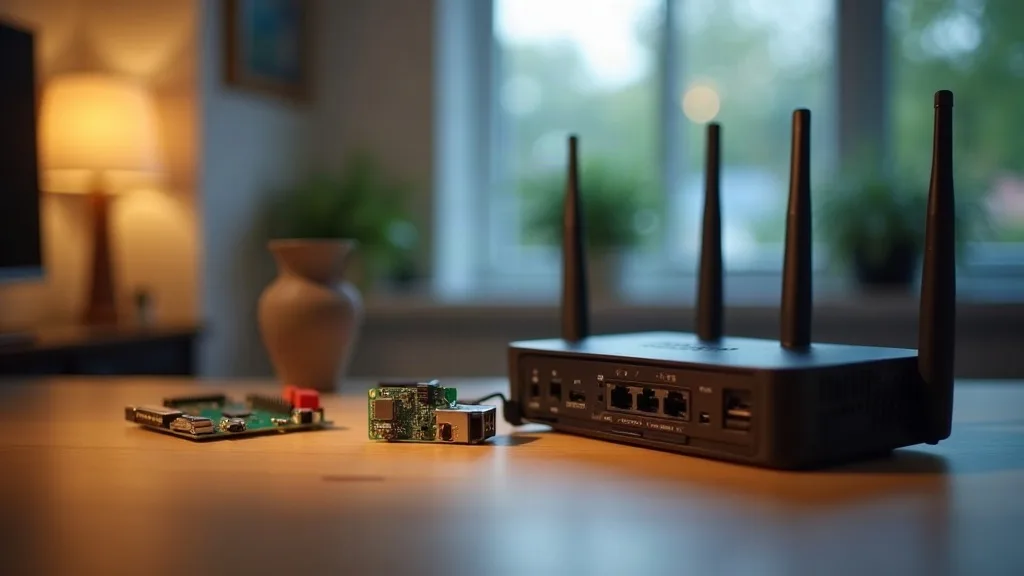
Compare routers, Raspberry Pis and mini PCs for running a home VPN server. Find the right hardware for your budget and technical comfort level.
Remote Access
Learn how to safely access your home NAS, printer, camera or other devices from anywhere using a VPN or Tailscale.