Here's a confession: the box at the shop might say "booster", the label on the device might say "extender", and the instructions inside might call it a "repeater". It's the same bit of kit wearing three different name tags. No wonder people end up buying the wrong thing, or worse, buying a second router by mistake.
This article sorts out the wifi extender vs booster confusion once and for all, along with where access points and routers fit into the picture. By the end, you'll know exactly what to ask for next time you're standing in an aisle full of boxes that all promise to fix your dead zones.
Key Takeaways
- "Wifi extender" and "wifi booster" are usually just two names for the same product, sold by different brands.
- A repeater is a specific type of extender that rebroadcasts your signal on the same channel, often at half speed.
- An access point needs a cable back to your router and gives a stronger, more reliable signal than any wireless extender.
- A router is the brain of your network; an extender or access point just spreads its signal further.
- Mesh systems are a separate category and get their own comparison in our guide to extending Wi-Fi to every room.
- Powerline adapters are worth considering if your walls are killing your wireless signal entirely.
Wifi Extender vs Booster: Same Box, Different Label
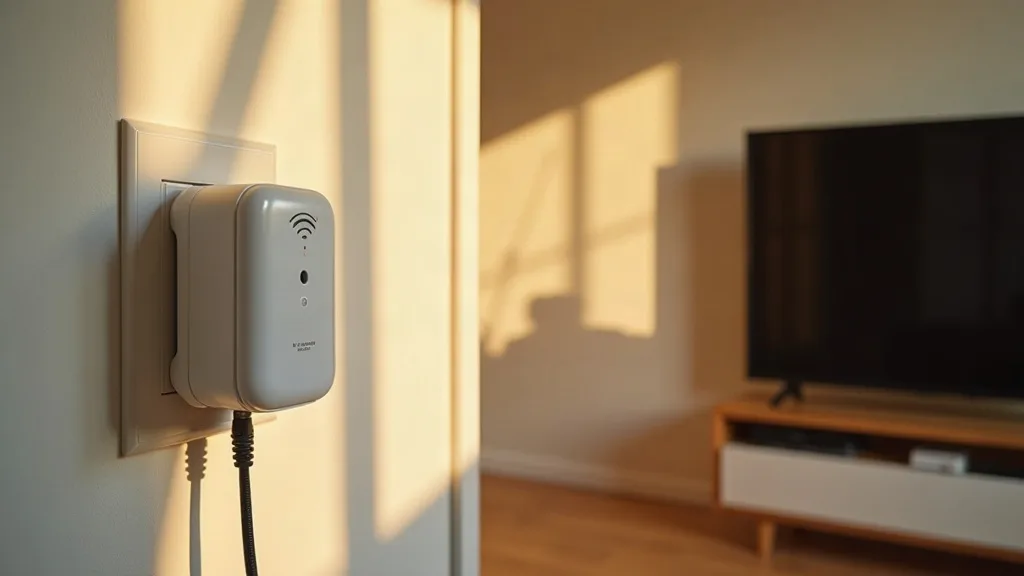
Here's the short version: there's no technical difference between a wifi extender and a wifi booster. Both terms describe a small device that plugs into a wall socket, picks up your existing Wi-Fi signal, and rebroadcasts it to cover a wider area.
Manufacturers use whichever word tests better with shoppers. Some brands sell "extenders", others sell "boosters", and a few sell both names for near-identical hardware. If you see both terms on a shelf, don't assume one is better. Check the specs instead: the Wi-Fi standard (Wi-Fi 5 or Wi-Fi 6), the number of bands, and the maximum speed are what actually matter.
What to Check Instead of the Name
- Dual-band or tri-band (tri-band usually copes better with multiple devices)
- Wi-Fi standard, since newer standards handle congestion better
- Whether it has an Ethernet port, useful for plugging in a smart TV or games console directly
Wifi Extender vs Repeater: A Repeater Is a Type of Extender
This one trips people up because a repeater genuinely is a distinct technical approach, not just a marketing word. A repeater grabs your router's signal and retransmits it on the same Wi-Fi channel it received.
The catch is that it can't send and receive at the same time on that channel, so the available bandwidth gets roughly halved for anyone connected through it. Modern dual-band extenders get around this by using one band to talk to the router and the other to talk to your devices, which avoids most of the slowdown.
So in plain terms: every repeater is an extender, but not every extender behaves like a classic repeater. If a product explicitly says "repeater mode" in its settings, that's the older, simpler technique at work.
Wifi Extender vs Signal Booster for Home Use
If you've searched for "wifi booster vs extender for home", you're probably trying to figure out which one will actually fix your weak Wi-Fi in the back bedroom or garden office. The honest answer is that it doesn't matter which word is on the box. What matters is placement and expectations.
An extender (call it a booster if you like) works best when it sits roughly halfway between your router and the dead zone, while still getting a decent signal itself. Put it too far away and it just extends a weak signal into an even weaker one. A good rule of thumb: if the extender's own signal indicator shows two bars or fewer where you've placed it, move it closer to the router. Some extenders with an Ethernet port also let you wire a device directly for a more stable connection.
For a room-by-room walkthrough of where to position these devices, our guide on extending Wi-Fi range to every room covers the practical side in more detail.
Wifi Extender vs Access Point: Wireless Convenience vs Wired Reliability
This is where the real difference in quality shows up. An access point (AP) is a device that connects to your router via an Ethernet cable and then broadcasts its own Wi-Fi signal from that new location. Because it has a wired connection back to the router, it doesn't suffer the speed penalty that wireless extenders do.
Extenders are easier: plug them in, run through a short setup, done. Access points need a cable run, which means either drilling through walls or routing cable along skirting boards. The payoff is a much stronger, full-speed signal in whichever room you install it.
If you're already comfortable running cable, or thinking about it, our guide on running Ethernet cable through your house walks through the practical steps. And if cabling sounds like too much work but you still want wired-like reliability, powerline adapters use your home's electrical wiring instead of new cable, with some trade-offs worth knowing about first.
When an Access Point Makes Sense
- You've got a home office, workshop, or garden room with no existing Wi-Fi coverage
- You stream or game heavily in a room far from the router
- You've already got spare Ethernet points or are willing to add one
Is a Wifi Extender the Same as a Router? No, and Here's Why It Matters
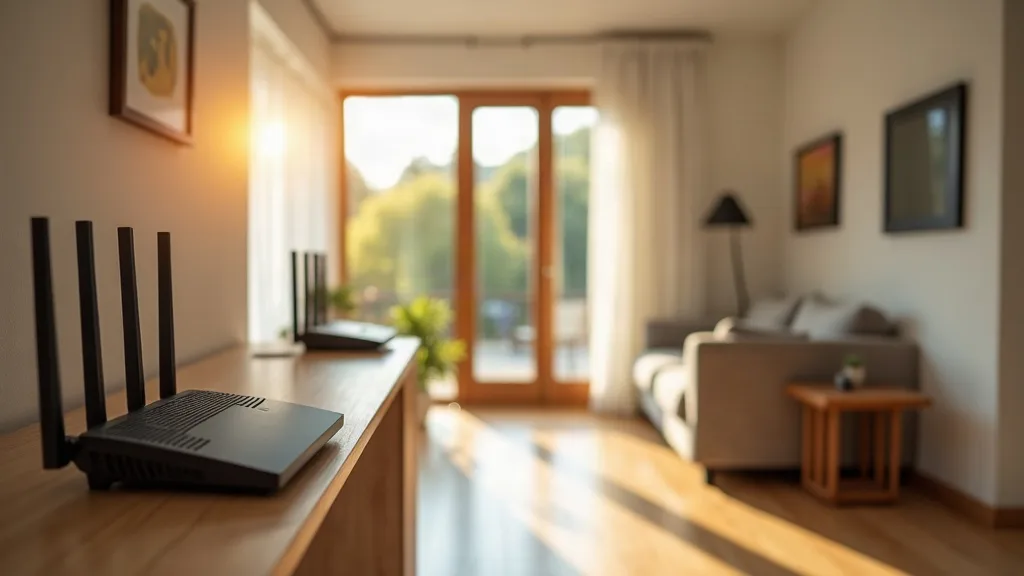
A router is the device that connects your home to the internet and creates your Wi-Fi network in the first place. It assigns IP addresses, manages traffic between devices, and usually includes a firewall. An extender does none of that. It simply takes an existing Wi-Fi signal and pushes it further.
Some people buy a second router thinking it'll work like an extender, and end up with two separate networks that don't talk to each other properly, or IP address clashes that cause random disconnections. If you do want to repurpose an old router as an access point, it can be done, but it needs its DHCP server switched off and a cable connection back to the main router, not a wireless one.
If your main goal is managing your network remotely rather than just extending coverage, it's also worth knowing what your router can already do. Guides like accessing your home network remotely and restarting your router remotely are useful next steps once your coverage is sorted.
Wifi Extender vs Router: Different Jobs Entirely
To put it plainly: a router is the engine, and an extender is more like a loudhailer. The router does the actual work of managing your internet connection and network traffic. The extender just repeats what it hears, louder and further away.
This matters when something goes wrong. If your whole network drops out, the problem is almost always the router or your internet connection, not the extender. If only the far end of the house loses signal while everything else works fine, the extender or its placement is the more likely culprit.
Where Mesh Systems Fit In
Mesh Wi-Fi systems deserve their own mention, even though they're not the focus here. Unlike a single extender bolted onto an existing router, a mesh system replaces your router setup with several matching units that work together as one network, automatically handing devices between them as you move around the house.
Mesh tends to give a more consistent experience than extenders, but it costs more and usually means replacing your existing router entirely. We've covered that trade-off properly in our dedicated guide to extending Wi-Fi coverage, so it's worth a read if a single extender isn't cutting it for your whole home.
Conclusion
The wifi extender vs booster debate turns out to be mostly a labelling issue: the same device, marketed under two different names. The decision that actually matters is whether you need a simple wireless extender, a wired access point, or a full mesh system, and that comes down to how far the dead zone is, whether you can run a cable, and how much speed you need there.
As a practical next step, walk your home with your phone's Wi-Fi signal indicator and note where it drops to one bar or less. That tells you exactly where coverage needs help, and whether a plug-in extender will do the job or whether it's time to think about cabling in an access point instead.
FAQ
Is a wifi extender the same as a wifi booster?
Yes, in almost every case. They're marketing terms for the same type of device, so compare the specifications rather than the name on the box.
Does a wifi repeater slow down my internet?
It can, because older repeater-mode devices send and receive on the same channel, roughly halving available bandwidth. Newer dual-band extenders avoid most of this slowdown by using separate bands for each direction.
Can I use an old router as an access point?
Yes, as long as you disable its DHCP server and connect it to your main router with an Ethernet cable rather than wirelessly. This avoids the IP address conflicts that cause random drop-outs.
Is an access point better than a wifi extender?
An access point gives a stronger, full-speed signal because it's wired back to the router, while an extender relies on a wireless connection that can lose speed. The trade-off is that access points need a cable run, which takes more effort to install.
Will a wifi extender work with any router?
Most extenders work with any standard router regardless of brand, since they connect over normal Wi-Fi. Check that the extender supports your router's Wi-Fi standard, such as Wi-Fi 5 or Wi-Fi 6, for the best results.
What's the difference between a wifi extender and a mesh system?
An extender is a single add-on device that repeats an existing router's signal. A mesh system is a set of matching units that replace your router setup entirely and work together as one network, generally giving smoother coverage throughout the house.