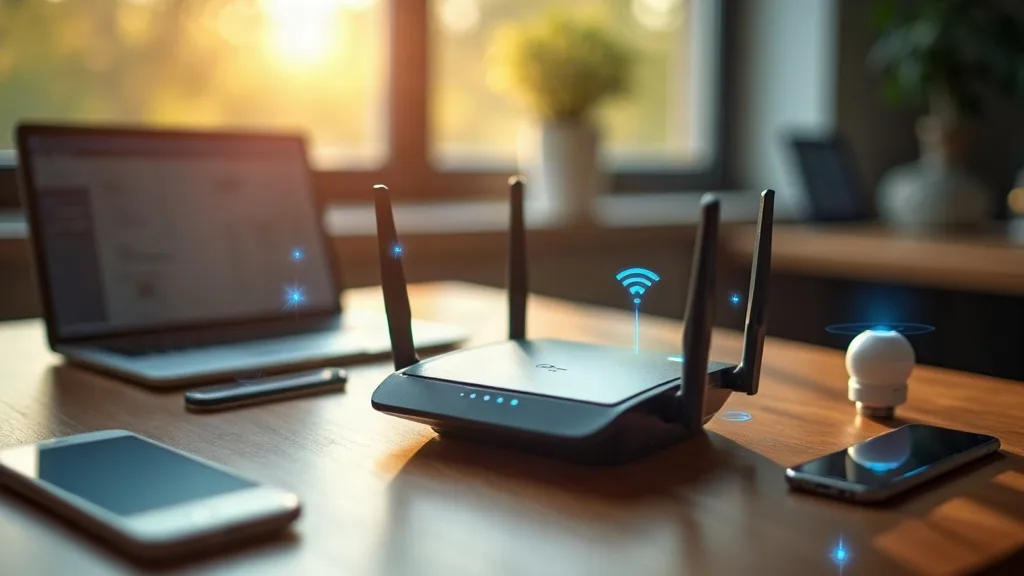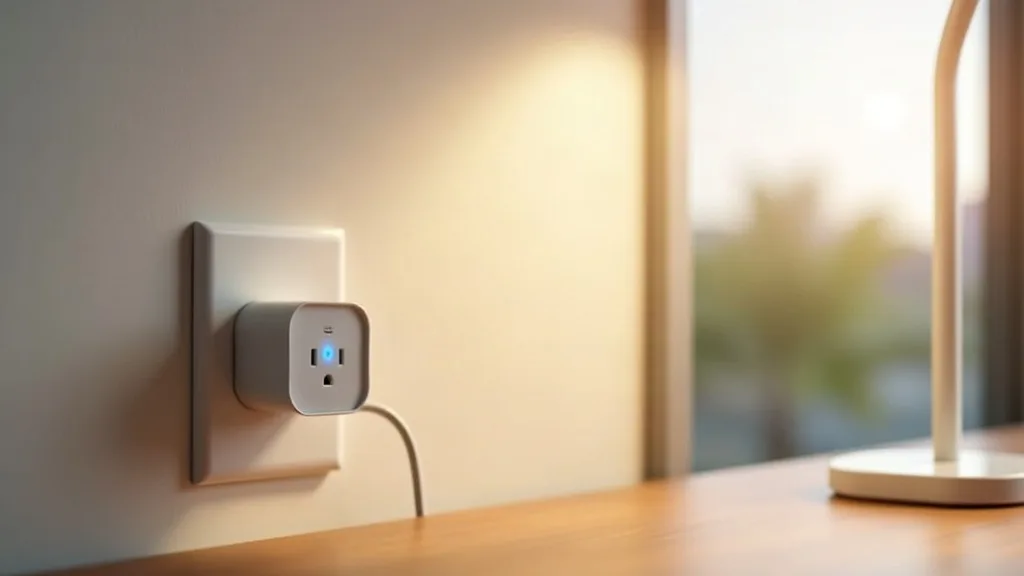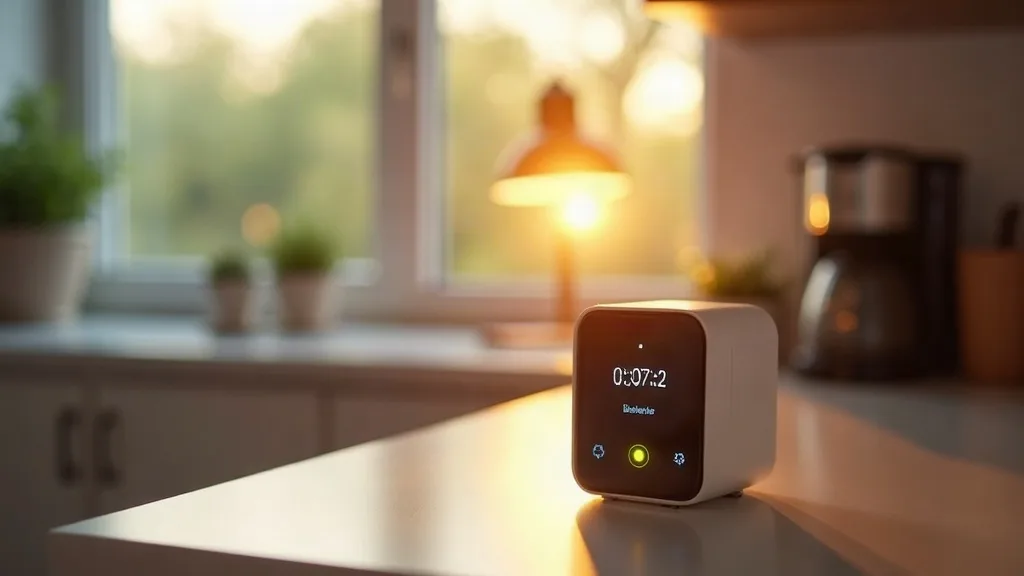
Your Wi-Fi drops during a storm, and suddenly you're wondering whether the lamp on your smart plug will switch on at sunset like it's supposed to. Here's the surprising bit: most smart plugs keep working just fine without the internet, and some don't even need Wi-Fi at all to function day to day.
So can a smart plug work without Wi-Fi? The short answer is yes, though how much it can do depends on the plug, the protocol it uses and what you're trying to achieve. This guide explains what still works when your connection drops, what stops working, and which alternatives suit people who want to avoid Wi-Fi dependence altogether.
Key Takeaways
- Most Wi-Fi smart plugs keep running saved schedules and timers even without an internet connection.
- The physical button on a smart plug almost always works, with or without a network.
- Voice control, app access away from home, and new schedule changes usually need the internet to work.
- Bluetooth and Zigbee smart plugs don't need Wi-Fi or the internet for daily operation.
- Basic mechanical timer plugs need no network connection, no app and no hub at all.
- A local hub or bridge can keep smart plugs running even if your broadband goes down.
- Choosing the right protocol matters more than the brand when reliability without Wi-Fi is the goal.
What Still Works When Wi-Fi Drops
When your home Wi-Fi goes offline, a typical smart plug doesn't just switch off and sulk. Most models store their schedules locally, so a plug set to turn a lamp on at 7pm will still do that, internet or not. The plug has already received its instructions and doesn't need to check in with a server to carry them out.
The physical button on the plug also keeps working. Press it, and the socket turns on or off, exactly like a normal switch. That's genuinely useful during an outage, because it means your smart plug doesn't become a dumb brick the moment your router hiccups.
What you lose is remote control. You can't open the app and turn the plug on from the sofa if your Wi-Fi is down, because the app needs a connection to talk to the plug (or to the cloud service that talks to the plug). Voice assistants stop working too, since they rely on the internet to process commands. And if you wanted to change the Wi-Fi settings or add a new automation, that usually requires a live connection as well.
Do Smart Plugs Need Wi-Fi To Begin With?
It depends entirely on the type of plug you buy. There are three broad categories worth knowing about before you shop, and the guide to the best smart plugs in the UK compares reliable options across each type.
Wi-Fi Smart Plugs
These connect directly to your home network and often to a cloud service as well. They're the most common type sold in supermarkets and electronics shops, and you can find solid Wi-Fi smart home devices that don't need a hub in most retailers. Before buying one, it's worth checking whether your Wi-Fi smart plug supports 5GHz Wi-Fi or only 2.4GHz, since many budget plugs work only on 2.4GHz, and whether smart devices slow down your Wi-Fi if you're adding several. The trade-off is that full functionality, especially remote access and voice control, depends on both your home Wi-Fi and your internet connection staying up.
Bluetooth Smart Plugs
Bluetooth plugs connect directly to your phone over a short range, with no Wi-Fi network involved at all. You control them through an app while you're within Bluetooth range, typically a room or two away. They're a solid answer to "smart plug no wifi required" searches, because the entire thing is designed around skipping Wi-Fi.
Zigbee and Z-Wave Smart Plugs
These use a different radio protocol entirely and need a hub or bridge to translate between the plug and your phone or voice assistant. The hub is usually plugged into your router, but the plugs themselves talk to the hub over Zigbee or Z-Wave, not Wi-Fi. If your internet drops but your hub stays powered, most local automations and schedules carry on running. For a deeper look at how these protocols differ, the guide to Zigbee vs Z-Wave vs Wi-Fi vs Thread is worth a read before you buy.
Smart Plug Schedules Without Wi-Fi
This is the detail that surprises most people. Once you've set a schedule on a Wi-Fi smart plug, the schedule itself is stored on the plug's own internal memory, not out on the internet somewhere. That's why a smart plug schedule without Wi-Fi still runs as normal, assuming the plug had already synced the schedule before the connection dropped.
Think of it like setting an alarm clock before your phone loses signal. The alarm still goes off, because the instruction was already saved on the device. The same logic applies here.
The catch is timing accuracy over longer outages. Some cheaper plugs rely on an internet-synced clock to know what time it is, and if the power to the plug itself is interrupted (not just the Wi-Fi), the internal clock can drift or reset. If your plug loses power during a cut, it may need to reconnect to the internet briefly to correct its clock before schedules run accurately again.
Bluetooth, Zigbee And Timer Plugs As Alternatives
If avoiding Wi-Fi entirely is the goal rather than just having a backup plan, a few alternatives are worth considering.
Mechanical And Digital Timer Plugs
The simplest option by far. These plug into the wall and have a dial or small digital screen where you set on and off times. No app, no hub, no Wi-Fi, no internet. They're inexpensive and almost impossible to get wrong, though they obviously can't be controlled remotely or integrated with voice assistants.
Bluetooth Plugs For Single-Room Control
Good for simple cases like a bedside lamp or a fan you want to turn off from your phone without getting up. The limitation is range, usually around 10 metres indoors, and the fact that you need your phone nearby rather than being able to control it from work or on holiday.
Zigbee Plugs With A Local Hub
The best middle ground for people who want proper smart home features (schedules, automations, integration with lights and sensors) without full reliance on Wi-Fi or the cloud. Many Zigbee hubs can run automations locally, so even a full internet outage doesn't stop your lights and plugs talking to each other. If you're using Home Assistant or weighing up Zigbee against newer standards, the guide to smart plugs for Home Assistant shows which plugs work well in local setups, and the piece on Matter and Thread for smart home beginners explains how the newer Thread protocol fits into this picture too.
Setting Up A Smart Plug That Still Works Offline
If you want the best of both worlds, a smart plug that's genuinely smart but keeps working reliably when the internet misbehaves, a bit of planning at setup time helps.
Start by choosing a plug with local control, meaning the app can talk to it directly over your home network rather than always routing through the manufacturer's cloud servers. Not all brands advertise this clearly, so it's worth checking reviews or product specs for terms like "local API" or "LAN control" before buying.
Next, set your schedules and routines in advance, rather than relying on changing them on the fly. Since schedules run locally once saved, this ensures the plug keeps doing its job even during an outage.
Finally, make sure your home network itself is stable to begin with. A lot of "my smart plug stopped working" problems actually come down to patchy Wi-Fi coverage rather than the plug itself. The beginner's guide to smart home Wi-Fi setup covers how to get your network into good shape before adding smart devices, and if you're troubleshooting a plug that won't connect in the first place, this guide to devices that won't join Wi-Fi walks through the usual culprits.
When A Smart Plug Without Internet Makes Sense
Some households genuinely prefer to avoid cloud dependence altogether, whether for privacy reasons, reliability in areas with patchy broadband, or simply wanting fewer things that can go wrong. A smart plug without internet access, such as a Bluetooth or Zigbee model paired with a local hub, suits that preference well.
It's also worth considering for specific use cases rather than a whole-house swap. A security light on a timer doesn't need an internet connection to do its job properly; in fact, relying on the cloud for something that simple can introduce more failure points than it removes. Reserve full Wi-Fi smart plugs for devices where remote access or voice control genuinely adds value, like checking you turned off the iron before leaving for work.
Conclusion
So, can a smart plug work without Wi-Fi? Yes, in most practical ways. Schedules keep running, the manual button still works, and the plug itself doesn't stop functioning just because your broadband drops. What you lose is remote access, voice control and the ability to tweak settings until the connection returns. If avoiding that gap matters to you, Bluetooth plugs, Zigbee plugs with a local hub, or a basic timer plug all offer reliable alternatives. A sensible next step is to check whether your current or planned smart plug supports local control, since that one detail decides how much it can do when the internet isn't cooperating.
FAQ
Will my smart plug turn off automatically if the Wi-Fi goes down?
No, a smart plug won't turn off on its own just because Wi-Fi drops. It keeps whatever state it was in (on or off) and continues running any saved schedules. The main thing you lose is the ability to control it remotely or change its settings until the connection returns.
Can I control a smart plug with just Bluetooth and no Wi-Fi?
Yes, Bluetooth smart plugs are designed specifically for this. You control them directly from your phone's app while within Bluetooth range, usually within the same room or close by, with no home network or internet needed at all.
Do Zigbee smart plugs need Wi-Fi?
Zigbee plugs don't connect to Wi-Fi directly; they talk to a hub using the Zigbee radio protocol. The hub typically connects to your router, but local automations between the hub and plugs can keep running even if your internet connection drops.
What's the simplest smart plug option with no app required?
A basic mechanical or digital timer plug is the simplest choice. You set the on and off times directly on the device, with no app, no hub and no network connection involved whatsoever.
Why does my smart plug's schedule stop working after a power cut?
If the plug loses power completely, its internal clock can reset or drift, which throws off saved schedules until it reconnects to the internet and corrects the time. This is different from a Wi-Fi outage alone, where the plug usually keeps its memory and clock intact.
Can I still use Alexa or Google Home if my internet is down?
Generally, no. Voice assistants process your spoken commands through cloud servers, so without an internet connection, voice control for smart plugs stops working, even if the plug itself is still running its schedule.
Is it better to choose a Zigbee or Wi-Fi smart plug if I have unreliable broadband?
Zigbee plugs paired with a local hub tend to be more resilient to patchy broadband, since many automations run locally rather than through the cloud. Wi-Fi plugs can still work for schedules and manual control, but they lean more heavily on a stable internet connection for remote features.