That lamp you keep forgetting to switch off before bed? A smart plug fixes that without you rewiring anything or buying a new lamp. It sits between the wall socket and the plug you already own, and suddenly that lamp has a brain.
If you've ever searched "what is smart wifi plug" and found yourself more confused by the answer than the question, you're not alone. This guide explains what these little devices actually do, how they talk to your phone, and where they genuinely make your home easier to live in, much like other Wi-Fi smart home devices.
Key Takeaways
- A smart plug is a small adapter that fits into a normal wall socket and lets you control whatever's plugged into it from your phone.
- Most smart plugs connect over Wi-Fi, though some cheaper or battery-saving models use Bluetooth instead.
- Wi-Fi plugs work from anywhere with internet access; Bluetooth plugs only work when your phone is close by.
- Smart plugs are best for simple on/off devices like lamps, fans, heaters and kettles, not for anything with its own complex settings.
- Setting one up usually takes under ten minutes, mostly spent connecting it to your home Wi-Fi.
- Scheduling and automation are where smart plugs really earn their keep, not just remote control for its own sake.
- Running several smart plugs on a weak Wi-Fi signal is the most common reason people get frustrated with them.
What Is A Wifi Smart Plug, Really
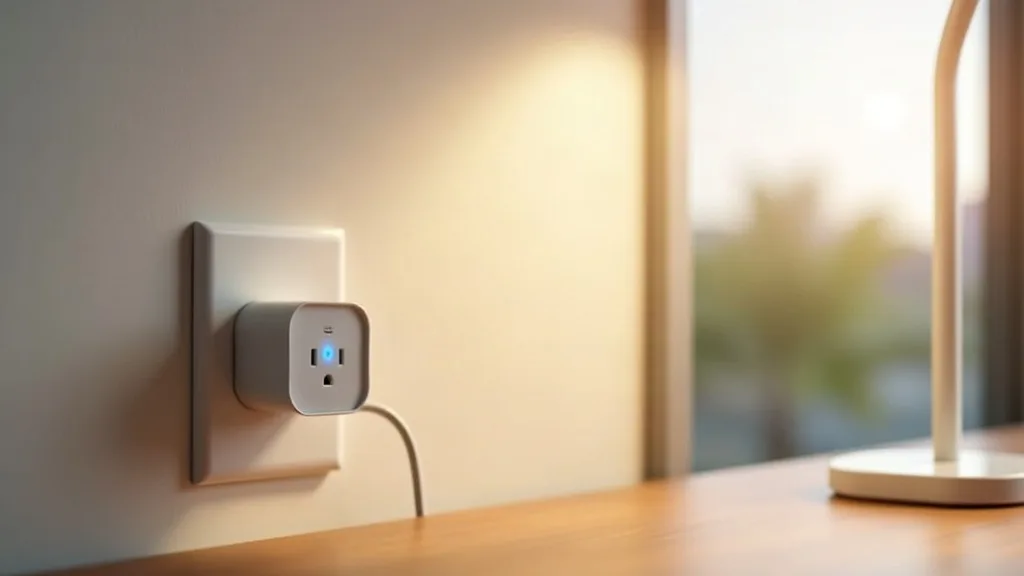
A smart plug is a small box with a plug on one end and a socket on the other. You plug it into your wall, then plug a normal appliance into it. From that point on, the appliance is only "on" when the smart plug lets power through.
The clever part isn't the plug itself, it's the connection. Inside is a tiny chip that joins your home network, so your phone can tell it to switch on or off from across the room or across the country. There's no new wiring, no electrician, and no changes to the appliance itself.
Think of it as a remote-controlled switch that sits between the wall and whatever you're powering. That's really the whole concept, everything else is just detail on top.
How A Smart Wifi Plug Actually Works
Here's the simple version of what happens when you tap "turn off" in an app.
- Your phone sends a command over Wi-Fi to the smart plug (or to a cloud server, which then talks to the plug).
- The plug's internal chip receives that command.
- A relay inside physically opens or closes, cutting or allowing power to flow through.
- The connected appliance switches off or on accordingly.
That relay click is the only moving part. Everything else is just a tiny computer deciding when to flip it. Most plugs also report back, so your app shows you whether the lamp is currently on, and some track how much electricity is flowing through, which is handy if you're curious what your tumble dryer actually costs to run.
If you're setting one up for the first time, our smart home Wi-Fi setup guide for beginners walks through getting your network ready before you add any devices.
Wifi Vs Bluetooth: Which One Do You Have?
This trips a lot of people up, because the box doesn't always make it obvious. Here's the practical difference.
Wifi Smart Plugs
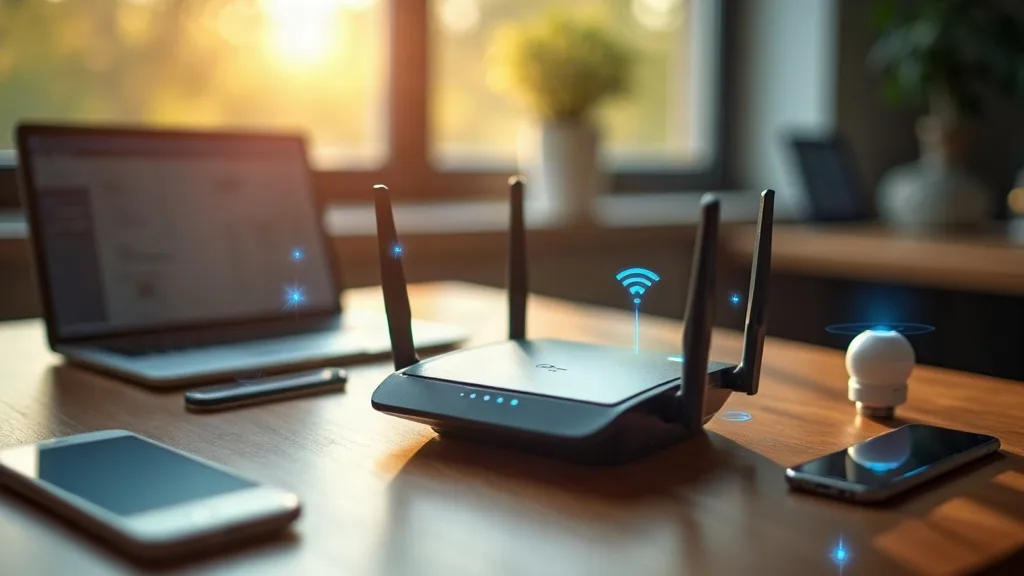
These join your home Wi-Fi network directly, the same way your laptop or phone does. Because they're on the internet, you can control them from anywhere, home, work, or on holiday, as long as you have signal. If you need to reconnect your smart plug to a new network, the process is straightforward and takes just a few minutes. Most mainstream smart plugs, from well-known brands, work this way.
Bluetooth Smart Plugs
These connect directly to your phone over a short-range signal, usually 10 to 30 metres. No internet connection needed, which some people like for privacy reasons. The catch is that you can't control it remotely. If you leave the house, the plug is effectively out of reach.
So Which Is Better?
For most households, Wi-Fi wins simply because remote control is the main reason people buy these things in the first place. Bluetooth plugs suit a narrower use case, people who want basic local automation without their devices phoning home to a cloud server. If you prefer to keep everything local to your home network, smart plugs that work with Home Assistant offer another option entirely. If you're choosing between smart home protocols more broadly, our comparison of Zigbee, Z-Wave, Wi-Fi and Thread goes into more detail on how these technologies differ beyond just plugs.
What Does A Smart Wifi Plug Actually Do For You
Strip away the marketing and a smart plug does three things: switch things on, switch things off, and do it on a schedule or trigger you set. That's it. But those three things open up a surprising number of genuinely useful tricks.
- Remote control. Forgot to turn off the straighteners? Check and switch them off from your phone.
- Scheduling. Have your porch light turn on at dusk and off at midnight, automatically, without you touching anything.
- Energy monitoring. Some models show how much power a device is drawing, which helps you spot the energy-hungry appliances in your home.
- Grouping with other devices. Combine a smart plug with a motion sensor or smart speaker so things happen automatically, like a lamp turning on when you say goodnight.
None of this requires technical knowledge. Most of the setup happens once, in an app, and then the plug just quietly does its job.
Everyday Uses That Actually Make Sense
Not every appliance benefits from being "smart." Here are the uses that genuinely save time or hassle, based on how most people actually use these things.
Lamps And Lighting
The classic use. Turn lights on before you get home, or schedule them to mimic you being in while you're away. Simple and effective.
Fans And Heaters
Great for timing a fan to run overnight in summer, or having a heater switch off automatically after an hour so it's never left running unattended.
Kitchen Appliances
Slow cookers and kettles plugged into a smart plug can be switched on remotely so dinner's ready when you walk in. Just don't leave anything unattended that shouldn't be.
Christmas Lights And Seasonal Decor
Schedule outdoor lights to come on at dusk without crawling behind the sofa to find the switch every evening.
Aquariums And Pet Equipment
Timers for fish tank lights or reptile heat lamps are a quiet, reliable use case that people don't talk about enough.
The common thread is simplicity. Anything with a simple on/off function is a good candidate. Appliances with their own complicated settings, like a washing machine mid-cycle, are not.
Setting One Up Without The Headache
Most smart plugs follow the same basic process, regardless of brand.
- Plug it into the wall (with nothing connected yet) and wait for a light to flash, which usually means it's ready to pair.
- Download the manufacturer's app and create an account.
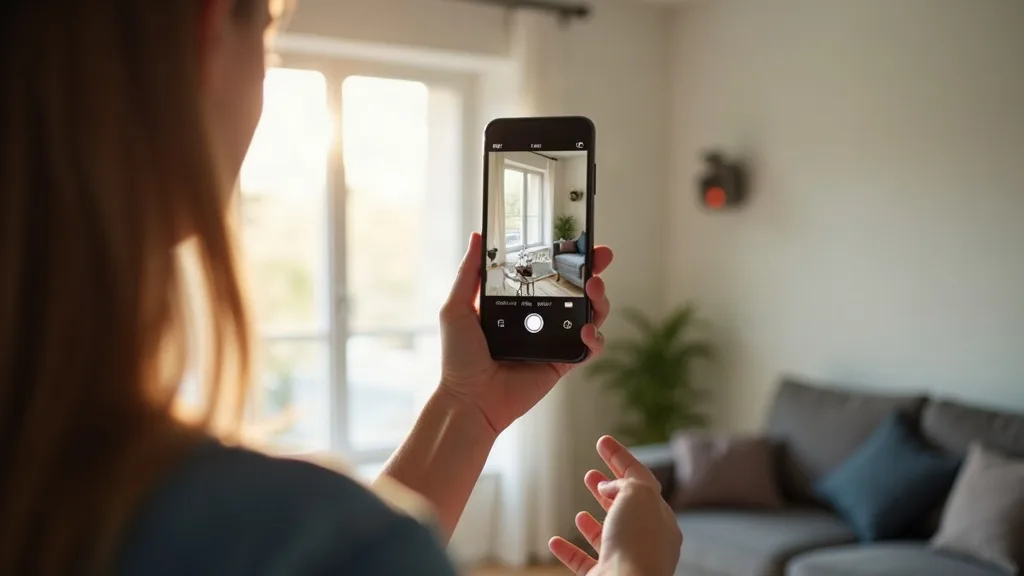
- Select "add device" and follow the prompts to join your home Wi-Fi network.
- Rename it something sensible, like "lounge lamp," not "Smart Plug 14."
- Plug in your appliance and test it.
If the plug refuses to join your network, it's almost always a Wi-Fi issue rather than a fault with the plug itself. Many smart plugs only work on the 2.4GHz band, not 5GHz, so if your router broadcasts both under the same network name, that can cause pairing problems. Our guide on why smart devices won't connect to Wi-Fi covers this in more depth if you get stuck.
Smart Plugs And Your Home Network
Every smart plug you add is another device on your Wi-Fi network, and another thing with access to your home. That's not usually a problem, but it's worth being aware of a few practical points, including whether smart devices slow down your Wi-Fi.
- Signal strength matters. A plug in a far corner of the house on a weak signal may drop connection and stop responding to commands. If you're covering a larger home, it's worth reading up on extending your Wi-Fi coverage before adding lots of smart devices.
- Too many devices can strain budget routers. If you're adding ten or more smart plugs, lights and sensors, a basic router can start to feel the load.
- Standards are evolving. Newer smart home standards like Matter and Thread aim to make different brands of device work together more reliably. Our explainer on Matter and Thread is a good next read if you're buying several smart devices and want them to play nicely together.
None of this should put you off. It just helps to think of smart plugs as proper network devices, not just gadgets.
Conclusion
So, what is a smart wifi plug in plain terms? It's a simple adapter that puts a switch in your pocket, letting you control ordinary appliances from your phone, on a schedule, or from anywhere with internet access. The technology behind it is straightforward: a tiny relay, a Wi-Fi or Bluetooth connection, and an app that ties it all together.
If you're just starting out, pick one room, one appliance, and one smart plug from our UK recommendations. Get comfortable with how it behaves on your network before expanding to lights, fans and anything else that could use a little automation.
FAQ
Are smart plugs Wi-Fi or Bluetooth?
Both exist, but most popular smart plugs use Wi-Fi, which allows remote control from anywhere. Bluetooth versions are less common and only work when your phone is within range, usually inside the same building.
Do I need a hub to use a smart plug?
Most Wi-Fi smart plugs connect directly to your router, so no separate hub is needed. Some smart home systems, particularly those using Zigbee, do require a hub, but that's not typical for basic plugs.
Can a smart plug catch fire or overload?
Any electrical device carries some risk if used incorrectly, so check the plug's rated wattage before connecting high-power appliances like heaters or kettles. Buying from a reputable brand and avoiding cheap, unbranded plugs for high-draw devices is the sensible approach.
Will a smart plug work if my internet goes down?
A Wi-Fi smart plug generally still works for local, in-app control if it's already connected and your router is running, but remote access from outside the house usually won't work without internet. Scheduled actions saved directly to the plug may still run even during a brief outage, depending on the model.
How much electricity does a smart plug itself use?
Very little, typically a tiny, barely measurable amount to keep its Wi-Fi connection active. It's not something that will noticeably affect your electricity bill.
Can I use a smart plug outdoors?
Only if it's specifically rated for outdoor or weatherproof use. Standard indoor smart plugs are not designed to handle rain or damp conditions safely.
Do smart plugs work with Alexa and Google Home?
Most mainstream smart plugs support at least one of these voice assistants, and many support both. Check the product listing before buying if voice control matters to you.