A single smart bulb sips less data than a single email. So why does your Wi-Fi feel sluggish after you fill the house with smart plugs, cameras, and sensors? The honest answer is that it's rarely about data volume and almost always about traffic management, something your router has to juggle constantly once the device count climbs.
This guide answers the question properly: do smart devices slow down Wi-Fi, and if so, when does it actually matter? You'll learn how smart gadgets use your network, how to spot whether they're really the problem, and what to do about it without buying a new router you don't need.
Key Takeaways
- Individual smart devices use very little bandwidth, usually far less than streaming or gaming.
- Large numbers of devices can still crowd your router by taking up connection slots and airtime.
- Cheap or outdated smart gadgets sometimes misbehave and flood the network with unnecessary traffic.
- The 2.4GHz band gets congested faster than 5GHz because most smart devices default to it.
- Checking your router's connected device list is the fastest way to see what's actually going on.
- Separating smart devices onto a guest network or dedicated band can solve most slowdown issues.
- Protocols like Zigbee, Z-Wave, and Thread avoid Wi-Fi congestion entirely by using separate radio bands.
How Much Data Smart Devices Actually Use
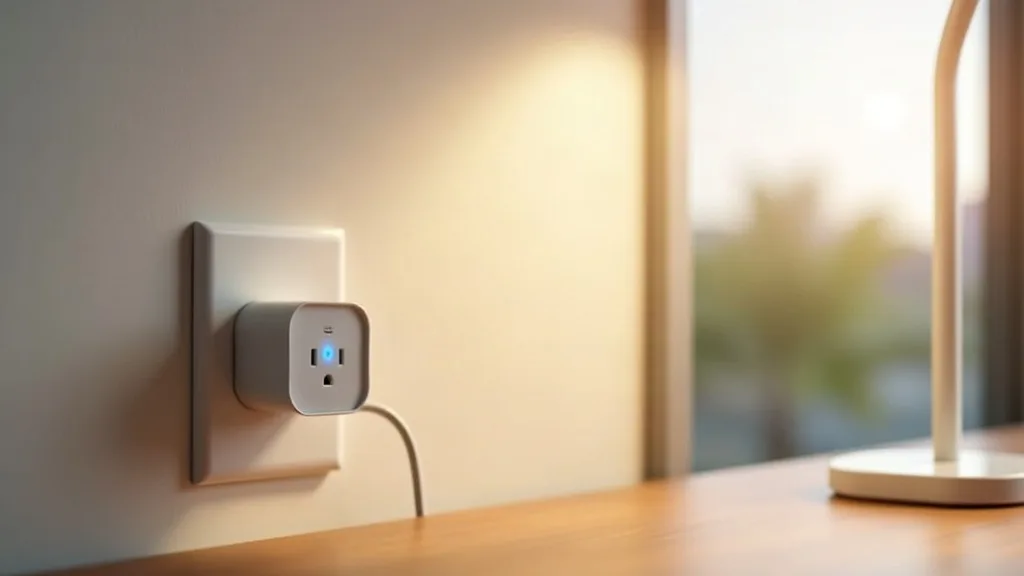
Most smart home gadgets are surprisingly light on data. A smart plug might send a tiny status update every few seconds. A motion sensor stays quiet until it detects movement. Even smart bulbs and Wi-Fi devices, which get asked to change colour constantly, use barely any bandwidth compared to a video call.
Smart cameras are the exception. A single smart camera streaming or recording in high resolution can use noticeably more data than a dozen sensors combined. If you've added several cameras recently and your Wi-Fi feels slower, that's often where the real culprit is hiding.
So for most households, the answer to "do smart devices slow down Wi-Fi" is: not through data use alone. The problem, when it exists, usually comes from somewhere else entirely.
Why Device Count Matters More Than Data Use
Here's the part that catches people out. Your router doesn't just manage data, it also manages connections. Every smart device, even an idle one, takes up a small amount of processing power and airtime just by staying connected and checking in.
Think of it like a office with one receptionist. Ten quiet visitors are easy to handle. Fifty visitors, even quiet ones, mean the receptionist spends all day just saying hello and keeping track of who's there. That's roughly what happens inside a router juggling dozens of smart devices.
This is genuinely the biggest factor in whether smart home devices slow down Wi-Fi. Budget routers, especially ones provided free by internet providers, often support fewer simultaneous connections than people expect. Once you cross that threshold, things get wobbly even though total data use barely changed.
Can Too Many Smart Devices Slow Down Wi-Fi?
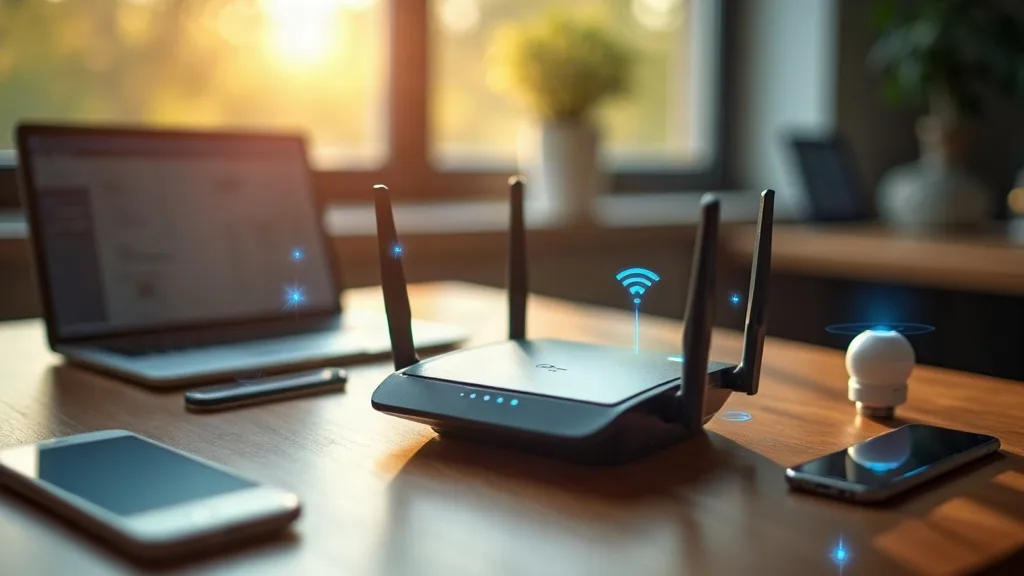
Yes, but the mechanism matters. It's less about bandwidth and more about congestion on a shared channel. Most smart devices use the 2.4GHz band because it has better range through walls, and that's the same band your phone, laptop, and smart TV probably default to as well.
The 2.4GHz band only has a handful of non-overlapping channels. When thirty devices share one of them, they all have to take turns talking, even if each conversation is brief. That turn-taking adds delay, and it's the kind of slowdown you'll notice as laggy video calls or buffering streams rather than a dramatically lower speed test result.
If you're planning a larger smart home setup, it helps to understand the different connection types available. Our guide to Zigbee vs Z-Wave vs Wi-Fi vs Thread explains why some smart devices avoid this problem completely by not using Wi-Fi at all.
Signs Your Smart Devices Are the Actual Cause
Before you start unplugging things, it helps to confirm the problem is really coming from your smart devices and not your internet connection or an overloaded streaming box. A few signs point fairly clearly at smart device congestion.
Slowdowns Happen at Specific Times
If your Wi-Fi dips every evening when lights, plugs, and cameras are all active, that's a strong clue. Compare that to slowdowns that happen regardless of time of day, which usually point to your internet plan or ISP rather than your devices.
Your Router's Device List Is Long
Log into your router's admin page and look at connected devices. If you count twenty, thirty or more, especially a mix of bulbs, plugs, sensors, and cameras, you've found a likely contributor. Routers vary in how they show this, but most list device names and connection times.
One Device Reconnects Constantly
A single misbehaving device, often a cheap or outdated one, can repeatedly drop and reconnect, which creates unnecessary network chatter. If you spot one gadget doing this far more than others, it's worth investigating, replacing, or reconnecting it to Wi-Fi.
Wired Devices Also Slow Down
If your wired laptop or games console slows down too, the problem is probably your router's processing load rather than Wi-Fi airtime specifically. That again points to too many connected devices overall, not a bandwidth shortage.
Quick Ways to Check What's Really Happening
You don't need expensive tools to diagnose this. Start with your router's own app or web interface, which usually shows connected devices and sometimes basic data use per device. Spend a few minutes looking through the list for anything unexpected.
Next, try a simple test. Turn off your smart devices' power (not just the app) for an hour during a time when you'd normally notice lag, then run a speed test and use your main devices normally. If things feel noticeably smoother, you've got your answer. If nothing changes, look elsewhere, perhaps at your ISP connection or a nearby neighbour's Wi-Fi competing for the same channel.
If you're setting up a smart home network for the first time, our beginner's guide to smart home Wi-Fi setup walks through getting this right from the start, which saves a lot of troubleshooting later.
Practical Fixes That Actually Help
Put Smart Devices on a Separate Network
Many modern routers let you create a second Wi-Fi network, sometimes called a guest network or IoT network, just for smart devices. This keeps them away from the devices you actually use for work or streaming, which reduces contention noticeably.
Use 5GHz for Devices That Support It
Not every smart gadget can use 5GHz, but for those that can, like some smart TVs or newer cameras, switching them over frees up space on the more crowded 2.4GHz band. Check your device's settings or app to see which band it's connected to.
Choose Zigbee or Thread Devices Where Possible
Devices that use Zigbee, Z-Wave, or Thread don't touch your Wi-Fi bandwidth at all. They communicate on separate radio frequencies through a hub or bridge. Our article on Matter and Thread for smart home beginners explains how these newer standards can reduce Wi-Fi load while still working smoothly with voice assistants and apps.
Restart Your Router Occasionally
Routers juggling many connections can benefit from a periodic restart, which clears memory and resets connection tables. It's not a permanent fix, but it's a reasonable stopgap if you're not ready to reorganise your network yet.
Upgrade If You've Genuinely Outgrown Your Router
Entry-level routers, especially ones bundled free with broadband, often support fewer simultaneous connections than mesh systems or dedicated routers designed with smart homes in mind. If you've got over thirty connected devices and keep running into trouble, it might genuinely be time for better hardware.
When It's Not Actually Your Smart Devices
Sometimes people blame their smart plugs when the real issue is somewhere else entirely. A struggling home VPN server, a background download, or even a single device stuck in a reconnect loop can cause symptoms that look identical to smart device congestion.
If you're running a home server or lab setup alongside your smart home, it's worth ruling that out too. Our guides on home VPN server hardware and remote desktop tools for a home lab can help you check whether background services are quietly eating your bandwidth.
And if a smart device simply won't behave, flickering on and off the network rather than staying connected, that's a different problem entirely. Our troubleshooting guide for smart devices that won't connect to Wi-Fi covers the most common causes and fixes.
Conclusion
So, do smart devices slow down Wi-Fi? Mostly, no, not through data use. But yes, in the sense that large numbers of them can quietly overload your router's connection handling and crowd the 2.4GHz band, especially during busy evening hours. The fix usually isn't a faster internet plan, it's better organisation: separate networks, smarter band usage, and protocols like Zigbee or Thread that skip Wi-Fi altogether. Start by checking your router's connected device list this evening. It only takes a few minutes, and it'll tell you more than any speed test will.
FAQ
Do smart home devices slow down Wi-Fi noticeably?
Usually not in terms of raw speed, but they can add delay and lag if you have many of them on one network. The effect is more noticeable on budget routers or when everything shares the 2.4GHz band during peak evening use.
How many smart devices is too many for a home router?
It varies by router, but many budget models start struggling somewhere between twenty and forty connected devices. Mesh systems and higher-end routers typically handle far more without issue.
Will a mesh Wi-Fi system fix smart device slowdowns?
Often, yes, because mesh systems are generally built to handle more simultaneous connections and spread devices across multiple access points. It's not guaranteed, but it's a common and effective fix for larger smart homes.
Should I put smart devices on my guest network?
It's a reasonable option if your router doesn't offer a dedicated IoT network setting. Just be aware some guest networks isolate devices from each other, which can stop smart home hubs and apps from finding them properly.
Do smart cameras use more Wi-Fi than other smart devices?
Yes, considerably more. A streaming or recording camera can use as much bandwidth as several dozen simple sensors combined, so cameras are worth checking first if you suspect a specific device is the problem.
Can old or cheap smart devices cause more network issues?
Sometimes. Older firmware or poorly designed devices can reconnect repeatedly or send unnecessary network chatter, which adds load beyond what the device's actual function requires. Keeping firmware updated, where possible, often helps.